

Add a Mixmax poll voter to a Mailchimp audience for follow-up
When someone votes on a poll in your Mixmax email, this workflow adds the voter to a Mailchimp audience, or updates their member record if they are already there, ready for your follow-up.
 Mixmax
 Mailchimp
2 steps Setup ~5 min Used on 3.3k sites Free to import
What this workflow does
A poll in a Mixmax email tells you who engaged and what they think. If you then want to follow up with a campaign, you need those voters in Mailchimp. This workflow takes each vote and puts the voter on a Mailchimp audience.
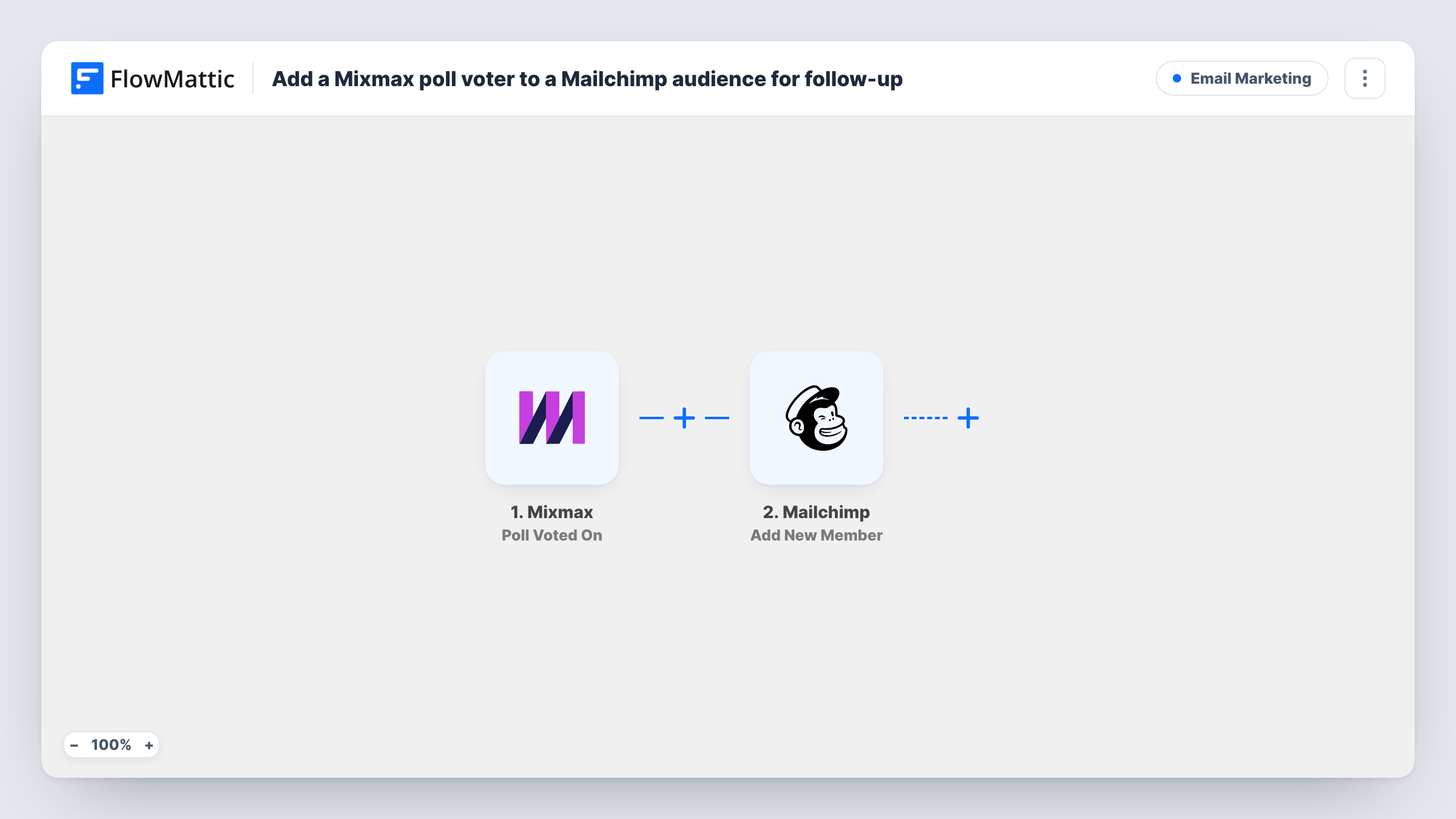
The Mixmax Poll Voted On trigger fires when a vote is captured on one of your polls. FlowMattic passes the vote data on, and the Mailchimp step runs Add New Member with the voter's email address and any other values you map. A new address is added to the audience. An address already on it is updated in place.
Every vote starts a run, so a person voting on three polls updates the same member three times. If later votes carry blank values for fields you mapped, those blanks can overwrite what Mailchimp held. Check a test vote first to see which voter details Mixmax sends.
Product feedback poll
You ask customers which feature they want next. Every voter joins a Mailchimp audience that gets the update when the feature ships.
Event date poll
Prospects vote on a webinar date in a Mixmax email, and the voters land in the Mailchimp list you use for the event invitation.
Interest check before a launch
A sales rep polls leads on whether they'd try a new service. Voters join a Mailchimp audience for the launch announcement.
How this workflow runs
What happens at each step once the workflow is on, and what you need before you import it.
 Mixmax Poll Voted On
Fires when a vote is captured on a poll in your Mixmax emails. The vote details, including what Mixmax sends about the voter, become available to map.
- Mailchimp Add New Member
Adds the voter to the Mailchimp audience you choose, or updates them if that email is already a member. Map the voter's email from the Mixmax trigger.
What you need
- FlowMatticCore
- Mixmax AccountAccount
- Mailchimp AccountAccount
After importing, map your own data. To keep the template universal, not every step is pre-filled. Open each step in the builder and connect your accounts and fields (channels, lists, sheets, recipients) before you switch the workflow on.
Make it yours
Changes worth making after you import it.
- Vote on one of your own Mixmax polls after import so FlowMattic captures real vote data, then check which voter fields you can map.
- Add a Filter after the trigger to keep only voters who chose a particular answer, using the answer value your test vote shows.
- Map only fields Mixmax always fills for a vote, so a voter's later votes don't blank out details Mailchimp already holds.
Questions about this workflow
What if the Mixmax voter is already in my Mailchimp audience?
Add New Member updates the existing member instead of adding them twice, using the values you mapped.
Does every Mixmax poll answer reach Mailchimp?
Yes, as imported. Each captured vote starts a run, whatever the answer. Add a Filter if only some answers should lead to a follow-up.
Can I tell in Mailchimp which poll answer someone chose?
Only if you map it. If your Mailchimp step lets you set a field for it in the test run, map the answer from the Mixmax trigger into that field.
More Email Marketing workflows
Other ready-to-import templates from the same category.







Import this workflow into your WordPress site
Download the JSON, import it from the Workflows screen and connect your accounts. Every run stays on your server, with no per-task fees.
30-day money-back guarantee Unlimited workflows and runs Self-hosted