

Add a new Nimbata caller to an ActiveCampaign list for nurturing
After each completed inbound call to a Nimbata tracking number, the caller is created or updated as an ActiveCampaign contact and subscribed to the list you use for nurturing.
 Nimbata
 ActiveCampaign
3 steps Setup ~5 min Used on 1.1k sites Free to import
What this workflow does
Phone leads are easy to lose: the call ends, someone scribbles a note, and the caller never hears from you by email. If you track calls with Nimbata, this workflow passes each caller into ActiveCampaign and onto a list, so your follow-up emails and automations treat them like any other lead.
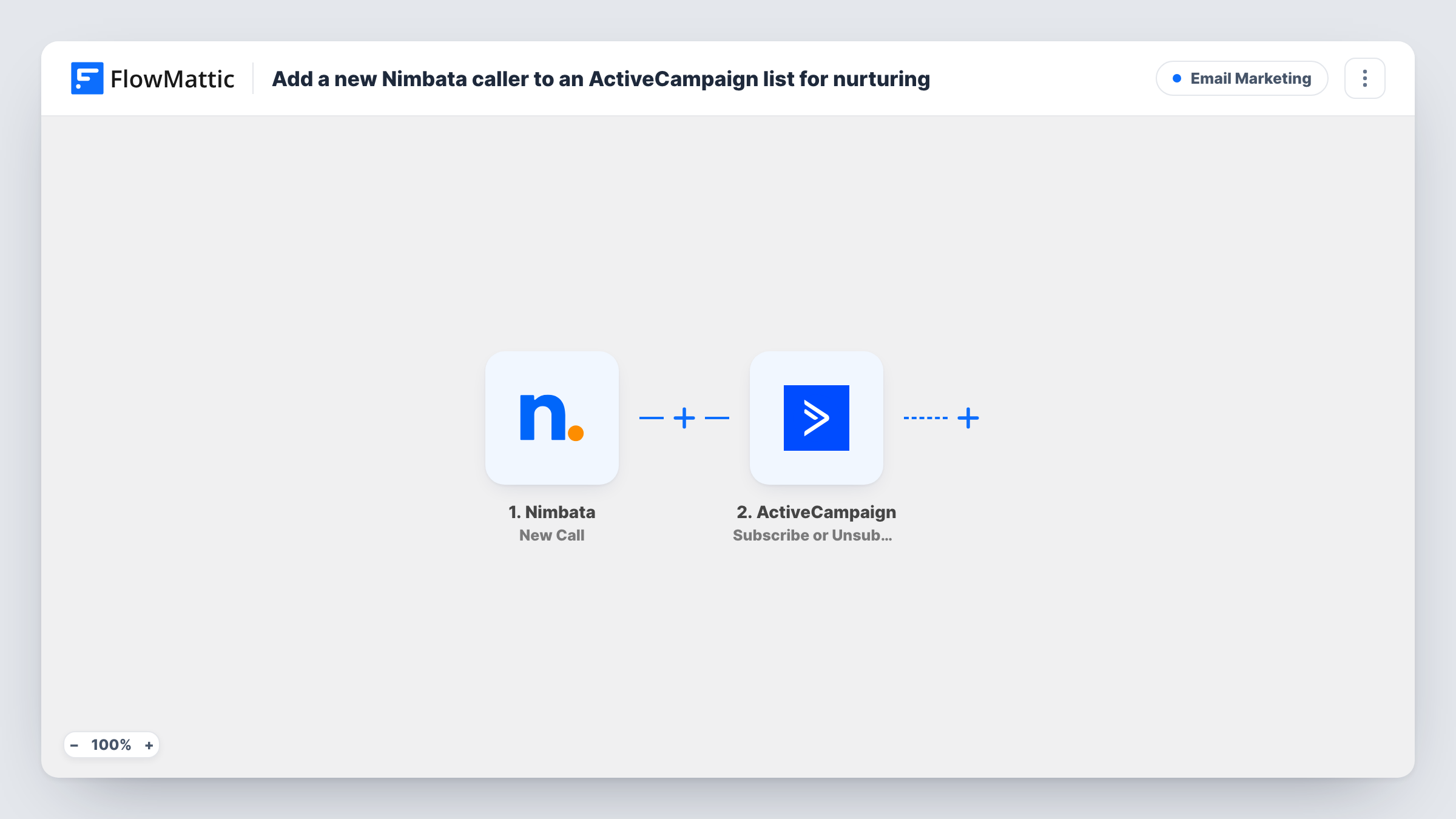
The Nimbata trigger fires once a new inbound call to one of your tracking numbers is completed. The first ActiveCampaign step creates a contact from the call data, or updates the contact that already exists. After that, the same contact is put on a list of your choice.
Neither ActiveCampaign step is mapped when you import it. Map the caller details into the contact step, then pick the list and the contact from step 2 in the subscribe step. ActiveCampaign contacts are keyed on an email address, so look at a test call in Task History first: if Nimbata's data for your calls has no email, the contact step has nothing to create the record from.
The trigger is about calls, not people. A caller who rings back starts another run, which updates their contact and subscribes them to the list again rather than creating a duplicate.
Home services follow-up
A plumbing company that runs Nimbata numbers on its ads adds each caller to a 'Called us' list that sends a booking reminder and a review request later.
Clinic enquiry nurture
A dental clinic captures callers' email on its call-tracking forms and subscribes them to a list with new-patient information.
Campaign lists by source
A marketing team adds callers from its paid-search tracking number to their own ActiveCampaign list, so they can compare email engagement against web sign-ups.
How this workflow runs
What happens at each step once the workflow is on, and what you need before you import it.
 Nimbata New Call
Starts a run when a new inbound call to one of your Nimbata tracking numbers is completed. The call's data is passed on; a test call shows which caller details Nimbata includes for you.
- ActiveCampaign Create or Update Contact
Creates a new ActiveCampaign contact from the call, or updates the existing one. The step ships unmapped, so after import map the caller's email, name and phone from the Nimbata data.
- ActiveCampaign Subscribe or Unsubscribe Contact From List
Puts the caller's contact on the ActiveCampaign list you pick. Because this action can subscribe or unsubscribe, check that it subscribes, then map the contact that step 2 returned.
What you need
- FlowMatticCore
- Nimbata AccountAccount
- ActiveCampaign AccountAccount
After importing, map your own data. To keep the template universal, not every step is pre-filled. Open each step in the builder and connect your accounts and fields (channels, lists, sheets, recipients) before you switch the workflow on.
Make it yours
Changes worth making after you import it.
- Put a Filter between the Nimbata trigger and the Create or Update Contact step that continues only when the caller's email is not empty, so calls without one stop before ActiveCampaign.
- To start an ActiveCampaign automation for each caller, add the Add Existing Contact to Automation action after the list step and map the contact from step 2.
- Map the tracking number or campaign name from the call into an ActiveCampaign custom field, so your emails can mention the offer the caller responded to.
Questions about this workflow
Does Nimbata send the caller's email address to ActiveCampaign?
That depends on what Nimbata records for your calls. ActiveCampaign needs an email to create a contact, so place a test call and check in Task History which caller fields arrived before you map the contact step.
What happens when the same person calls my Nimbata number twice?
Each completed call starts a run. The contact step updates the existing ActiveCampaign contact instead of adding a new one, and the list step subscribes them again.
Can callers go to different ActiveCampaign lists by tracking number?
Yes. Put a Router between the Create or Update Contact step and the subscribe step, give each route its own copy of the list step, and use tracking-number conditions that can't both match.
Which ActiveCampaign list does the template use?
None yet. The subscribe step ships empty, so you pick the list from your ActiveCampaign account when you configure it.
More Email Marketing workflows
Other ready-to-import templates from the same category.





Import this workflow into your WordPress site
Download the JSON, import it from the Workflows screen and connect your accounts. Every run stays on your server, with no per-task fees.
30-day money-back guarantee Unlimited workflows and runs Self-hosted