

Send a welcome email to each new Subpage lead via Gmail
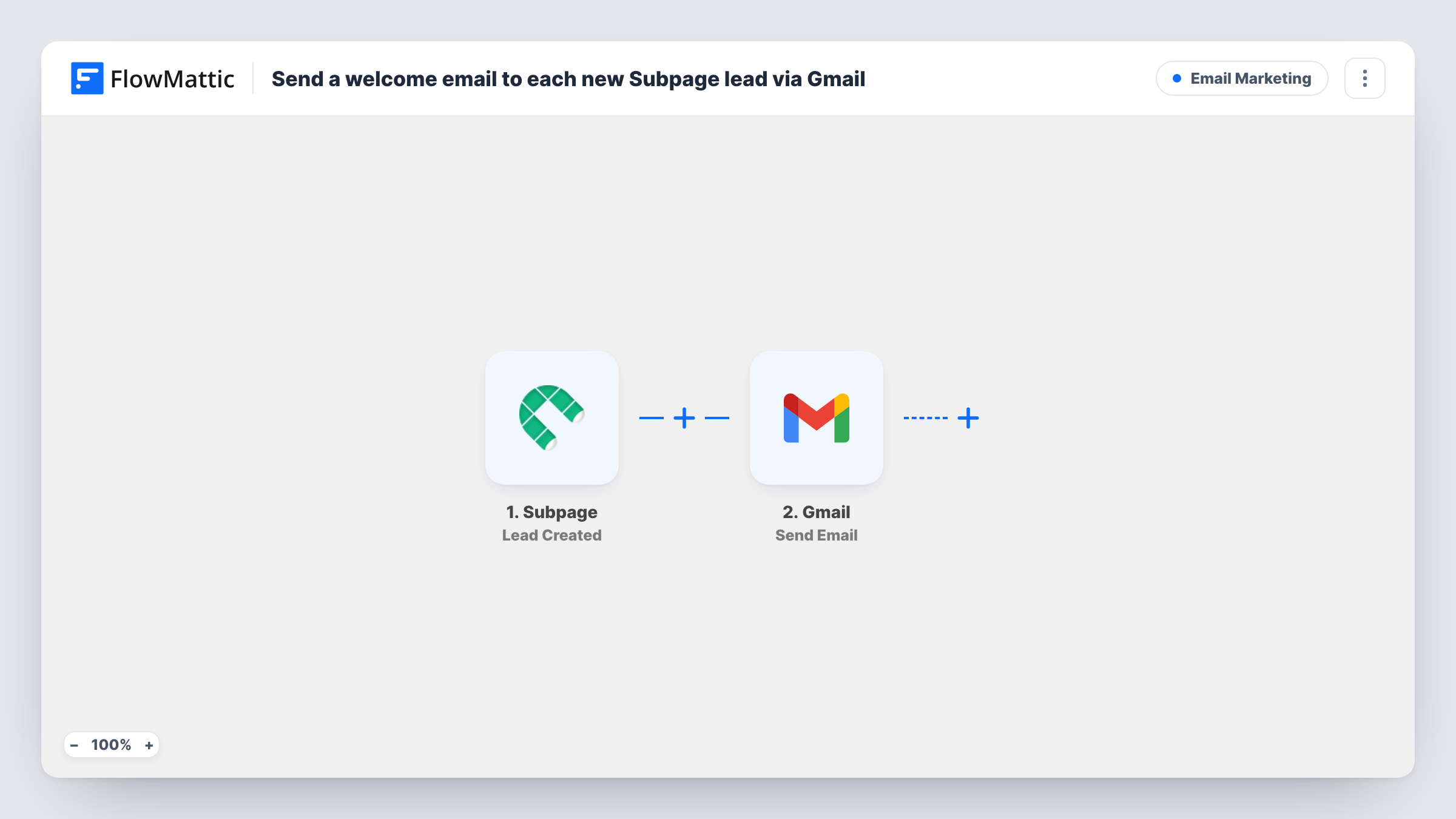
When someone signs up as a lead on your Subpage page, this workflow sends them a welcome email from your Gmail account, written by you and addressed with their details.
 Subpage
 Gmail
Gmail2 steps Setup ~5 min Used on 1.2k sites Free to import
What this workflow does
A new lead is most interested right after they sign up. A welcome note that arrives then, from a real inbox, confirms they reached you and tells them what comes next. This workflow sends that email from Gmail for every new Subpage lead.
Each new lead created in Subpage starts the workflow. The lead's details, including their email address, are passed to Gmail, where Send Email delivers your message. You write the subject and body once and map the lead's name into them, so each email is addressed to the person who signed up.
Because the email comes from your own Gmail account, replies land in your inbox like any other conversation. Each new lead gets the same message, and Task History lists every email sent.
Free guide delivery
Your Subpage landing page offers a guide. The welcome email thanks the lead and includes the download link you add to the message.
Consultant intake
A consultant's Subpage form collects enquiries. Each lead gets a note from the consultant's Gmail with a booking link and what to prepare.
Beta waitlist confirmation
People join a product waitlist on Subpage. The email confirms their place and tells them how you will contact them.
How this workflow runs
What happens at each step once the workflow is on, and what you need before you import it.
 Subpage Lead Created
Fires when a new lead is created on your Subpage page. The lead's details are passed on for the email.
- Gmail Send Email
Delivers your welcome message through the Gmail account you link. Map the lead's email address as the recipient and write the subject and body, using their name where you like.
What you need
- FlowMatticCore
- Subpage AccountAccount
- Gmail AccountAccount
After importing, map your own data. To keep the template universal, not every step is pre-filled. Open each step in the builder and connect your accounts and fields (channels, lists, sheets, recipients) before you switch the workflow on.
Make it yours
Changes worth making after you import it.
- Add a Delay before the Gmail step so the welcome email arrives a few minutes after sign-up instead of the same second.
- Sign up once on your own Subpage page after import, so FlowMattic captures the lead fields you can map into the Gmail recipient and greeting.
Questions about this workflow
Which address does the Subpage welcome email come from?
It comes from the Gmail account you connect in the second step, so replies go to that inbox.
Does every new Subpage lead get the email?
Yes. Each Lead Created event runs the workflow once and sends one email. A Filter after the trigger can limit who receives it.
Can I personalise the welcome email beyond the name?
Yes. Any detail the Subpage lead carries can be mapped into the subject or body. Create a test lead to see which fields arrive.
More Email Marketing workflows
Other ready-to-import templates from the same category.





Import this workflow into your WordPress site
Download the JSON, import it from the Workflows screen and connect your accounts. Every run stays on your server, with no per-task fees.
30-day money-back guarantee Unlimited workflows and runs Self-hosted