

Sync new Marketo leads into an ActiveCampaign automation
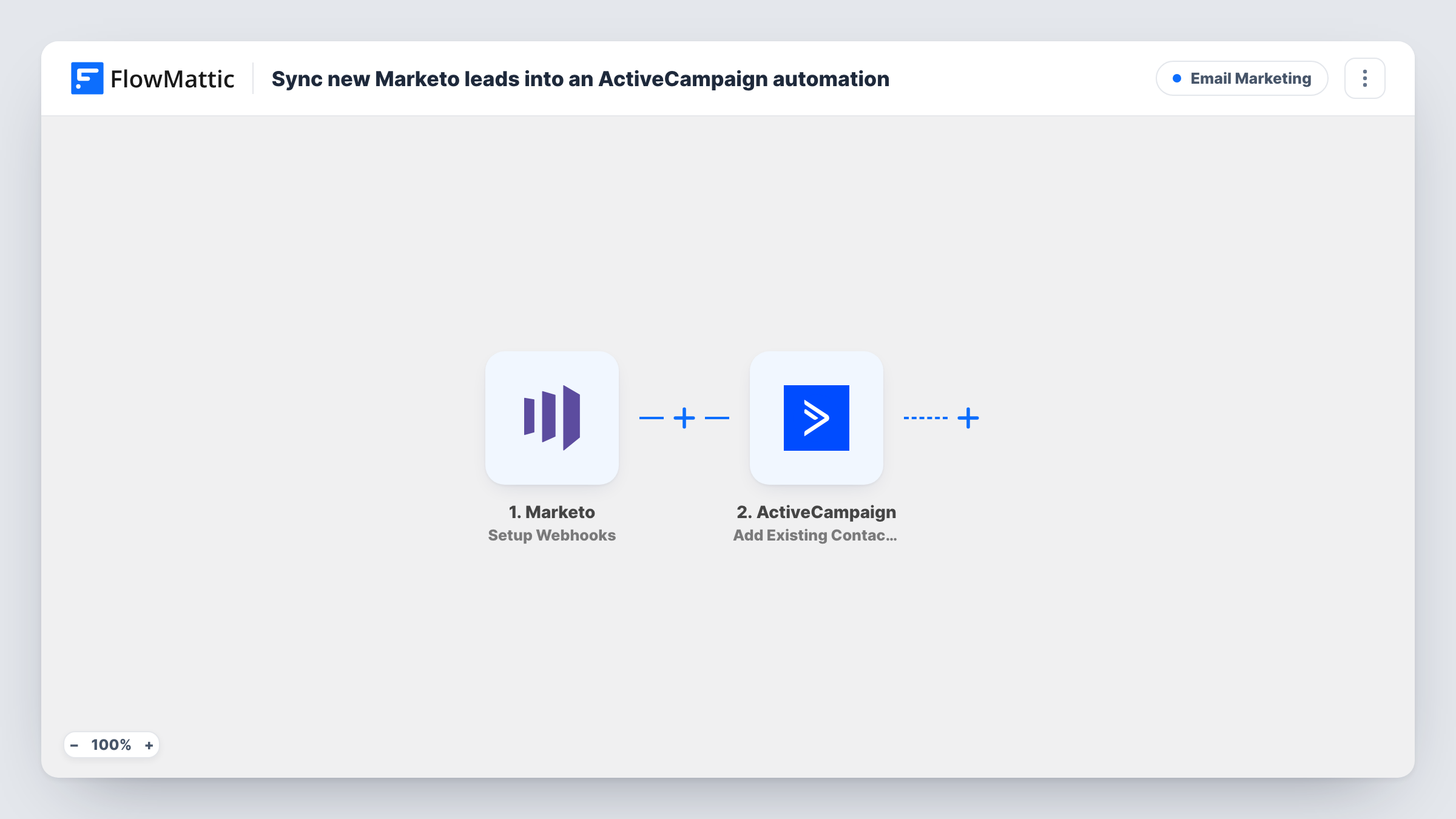
When Marketo sends a new lead to the FlowMattic webhook, the lead is created or updated as an ActiveCampaign contact by email and then added to the ActiveCampaign automation you pick.
 Marketo
 ActiveCampaign
3 steps Setup ~5 min Used on 2.9k sites Free to import
What this workflow does
Teams that collect leads in Marketo sometimes run their nurture emails in ActiveCampaign. This workflow passes each lead across and drops them into an ActiveCampaign automation, so the sequence starts without exports or list imports.
The Marketo Setup Webhooks trigger fires for the events you specify in Marketo. Because the title is about new leads, set Marketo to call the FlowMattic webhook only when a lead is created. If you also send updates, existing leads will run through the workflow again.
The first ActiveCampaign step creates a contact, or updates an existing one, with the lead's email already mapped from Marketo. You can add the name, phone or other fields Marketo sends. The second step adds that contact to an automation, using the contact ID the first step returns, so the contact always exists by the time it is added.
The automation itself isn't chosen in the template. After import, pick the ActiveCampaign automation that holds your nurture emails. Send a test lead from Marketo and check Task History to see the payload and each ActiveCampaign response.
Nurture for Marketo form leads
A B2B team captures leads with Marketo forms and runs the follow-up series from an ActiveCampaign automation.
Regional teams on different tools
Head office runs Marketo while a regional office emails from ActiveCampaign; new leads from the region reach its automation as soon as Marketo has them.
Moving email off Marketo gradually
A company trialling ActiveCampaign sends new Marketo leads into one test automation while existing programs stay in Marketo.
How this workflow runs
What happens at each step once the workflow is on, and what you need before you import it.
 Marketo Setup Webhooks
Fires for the events you set Marketo to send to the FlowMattic webhook. For this flow, call the webhook only when a lead is created; sending updates as well would run existing leads again.
- ActiveCampaign Create or Update Contact
Creates the ActiveCampaign contact, or updates the one already holding that address. The email is mapped from Marketo; add the name and other lead fields you want ActiveCampaign to keep.
- ActiveCampaign Add Existing Contact to Automation
Adds the contact to an ActiveCampaign automation using the contact ID from step 2. The automation isn't set in the template, so choose the one that runs your nurture emails.
What you need
- FlowMatticCore
- Marketo AccountAccount
- ActiveCampaign AccountAccount
After importing, map your own data. To keep the template universal, not every step is pre-filled. Open each step in the builder and connect your accounts and fields (channels, lists, sheets, recipients) before you switch the workflow on.
Make it yours
Changes worth making after you import it.
- Map the Marketo lead source into an ActiveCampaign custom field in step 2, so you can tell later which contacts arrived from Marketo.
- Put a Filter between the Marketo trigger and the Create or Update Contact step that continues only when the email is not empty, so incomplete Marketo records stop before ActiveCampaign.
- Set the ActiveCampaign automation to allow a contact to enter only once, if a lead might be sent from Marketo more than one time.
Questions about this workflow
Which Marketo events should call the FlowMattic webhook?
Only lead creation, for a flow about new leads. The trigger runs for whatever events you set Marketo to send, so adding updates would push existing leads through again.
What if the Marketo lead is already a contact in ActiveCampaign?
Create or Update Contact updates the existing contact with that email, then the next step adds it to your automation using the returned contact ID.
Which ActiveCampaign automation do Marketo leads enter?
The one you pick in the Add Existing Contact to Automation step. The template maps the contact ID but leaves the automation for you to choose.
More Email Marketing workflows
Other ready-to-import templates from the same category.






Import this workflow into your WordPress site
Download the JSON, import it from the Workflows screen and connect your accounts. Every run stays on your server, with no per-task fees.
30-day money-back guarantee Unlimited workflows and runs Self-hosted