

Send a Gmail confirmation to students after they submit a Gradeazy response
When a student submits a response in Gradeazy, Gmail sends them a confirmation email from your account, so each student has a record that their work reached you.
 Gradeazy
 Gmail
Gmail2 steps Setup ~5 min Used on 3.1k sites Free to import
What this workflow does
Students who hand in work online often wonder whether it arrived. Answering each of those questions takes your time, and silence leads to resubmissions. This workflow sends every student a short confirmation from your Gmail account once Gradeazy records their response.
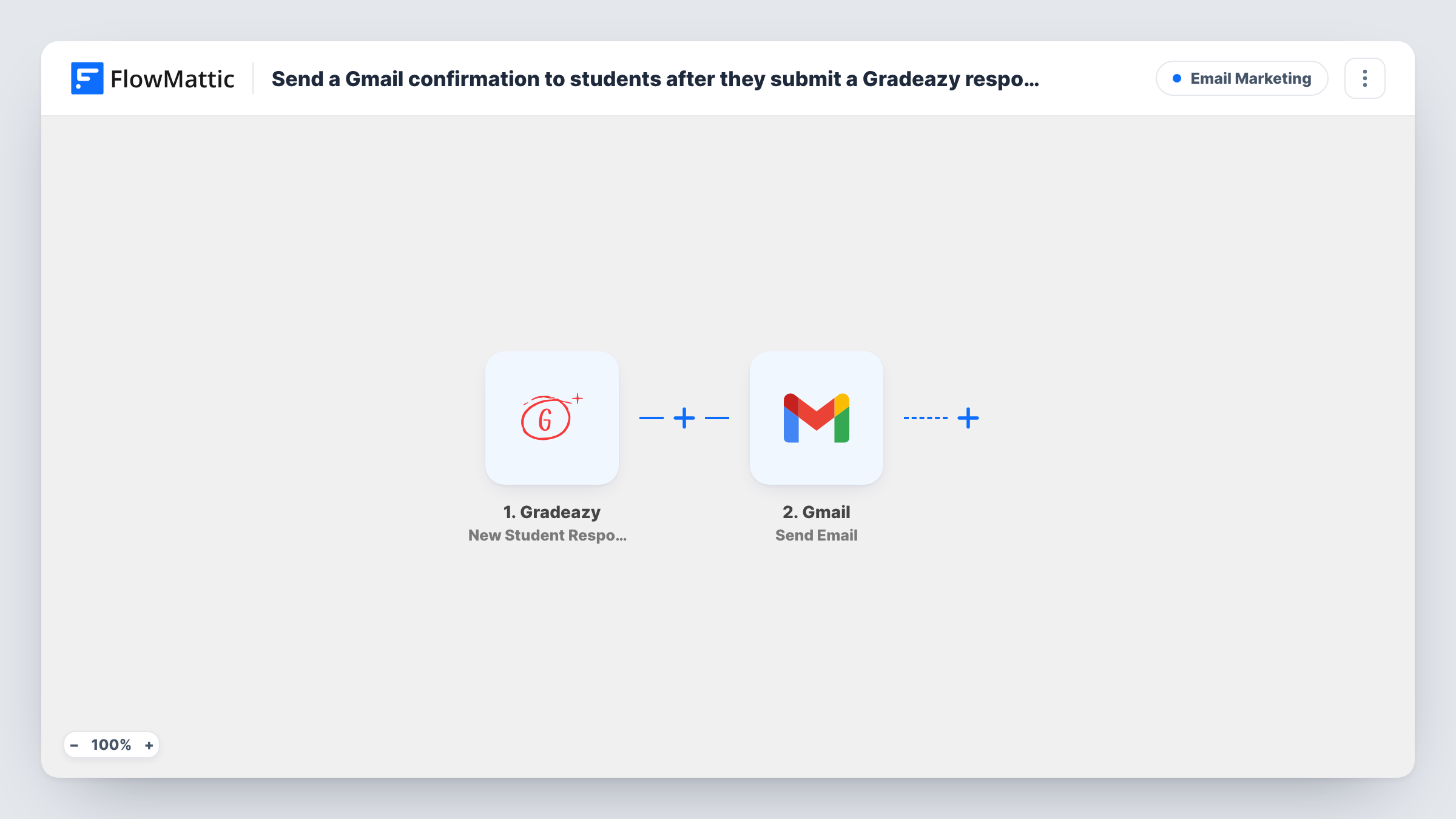
The Gradeazy trigger runs on New Student Response and passes the response data to FlowMattic. The second step is Send Email in Gmail. You map the student's email address as the recipient, then write the subject and body, pulling in values from the response such as the student's name or the assignment.
Because the email goes out through your own Gmail account, replies from students come back to your inbox. Use a test response after import to see which details Gradeazy sends, so you know what you can put in the message.
Homework hand-in receipts
A teacher collects weekly homework through Gradeazy. Each student gets a Gmail receipt naming the assignment, which settles any question about whether it was submitted.
Online course assessments
A course creator grades quiz responses in Gradeazy and sends learners a confirmation that explains when results will be shared.
Tutoring centre submissions
Tutors use one shared Gmail account, so every confirmation and every student reply sits in a single inbox the whole team can read.
How this workflow runs
What happens at each step once the workflow is on, and what you need before you import it.
 Gradeazy New Student Response
Runs each time a student submits a response in Gradeazy. The response details are passed on, so the email step can use them.
- Gmail Send Email
Emails the student through the Gmail account you connect. Map the student's email from the Gradeazy response as the recipient and write a subject and message that confirm the submission was received.
What you need
- FlowMatticCore
- Gradeazy AccountAccount
- Gmail AccountAccount
After importing, map your own data. To keep the template universal, not every step is pre-filled. Open each step in the builder and connect your accounts and fields (channels, lists, sheets, recipients) before you switch the workflow on.
Make it yours
Changes worth making after you import it.
- Add a Delay before the Gmail step if you want the confirmation to arrive a few minutes after submission, not immediately.
- Put the assignment or test name from the Gradeazy response in the subject line, so students can find the confirmation later in their inbox.
- Add a Google Sheets step after Gmail to log each response with the time it was confirmed, giving you a list of every submission.
Questions about this workflow
Which Gmail account sends the confirmation to Gradeazy students?
The Google account you connect to the Gmail step. Students see that address as the sender, and their replies go to it.
Does Gradeazy need to send the student's email address?
Yes. The Gmail step needs a recipient, so map an email value from the response. Submit a test response after import to check that one is included.
Will students get their grade in this email?
The template is set up as a receipt for the submission. You write the message yourself, so check a test response to see whether Gradeazy sends any result data you could add.
More Email Marketing workflows
Other ready-to-import templates from the same category.




Import this workflow into your WordPress site
Download the JSON, import it from the Workflows screen and connect your accounts. Every run stays on your server, with no per-task fees.
30-day money-back guarantee Unlimited workflows and runs Self-hosted