

When the contact is updated in Freshdesk, update subscriber in Campaign Monitor
When a contact’s details change in Freshdesk, this workflow sends the new details to the matching subscriber in Campaign Monitor, so your support desk and your mailing list hold the same name and details.
 Freshdesk
 Campaign Monitor
2 steps Setup ~5 min Used on 3.3k sites Free to import
What this workflow does
Support agents often correct a customer's name or details while handling a ticket. Those fixes stay in Freshdesk, and the newsletter keeps going out with the old details. This workflow carries each contact edit across to Campaign Monitor, where the person is already a subscriber.
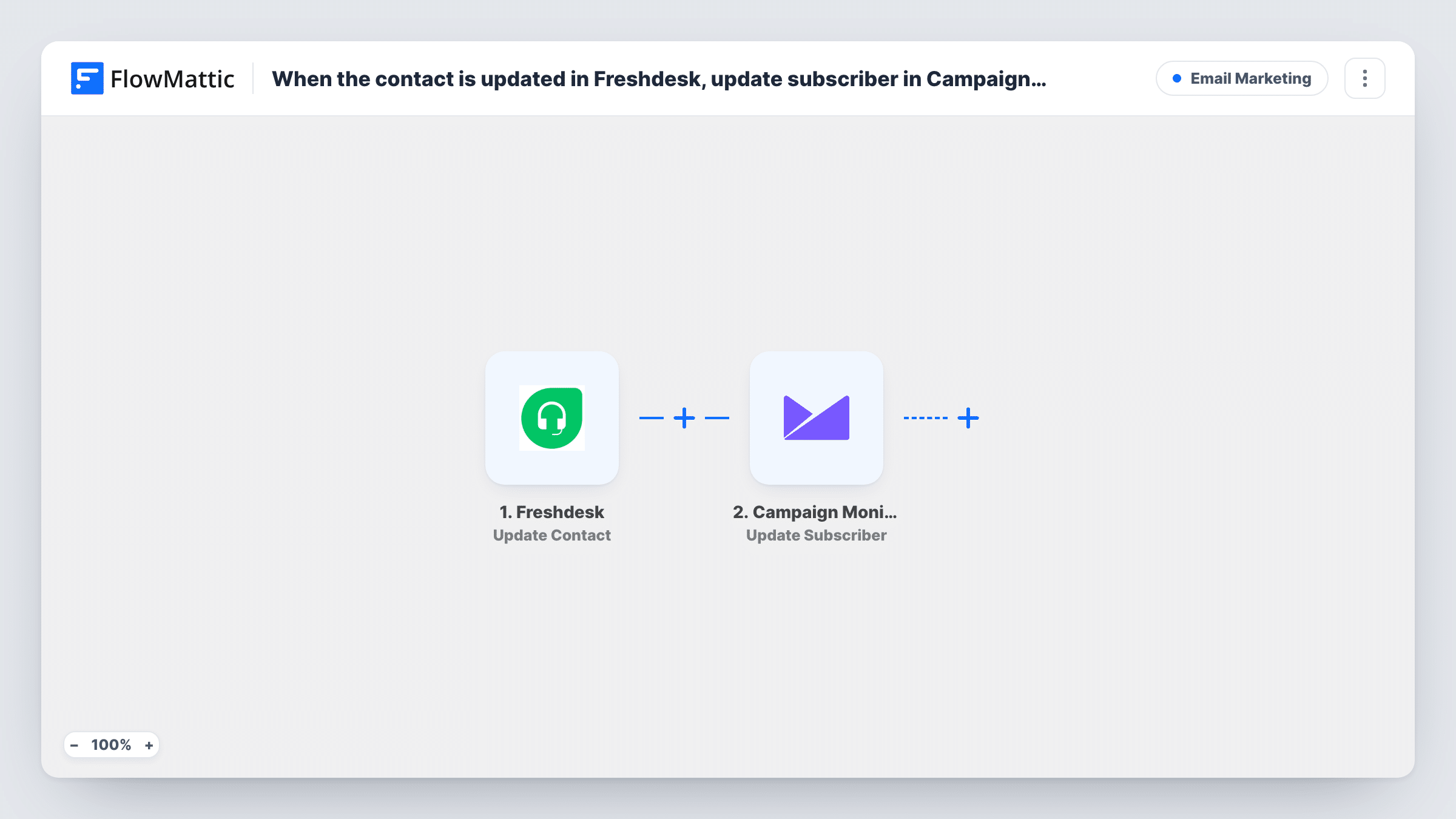
The Freshdesk trigger is Update Contact, which fires whenever contact details are updated. FlowMattic passes the contact data to Campaign Monitor, whose Update Subscriber action changes an existing subscriber on the list you choose. Map the contact's email so the right subscriber is found, then map the fields you want to keep in step, such as the name.
Update Subscriber only changes people already on the list. A Freshdesk contact who isn't a subscriber is not added, and Task History shows Campaign Monitor's response for that run. Every edit to a contact starts a run, so a busy help desk produces many updates. Test with a contact you know is on the list.
Name corrections from support
An agent fixes a misspelled customer name in Freshdesk, and the next newsletter greets that subscriber by the corrected name.
Customers who are also subscribers
A software company's customers both raise tickets and read the product newsletter, and edits made by support keep their subscriber record current.
Account detail changes
When a customer asks support to update their company name, the change also reaches their Campaign Monitor subscriber details.
How this workflow runs
What happens at each step once the workflow is on, and what you need before you import it.
 Freshdesk Update Contact
Runs whenever a contact's details are updated in Freshdesk. The contact's current details, including the email address, become available to map.
- Campaign Monitor Update Subscriber
Updates an existing subscriber on the Campaign Monitor list you choose. Map the Freshdesk email to identify the subscriber, then map the details you want to copy across.
What you need
- FlowMatticCore
- Freshdesk AccountAccount
- Campaign Monitor AccountAccount
After importing, map your own data. To keep the template universal, not every step is pre-filled. Open each step in the builder and connect your accounts and fields (channels, lists, sheets, recipients) before you switch the workflow on.
Make it yours
Changes worth making after you import it.
- To also add Freshdesk contacts who aren't yet subscribers, build a second workflow with Freshdesk's New Contact trigger and Campaign Monitor's Add Subscriber action.
- If an agent changes a contact's email address, check a test run to see how the Campaign Monitor step finds the subscriber, since the old address is no longer on the contact.
- Add a Filter after the trigger if only some contacts belong on your list, such as those with a company field set.
Questions about this workflow
Does this add Freshdesk contacts to Campaign Monitor?
No. Update Subscriber only changes subscribers who already exist on the list. Contacts who aren't there are not added. Use Add Subscriber in a separate workflow for that.
Which Freshdesk changes start a run?
Any update to a contact's details fires the Update Contact trigger, so each saved edit sends an update to Campaign Monitor.
How does the step know which Campaign Monitor subscriber to change?
You map the Freshdesk contact's email into the step. Run a test with a contact who is on your list and check the result in Task History.
More Email Marketing workflows
Other ready-to-import templates from the same category.





Import this workflow into your WordPress site
Download the JSON, import it from the Workflows screen and connect your accounts. Every run stays on your server, with no per-task fees.
30-day money-back guarantee Unlimited workflows and runs Self-hosted