

Add a new Sitejet form lead to a HubSpot CRM contact list
Each new Sitejet form submission creates a contact in HubSpot CRM and adds that contact to the static list you choose, so website enquiries are ready for follow-up and list emails.
 Sitejet
 HubSpot CRM
3 steps Setup ~5 min Used on 2.2k sites Free to import
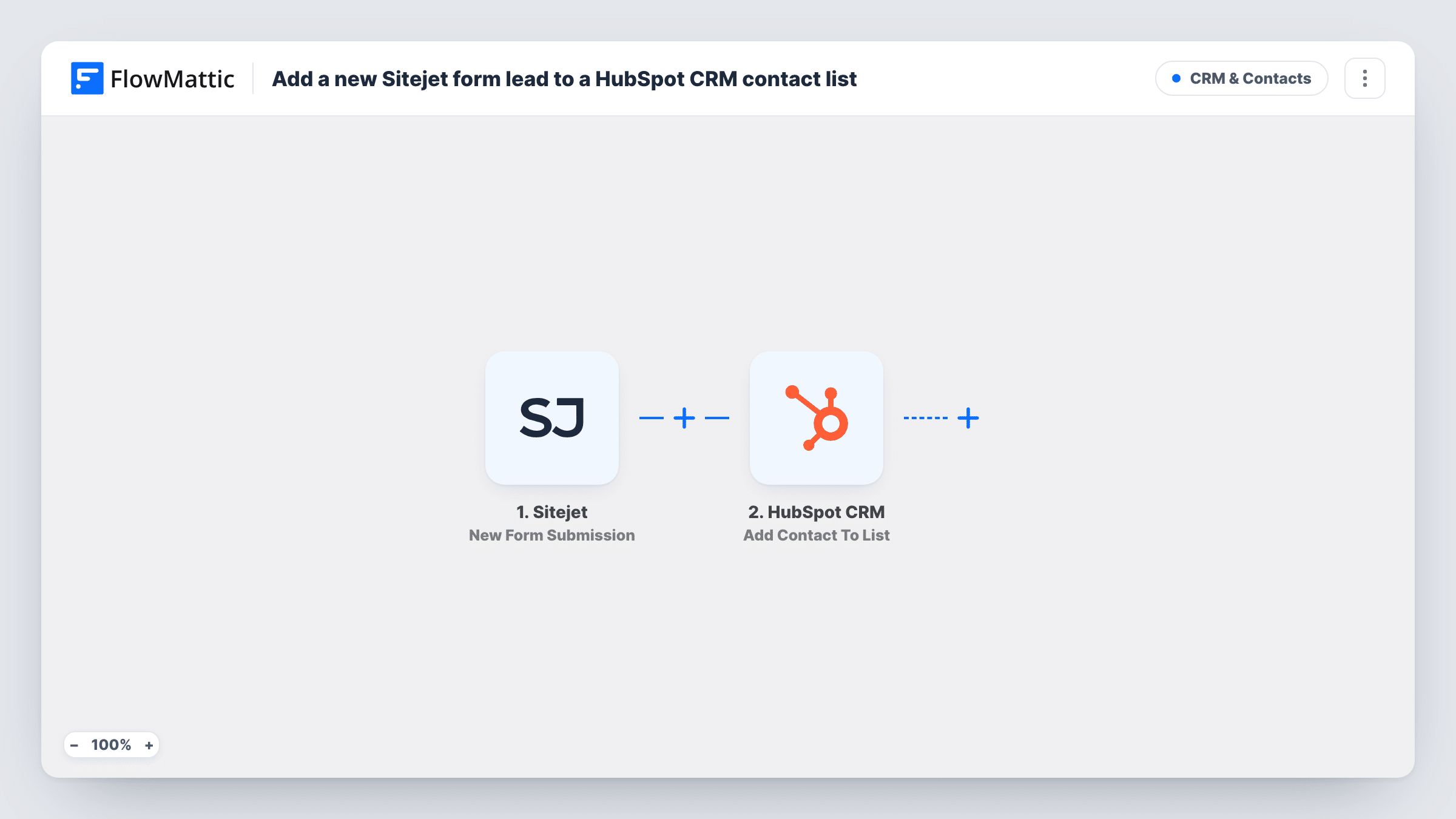
What this workflow does
Agencies and freelancers who build client sites in Sitejet often hand the leads to a HubSpot account. Copying enquiries from form emails into the CRM by hand is slow and easy to forget. This workflow turns each form submission into a HubSpot contact and drops it into a list, so sales or marketing can work from one place.
The Sitejet New Form Submission trigger fires when a new form submission occurs on your site. The visitor's answers, such as name, email, phone and message, are passed on.
The first HubSpot CRM step creates the contact. Create Contact is create-only, so HubSpot may refuse an email it already holds, and the reply it gave is listed in Task History. The second step adds a contact to a static list. Because the first step has just created the contact, the list step has someone to add for a new visitor.
Neither HubSpot step has mapping when you import it, so you map the form fields into contact properties, pick the static list, and map the contact from the Create Contact step into the list step. Check the list step after import to see whether it identifies the contact by ID or email, then submit a test form to confirm both steps worked.
Agency lead capture for client sites
A web agency builds a client's site in Sitejet and sends every contact form enquiry into the client's HubSpot, on a Website leads list.
Quote requests on their own list
A contractor's quote form on a Sitejet site feeds a HubSpot static list that the sales rep works through each morning.
Newsletter signups from a site footer
A small business's Sitejet signup form adds people to a HubSpot list used for its monthly email.
How this workflow runs
What happens at each step once the workflow is on, and what you need before you import it.
 Sitejet New Form Submission
Fires when someone submits a form on your Sitejet website. The submitted fields, such as name, email and message, become available to the HubSpot steps.
- HubSpot CRM Create Contact
Turns the Sitejet form answers into a brand-new HubSpot CRM contact. Map at least the email after import. HubSpot may refuse an address it already has, and Task History records what it replied.
- HubSpot CRM Add Contact To List
Puts the new contact on the HubSpot static list you pick. After import, select the list and map the contact that the Create Contact step returned, so HubSpot knows whom to add.
What you need
- FlowMatticCore
- Sitejet AccountAccount
- HubSpot CRM AccountAccount
After importing, map your own data. To keep the template universal, not every step is pre-filled. Open each step in the builder and connect your accounts and fields (channels, lists, sheets, recipients) before you switch the workflow on.
Make it yours
Changes worth making after you import it.
- Create the static list in HubSpot before import, so you can pick it in the Add Contact To List step straight away.
- Map a fixed value such as Sitejet website into a HubSpot contact property you use for lead source, so you can see which contacts came from the site.
- If your Sitejet site has several forms, put a Filter between the Sitejet trigger and the Create Contact step on a field that tells them apart, so only the form you want reaches HubSpot.
Questions about this workflow
Do I need a static HubSpot list for this Sitejet workflow?
Yes. Add Contact To List works with static lists, so create one in HubSpot and choose it in the third step.
What if the Sitejet visitor is already in HubSpot?
Create Contact doesn't update existing contacts, and HubSpot may refuse the duplicate email. Test with an address that's already in your CRM and check Task History.
Which Sitejet form fields reach HubSpot?
The ones you map. Submit a test form to see the field names Sitejet sends, then match them to HubSpot contact properties.
More CRM & Contacts workflows
Other ready-to-import templates from the same category.




Import this workflow into your WordPress site
Download the JSON, import it from the Workflows screen and connect your accounts. Every run stays on your server, with no per-task fees.
30-day money-back guarantee Unlimited workflows and runs Self-hosted