

When a new contact is created in FluentCRM, create workspace in DynaPictures
Each time a contact is created in FluentCRM, this workflow creates a new workspace in DynaPictures, named from the contact details you map, so every new client starts with their own space for image work.
 FluentCRM
 DynaPictures
2 steps Setup ~5 min Used on 2.9k sites Free to import
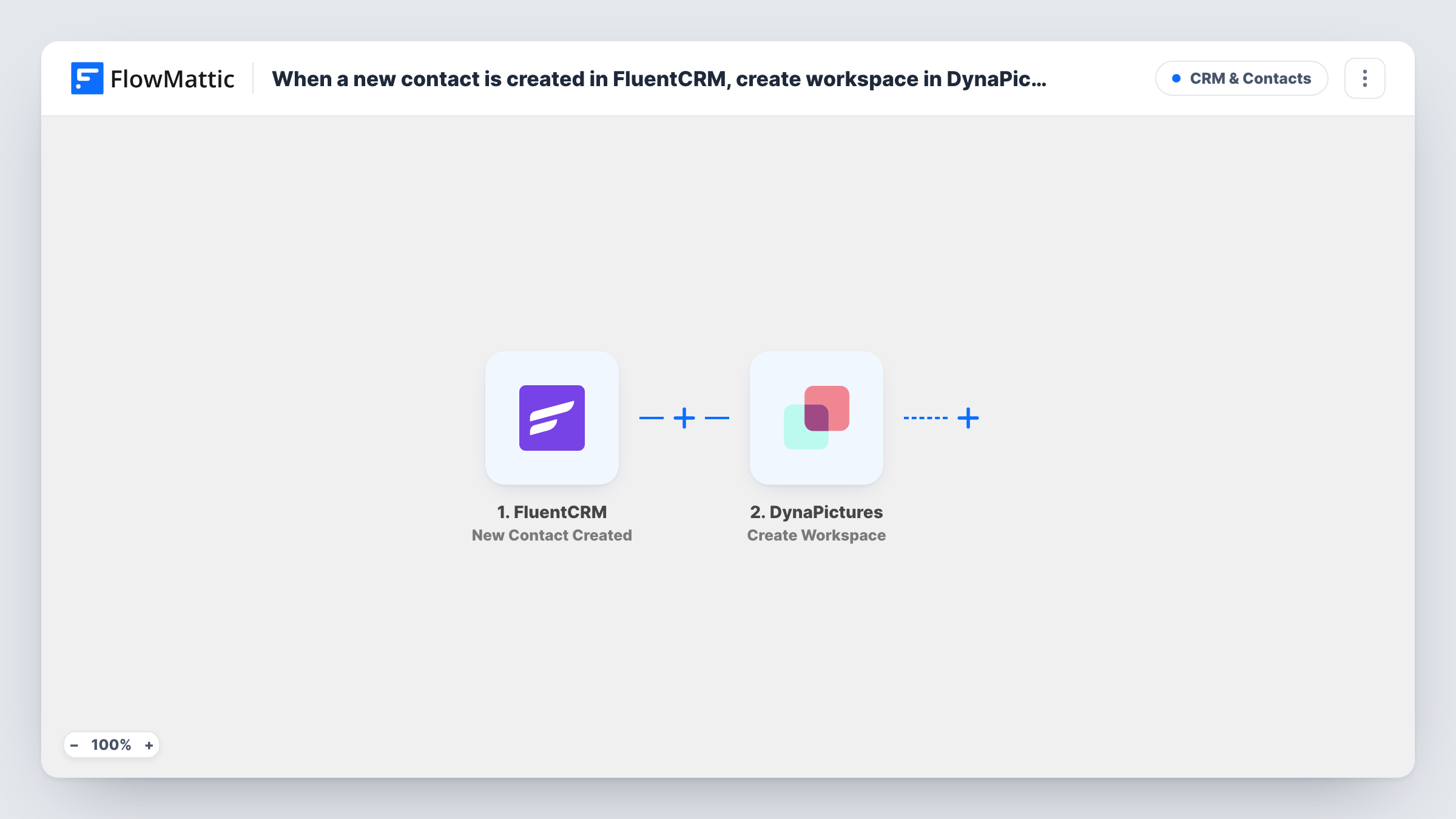
What this workflow does
If you produce personalised images for clients, keeping each client's designs apart matters. Setting up a DynaPictures workspace by hand for every new client is easy to forget, and a missing workspace means templates end up mixed together. This workflow creates the workspace as soon as the person is added to your CRM.
The FluentCRM trigger fires when a new contact is created on your WordPress site, whether it came from a form, an import or manual entry. FlowMattic passes the contact data to the DynaPictures step, which creates a new workspace. You map contact values, such as the name or company, into the workspace details.
Every new contact runs the workflow, so subscribers who are not clients would get a workspace too. If your FluentCRM holds both, add a Filter on a tag or list, as the tips describe. Run a test with one contact after import to check what DynaPictures receives.
Agency onboarding design clients
When a signed client is added to FluentCRM, a DynaPictures workspace is ready for their branded image templates before the kickoff call.
Reseller giving partners their own space
Partners added as FluentCRM contacts each get a separate DynaPictures workspace, keeping one partner's designs apart from another's.
Course creator preparing student certificates
Each cohort leader added to FluentCRM gets a workspace in DynaPictures to hold that group's certificate and badge templates.
How this workflow runs
What happens at each step once the workflow is on, and what you need before you import it.
 FluentCRM New Contact Created
Starts whenever FluentCRM gets a brand-new contact. The contact's data becomes available to map into the DynaPictures step.
- DynaPictures Create Workspace
Creates a new workspace in DynaPictures for the contact. Map contact values into the workspace details and connect your DynaPictures account on import.
What you need
- FlowMatticCore
- FluentCRM PluginPlugin
- DynaPictures AccountAccount
After importing, map your own data. To keep the template universal, not every step is pre-filled. Open each step in the builder and connect your accounts and fields (channels, lists, sheets, recipients) before you switch the workflow on.
Make it yours
Changes worth making after you import it.
- Add a Filter after the trigger that continues only when the contact has a client tag or sits in a client list, so newsletter subscribers do not get a workspace.
- Include the contact's email or company in the workspace name so you can match each workspace to its FluentCRM contact later.
- Create a test contact after import and check Task History to see the DynaPictures response before turning the workflow on.
Questions about this workflow
Does every new FluentCRM contact get a DynaPictures workspace?
Yes, as imported. No step checks the contact, so each new one creates a workspace. Add a Filter after the trigger to limit it.
What happens when a FluentCRM contact is updated rather than created?
Nothing. The trigger fires only on new contacts, so updates to an existing contact do not create another workspace.
Do I need a DynaPictures account to use this workflow?
Yes. The workspace is created through your DynaPictures account, which you connect in FlowMattic when you import the workflow.
Will contacts already in FluentCRM get workspaces?
No. Only contacts created after you turn the workflow on are sent to DynaPictures.
More CRM & Contacts workflows
Other ready-to-import templates from the same category.




Import this workflow into your WordPress site
Download the JSON, import it from the Workflows screen and connect your accounts. Every run stays on your server, with no per-task fees.
30-day money-back guarantee Unlimited workflows and runs Self-hosted