

Add a Zoho Billing customer for each new Mailchimp subscriber
When a new subscriber joins your Mailchimp audience, this workflow creates a matching customer record in Zoho Billing, so you can invoice or subscribe that person later without typing their details again.
 Mailchimp
 Zoho Billing
2 steps Setup ~5 min Used on 972 sites Free to import
What this workflow does
For some businesses, joining the mailing list is the first step to becoming a paying customer: a waitlist for a product, a pre-launch list, or members who sign up before their plan starts. Having them already set up in Zoho Billing means that when the time comes to invoice or subscribe them, the record is waiting.
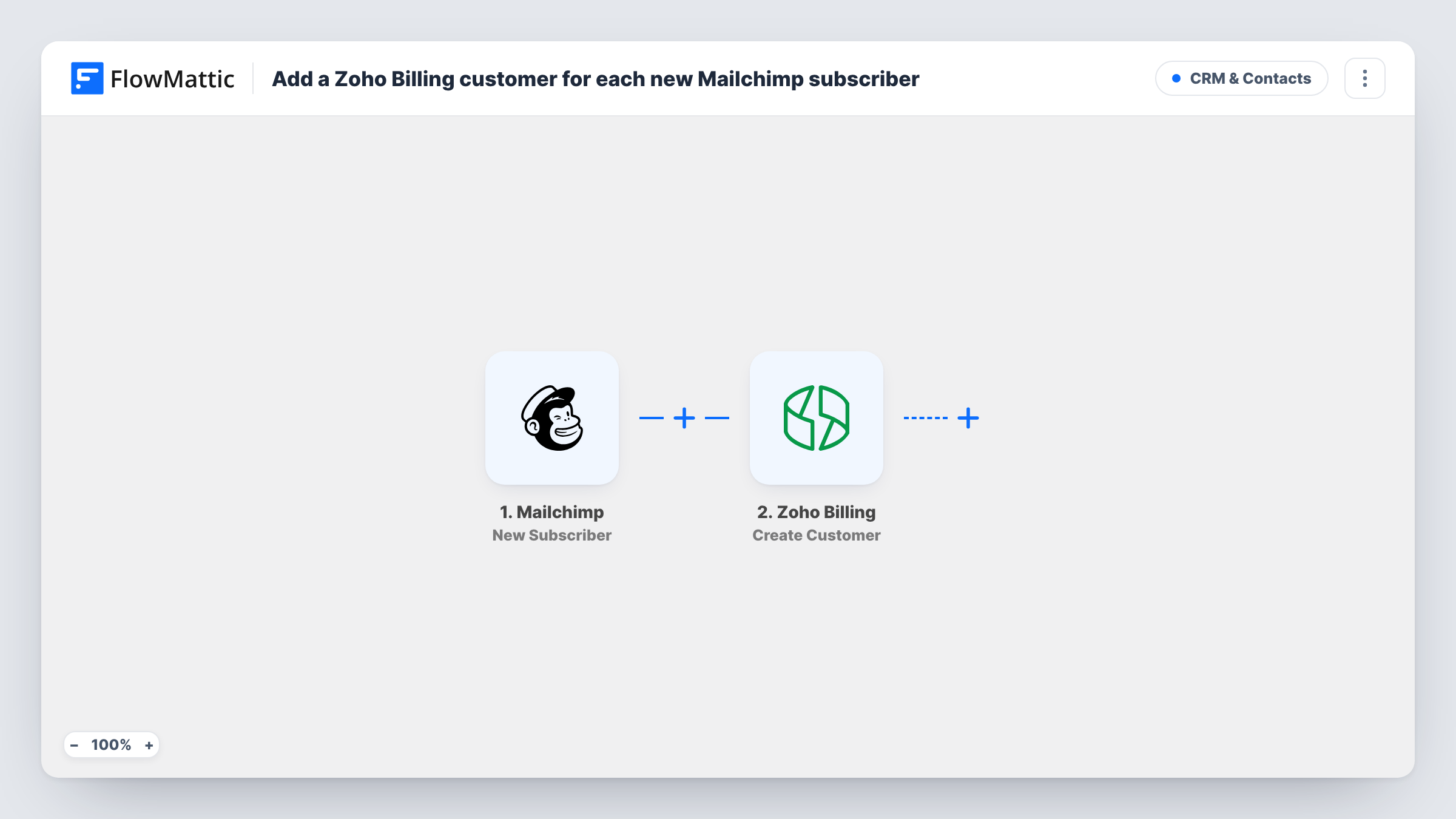
Each time someone new subscribes, Mailchimp reports the sign-up to FlowMattic through the New Subscriber trigger. Their details, such as email and any name fields you collect, are passed on. The Zoho Billing step uses Create Customer, which creates a new customer. Map the subscriber's email and name into it.
Every new subscriber becomes a customer, including people who only want your newsletter, because the template has no conditions. If only some subscribers should reach your billing system, add a Filter on a merge field that marks them. Create Customer makes new records only, so a person who is already a Zoho Billing customer may get a second record or an error. Task History shows what happened on each run.
Pre-launch waitlist
People join a Mailchimp waitlist before your service opens. Each one is set up as a Zoho Billing customer, ready for the subscription you create at launch.
Club or association sign-ups
New members sign up to the club's Mailchimp audience, and the treasurer finds them in Zoho Billing when membership invoices go out.
Consulting enquiries list
A consultant adds enquiries to a dedicated Mailchimp audience, and each one becomes a Zoho Billing customer the consultant can invoice after the first call.
How this workflow runs
What happens at each step once the workflow is on, and what you need before you import it.
 Mailchimp New Subscriber
Starts a run for every person newly subscribed in Mailchimp. The subscriber's email and merge fields are passed on for mapping.
- Zoho Billing Create Customer
Creates a new customer in Zoho Billing from the Mailchimp subscriber. Map the email and name into the step, then run a test sign-up to check the customer record.
What you need
- FlowMatticCore
- Mailchimp AccountAccount
- Zoho Billing AccountAccount
After importing, map your own data. To keep the template universal, not every step is pre-filled. Open each step in the builder and connect your accounts and fields (channels, lists, sheets, recipients) before you switch the workflow on.
Make it yours
Changes worth making after you import it.
- Add a Filter after the Mailchimp trigger that continues only when a merge field you collect, such as a Plan choice on your sign-up form, has a value, so newsletter-only readers stay out of Zoho Billing.
- Follow Create Customer with Zoho Billing's Create Subscription step if every new subscriber should start on the same plan straight away.
- Put the plan or interest question on your Mailchimp sign-up form itself, so the answer arrives with the new subscriber and a Filter can check it.
Questions about this workflow
Will my existing Mailchimp subscribers become Zoho Billing customers?
No. The trigger fires for new subscribers only, so people already on the audience aren't copied.
What if the Mailchimp subscriber is already a customer in Zoho Billing?
Create Customer only creates. Zoho Billing may add a second record or refuse the request, and Task History shows its response for that run.
Does creating the Zoho Billing customer charge or invoice them?
No. This workflow only creates the customer record. Invoices and subscriptions are separate steps you can add later.
Do newsletter-only Mailchimp subscribers end up in Zoho Billing too?
As imported, yes. Every new subscriber the trigger reports is created as a customer. Add a Filter on a merge field to keep newsletter readers out.
More CRM & Contacts workflows
Other ready-to-import templates from the same category.





Import this workflow into your WordPress site
Download the JSON, import it from the Workflows screen and connect your accounts. Every run stays on your server, with no per-task fees.
30-day money-back guarantee Unlimited workflows and runs Self-hosted