

When a new record is added in Airtable, create a contact in OpenPhone
Every new record in your Airtable table becomes a contact in OpenPhone, so the people you track in Airtable show up by name when they call or text your business number.
 Airtable
 OpenPhone
2 steps Setup ~5 min Used on 3.0k sites Free to import
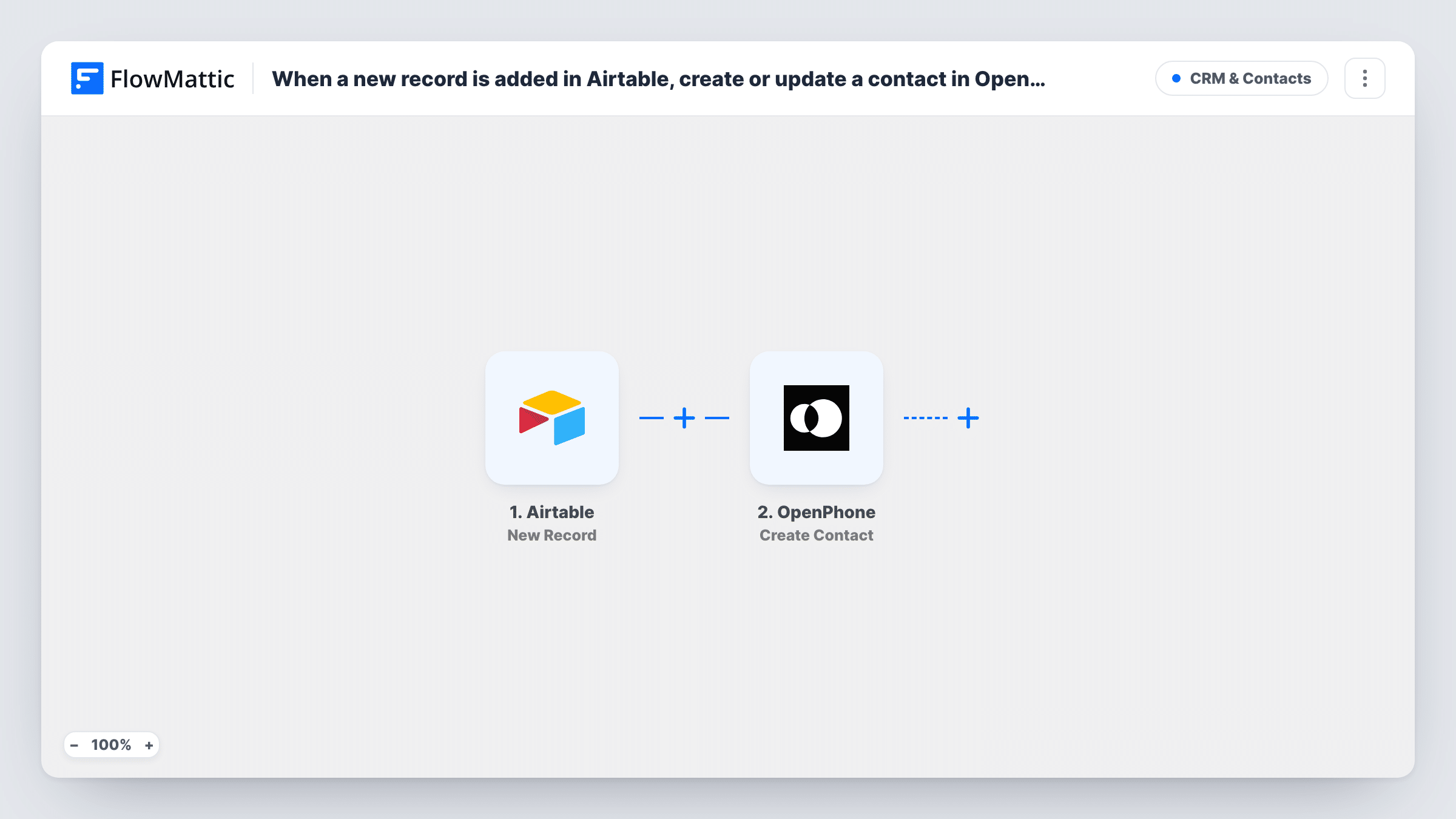
What this workflow does
Teams that keep leads, clients or tenants in Airtable often take their calls and texts in OpenPhone. When the two don't match, an incoming call shows only a number and nobody knows who it is. This workflow copies each new Airtable record into OpenPhone as a contact, so names appear on calls and messages.
Each time someone adds a record to the chosen table, the Airtable New Record trigger starts a run. The record's field values, such as name, phone number, email and company, are passed on. Edits to existing records don't start a run.
The OpenPhone Create Contact step ships unmapped. After import you connect OpenPhone and map the Airtable fields into the contact, at least a name and a phone number. Store phone numbers in Airtable with the country code so OpenPhone can match them to calls.
The step always creates a new contact and doesn't look for an existing one first. If the same person is added to Airtable twice, or is already in OpenPhone, you may end up with duplicate contacts. Run a test record and check Task History to see what OpenPhone returned.
Leads recognised when they call back
A sales team logs every inbound lead in Airtable, and the rep sees the lead's name in OpenPhone when that person rings back.
Property managers and their tenants
A letting agency adds each new tenant to an Airtable base, so maintenance texts from that tenant arrive under their name in OpenPhone.
Event vendors on a shared line
An event planner tracks caterers and venues in Airtable and wants the whole team's OpenPhone inbox to show who is calling.
How this workflow runs
What happens at each step once the workflow is on, and what you need before you import it.
 Airtable New Record
Starts a run for each record newly added to your Airtable table. That record's fields, such as name and phone number, are handed to the OpenPhone step.
- OpenPhone Create Contact
Creates a new contact in OpenPhone. The template maps nothing, so connect your OpenPhone account and map the Airtable name, phone number and any other fields you want on the contact.
What you need
- FlowMatticCore
- Airtable AccountAccount
- OpenPhone AccountAccount
After importing, map your own data. To keep the template universal, not every step is pre-filled. Open each step in the builder and connect your accounts and fields (channels, lists, sheets, recipients) before you switch the workflow on.
Make it yours
Changes worth making after you import it.
- Put a Filter between the Airtable trigger and the OpenPhone step that continues only when the phone field is not empty, so records without a number don't create empty contacts. Use whichever Airtable column holds the number.
- Keep phone numbers in Airtable in international format with the country code, so OpenPhone can link the contact to calls and texts.
- Map the Airtable company or role field into the contact too, so your team gets context when the person calls.
Questions about this workflow
Will editing an Airtable record update the OpenPhone contact?
No. The New Record trigger only fires for newly created records. Changes you make later stay in Airtable and are not sent to OpenPhone.
What if the person is already an OpenPhone contact?
The Create Contact step doesn't check first, so OpenPhone may end up with a second contact for that person. Test with a number that's already in OpenPhone and check the response in Task History.
Which Airtable fields can I map into OpenPhone?
Any field the new record contains. Add a test record, then look at the trigger's output to pick the name, phone, email and company fields for the contact.
More CRM & Contacts workflows
Other ready-to-import templates from the same category.






Import this workflow into your WordPress site
Download the JSON, import it from the Workflows screen and connect your accounts. Every run stays on your server, with no per-task fees.
30-day money-back guarantee Unlimited workflows and runs Self-hosted