

Add the chat visitor to HubSpot CRM after a Comm100 chat ends
When a Comm100 live chat ends, this workflow creates a contact in HubSpot CRM from the visitor’s details, so people who chat with your team are in the CRM for follow-up.
 Comm100
 HubSpot CRM
2 steps Setup ~5 min Used on 3.3k sites Free to import
What this workflow does
Live chat brings in questions from people your sales and support teams may never have met before. When the chat closes, the details often stay in Comm100 and never reach the CRM. This workflow adds the visitor to HubSpot once the conversation is over.
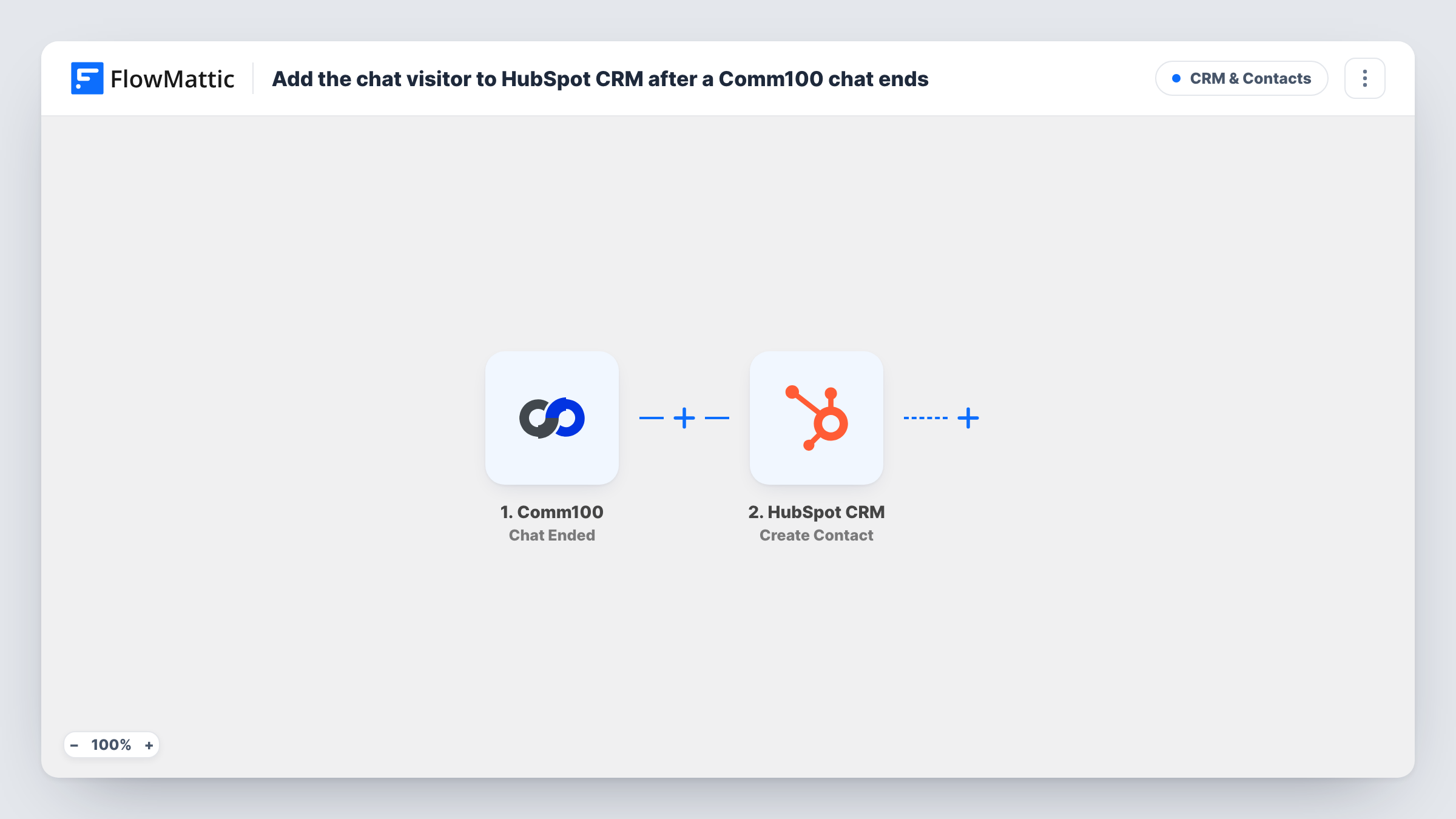
The Comm100 trigger fires when a chat ends. FlowMattic receives the chat data and passes it to HubSpot CRM, where the Create Contact action adds a contact. You map the visitor's name and email from the chat into that step.
Create Contact makes a new contact rather than looking for an existing one. HubSpot may refuse a duplicate email, and Task History shows the response when it does. A visitor who never gave an email may not create a usable contact, so check what your chat form collects.
Sales chats on a pricing page
Visitors who chat on your pricing page become HubSpot contacts, ready for a rep to follow up on what they asked.
Support chats from trial users
People trying your product who chat with support land in HubSpot, so the account team sees who needed help during the trial.
Event and webinar questions
Visitors asking about an upcoming event in chat are added to HubSpot, where you can invite them later.
How this workflow runs
What happens at each step once the workflow is on, and what you need before you import it.
 Comm100 Chat Ended
Starts the moment a Comm100 conversation is closed. The chat and visitor data is passed to HubSpot for mapping.
- HubSpot CRM Create Contact
Creates a contact in HubSpot CRM from the chat. Map the visitor's email and name from Comm100, then end a test chat to confirm the contact appears.
What you need
- FlowMatticCore
- Comm100 AccountAccount
- HubSpot CRM AccountAccount
After importing, map your own data. To keep the template universal, not every step is pre-filled. Open each step in the builder and connect your accounts and fields (channels, lists, sheets, recipients) before you switch the workflow on.
Make it yours
Changes worth making after you import it.
- Build a second workflow on Comm100's New Offline Message trigger if you also want visitors who wrote while you were offline added to HubSpot.
- Add a Filter after the trigger that continues only when the visitor email is not empty, so anonymous chats do not reach HubSpot.
- End a test chat after import so FlowMattic captures the Comm100 data, then check which visitor fields are there before mapping.
Questions about this workflow
What if the Comm100 visitor is already a HubSpot contact?
The template only creates contacts, so it won't update the existing HubSpot record. HubSpot may refuse the duplicate email; check the Comm100 run in Task History to see its reply.
Does the chat transcript go into HubSpot too?
Not as imported. The step creates a contact from the details you map. Anything else from the chat only reaches HubSpot if you map it into the contact.
Does the HubSpot contact get created when the Comm100 chat starts?
No. The trigger is Chat Ended, so the contact is created after the conversation finishes. Comm100 also has a New Chat trigger in FlowMattic.
More CRM & Contacts workflows
Other ready-to-import templates from the same category.





Import this workflow into your WordPress site
Download the JSON, import it from the Workflows screen and connect your accounts. Every run stays on your server, with no per-task fees.
30-day money-back guarantee Unlimited workflows and runs Self-hosted