

Create a HubSpot CRM contact after a MyOperator call ends
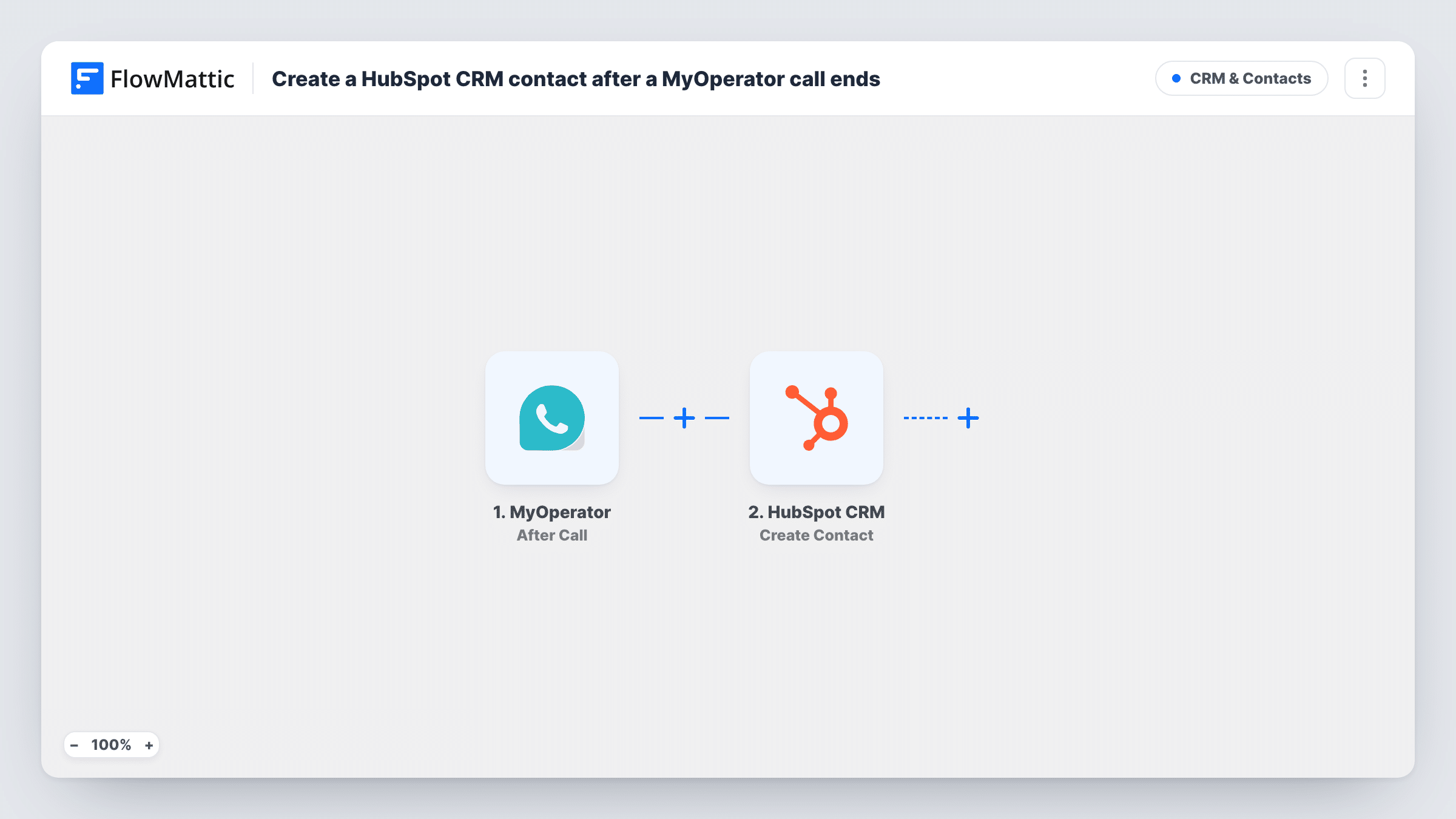
When a call on your MyOperator business number ends, this workflow creates a contact in HubSpot CRM from the call details, so callers are recorded in your CRM without manual entry.
 MyOperator
 HubSpot CRM
2 steps Setup ~5 min Used on 369 sites Free to import
What this workflow does
Phone leads are easy to lose. A caller asks about pricing, the call ends, and unless someone types their number into the CRM, they are gone. This workflow adds a HubSpot contact for every call your MyOperator number handles.
The MyOperator trigger, After Call, delivers information about each call once it ends. FlowMattic passes that call data to HubSpot CRM, where Create Contact adds a new contact using the values you map, such as the caller's number.
The trigger fires after every call, not only calls from new people. Create Contact never updates an existing record, so a returning caller can produce another contact, especially when the call data has a phone number but no email. After a few calls, open Task History to see how HubSpot answered each one, and merge any repeated contacts in HubSpot.
Inbound sales line
Prospects ring the sales number from an ad. Each call ends with a HubSpot contact holding the caller's number, ready for a rep to log notes and follow up.
Service business taking bookings by phone
A clinic or repair shop takes calls through MyOperator. Callers are added to HubSpot so reminders and offers can reach them later.
Measuring phone enquiries in the CRM
Marketing wants phone leads counted with form leads. Each call adds a contact in HubSpot, where the team reports on new contacts from all sources.
How this workflow runs
What happens at each step once the workflow is on, and what you need before you import it.
 MyOperator After Call
Fires when a call on your MyOperator number ends, delivering the call's information to FlowMattic. That data is available to map into the HubSpot contact.
- HubSpot CRM Create Contact
Adds a new HubSpot CRM contact from the call. Connect your HubSpot account and map the caller's details from the MyOperator call data, such as the phone number, into the contact.
What you need
- FlowMatticCore
- MyOperator AccountAccount
- HubSpot CRM AccountAccount
After importing, map your own data. To keep the template universal, not every step is pre-filled. Open each step in the builder and connect your accounts and fields (channels, lists, sheets, recipients) before you switch the workflow on.
Make it yours
Changes worth making after you import it.
- Make a test call after import so FlowMattic captures a real After Call event, then check which caller details you can map into HubSpot.
- Add a Filter after the trigger if some calls shouldn't create contacts, for example outgoing or internal calls, using a value the call data carries.
- For a record of every call, including repeat callers, add a Google Sheets step after HubSpot that writes the caller's number and the call details you need.
Questions about this workflow
Does every MyOperator call create a HubSpot contact?
Yes, as imported. After Call fires when any call ends, and no Filter narrows it, so each finished call reaches the HubSpot step.
What happens when a caller is already in HubSpot?
Create Contact doesn't look for or update an existing contact. HubSpot may refuse a duplicate email, but a contact made from a phone number alone can be created again. Task History shows each response.
Can call notes or the recording link go into HubSpot?
Only values that the After Call data includes. Look at a captured test call before mapping anything beyond the caller's number.
Are past MyOperator calls added to HubSpot?
No. Only calls that end after you turn the workflow on start a run.
More CRM & Contacts workflows
Other ready-to-import templates from the same category.





Import this workflow into your WordPress site
Download the JSON, import it from the Workflows screen and connect your accounts. Every run stays on your server, with no per-task fees.
30-day money-back guarantee Unlimited workflows and runs Self-hosted