

When a task is created in Workast, create a ticket in HubSpot CRM
Each task created in Workast opens a new ticket in HubSpot CRM, so requests your team logs as tasks are also tracked in your HubSpot help desk pipeline.
 Workast
 HubSpot CRM
2 steps Setup ~5 min Used on 1.1k sites Free to import
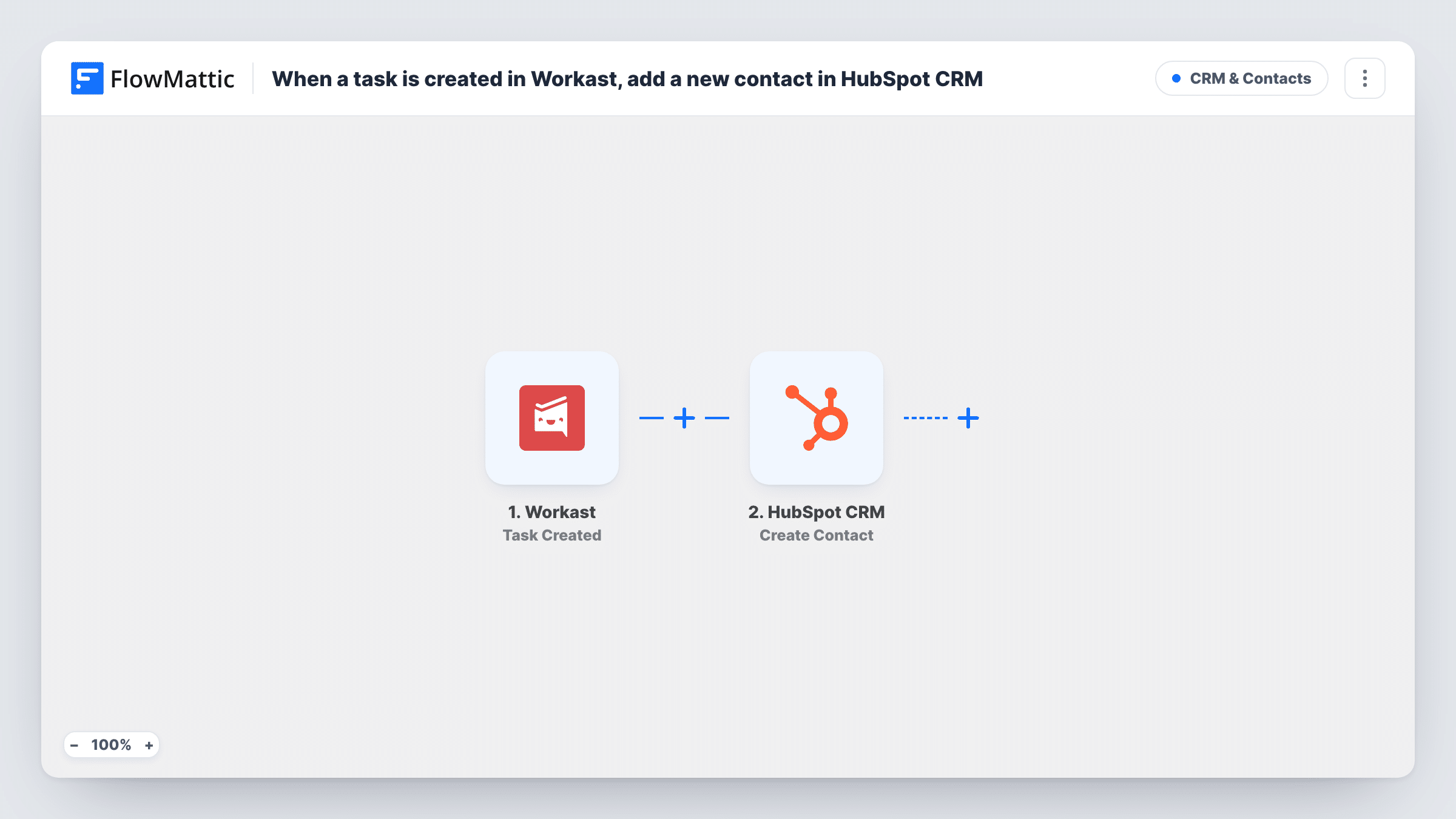
What this workflow does
Teams often capture work as Workast tasks while support and account staff live in HubSpot. When a task stands for a customer request, someone has to copy it into a ticket. This workflow does that copy for you, one ticket per new task.
The Workast trigger fires when a task is created. FlowMattic passes the task's details, such as its title and description, to the next step. Only creation counts: Workast's update and completion events are separate triggers and aren't part of this template.
The HubSpot CRM step creates a ticket. It ships unmapped, so after import you connect HubSpot, then map the task's title into the ticket name and its description into the ticket content. HubSpot files every ticket in a pipeline and stage, so create a test task and check where the ticket landed.
Every new task opens a ticket, including internal to-dos that have nothing to do with a customer. If only some tasks should become tickets, add a Filter as shown in the tips. Task History shows each run and the ticket HubSpot returned.
Customer requests captured in Workast
Account managers note a client's request as a Workast task, and a HubSpot ticket appears so the support team can see and work it alongside the customer record.
A dedicated Workast space for escalations
A team keeps a Workast space just for escalations, so every task created there becomes a HubSpot ticket for the service team to follow up.
Bug reports from the product team
Product managers file bugs as Workast tasks, and each one opens a HubSpot ticket so customer-facing staff know an issue is being tracked.
How this workflow runs
What happens at each step once the workflow is on, and what you need before you import it.
 Workast Task Created
Starts the workflow when a task is created in Workast. The new task's details are passed on so you can map them into the HubSpot ticket.
- HubSpot CRM Create Ticket
Creates a ticket in HubSpot CRM. The step ships unmapped: after import, connect HubSpot and map the Workast task's title and description into the ticket, then create a test task to see which pipeline and stage HubSpot used.
What you need
- FlowMatticCore
- Workast AccountAccount
- HubSpot CRM AccountAccount
After importing, map your own data. To keep the template universal, not every step is pre-filled. Open each step in the builder and connect your accounts and fields (channels, lists, sheets, recipients) before you switch the workflow on.
Make it yours
Changes worth making after you import it.
- If only some tasks should become tickets, put a Filter between the Workast trigger and the HubSpot step, for example on the task's space or a word in its title. Pick whichever Workast field marks a customer request on your team.
- Map the Workast task link or ID into the ticket description, so anyone reading the HubSpot ticket can find the original task.
- Include the Workast task's due date in the ticket content, so the service team can see when the work is expected.
Questions about this workflow
Does editing or completing a Workast task update the HubSpot ticket?
No. The template only uses Task Created, so later changes in Workast don't reach HubSpot. Workast's Task Updated and Task Completed triggers exist in FlowMattic if you want to build a second workflow.
Is the HubSpot ticket linked to a contact or company?
Not as imported. The step only creates the ticket from what you map. Associating it with a contact needs that contact's details, which a Workast task usually doesn't carry.
Which HubSpot CRM pipeline do the tickets go into?
HubSpot places every ticket in a pipeline and stage. After you set up the Create Ticket step, create a test task in Workast and check Task History and HubSpot to see where the ticket went, then adjust the step if needed.
More CRM & Contacts workflows
Other ready-to-import templates from the same category.





Import this workflow into your WordPress site
Download the JSON, import it from the Workflows screen and connect your accounts. Every run stays on your server, with no per-task fees.
30-day money-back guarantee Unlimited workflows and runs Self-hosted