

When a new form is submitted in Webapi.ai, create a new lead in HubSpot CRM
When a Webapi.ai form response comes in, this workflow creates a contact in HubSpot CRM from the answers, so new leads from your Webapi.ai forms appear in HubSpot for follow-up.
 Webapi.ai
 HubSpot CRM
2 steps Setup ~5 min Used on 2.7k sites Free to import
What this workflow does
Leads captured by a Webapi.ai form are only useful once your sales team can see them in the CRM. Moving them across by hand means delays and typos, and some get forgotten. This workflow sends each form response to HubSpot as a new contact.
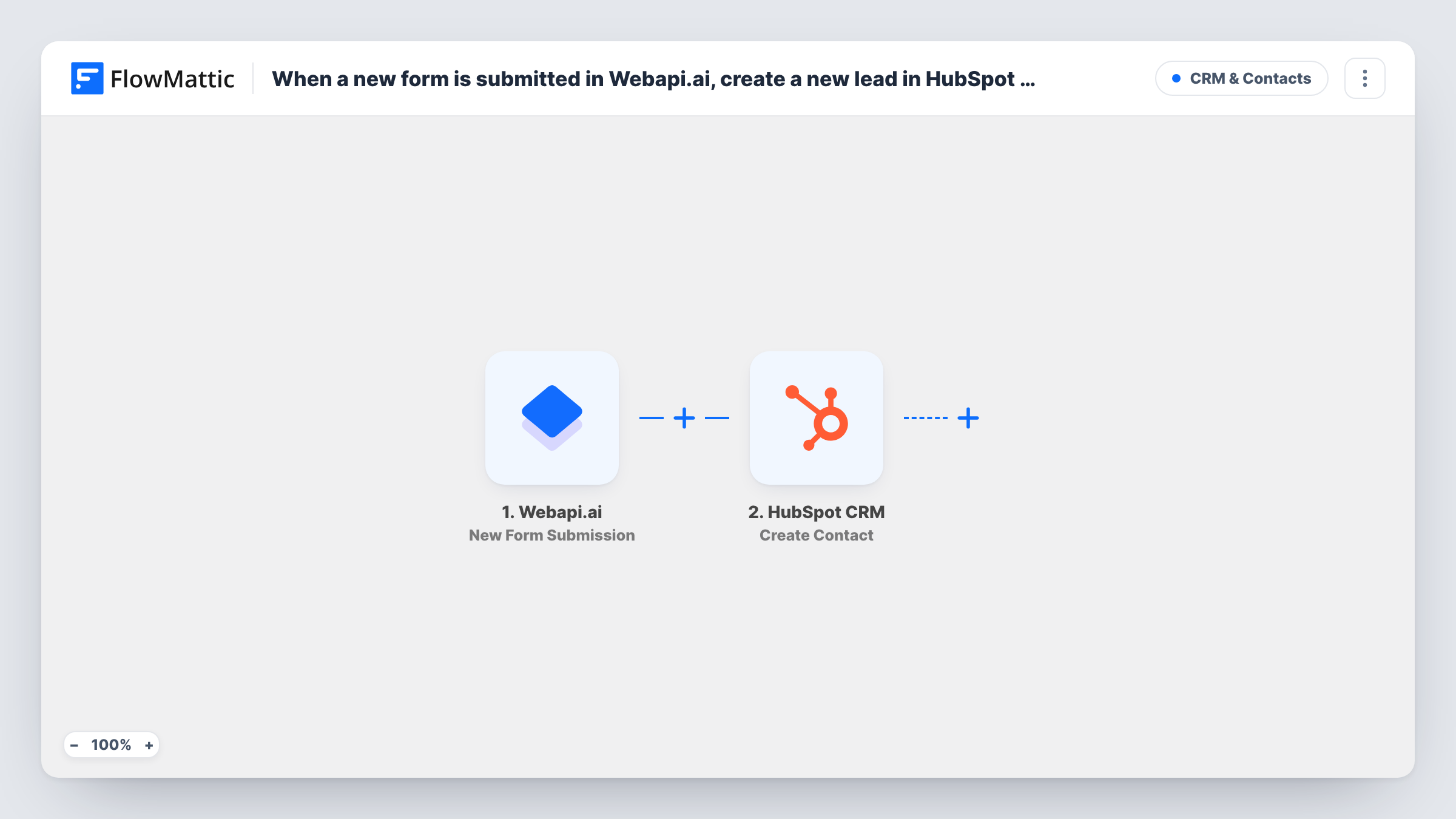
Each time one of your forms gets a response, the Webapi.ai trigger starts a run. FlowMattic passes the submitted answers to the HubSpot CRM step, which runs Create Contact. You map the answers, such as the email address and name, into the contact during setup.
The HubSpot action here never edits an existing record. If the email address already belongs to a HubSpot contact, HubSpot may refuse the request, and Task History shows the response it sent back. New leads are unaffected, and each one appears in HubSpot ready for your usual follow-up.
Demo requests from a Webapi.ai form
Visitors asking for a demo through a Webapi.ai form appear in HubSpot as contacts, where a rep can pick them up and log the call.
Lead capture from a chatbot-led form
When your Webapi.ai assistant collects contact details through a form, those details become a HubSpot contact without anyone retyping them.
Event interest lists
People who register interest in an upcoming event through Webapi.ai land in HubSpot, ready to add to the right list by hand or in a later step.
How this workflow runs
What happens at each step once the workflow is on, and what you need before you import it.
 Webapi.ai New Form Submission
Starts a run for every response your Webapi.ai form receives. The submitted answers are passed on so you can map them into the HubSpot contact.
- HubSpot CRM Create Contact
Adds the person to HubSpot CRM as a brand-new contact built from their answers. Map the Webapi.ai email field to the contact's email, plus any name or company answers you collect.
What you need
- FlowMatticCore
- Webapi.ai AccountAccount
- HubSpot CRM AccountAccount
After importing, map your own data. To keep the template universal, not every step is pre-filled. Open each step in the builder and connect your accounts and fields (channels, lists, sheets, recipients) before you switch the workflow on.
Make it yours
Changes worth making after you import it.
- Always map the Webapi.ai email answer to the contact's email in HubSpot, since HubSpot uses the email address to tell contacts apart.
- Add a Filter after the trigger that continues only when the email answer is not empty. Responses without one then stop before the HubSpot step.
- Submit a test response after import, then check the new contact in HubSpot to confirm each answer landed in the property you expected.
Questions about this workflow
What happens if the Webapi.ai lead is already a HubSpot contact?
The HubSpot step uses Create Contact, which does not update existing contacts. HubSpot may refuse a duplicate email, and the run's response in Task History shows what happened.
Do I need a HubSpot account to use this Webapi.ai template?
Yes. The Create Contact step runs through your HubSpot connection in FlowMattic, which you set up when you import the workflow.
Are earlier Webapi.ai responses sent to HubSpot?
No. Only responses received after the workflow is turned on start a run. Older responses stay in Webapi.ai.
More CRM & Contacts workflows
Other ready-to-import templates from the same category.





Import this workflow into your WordPress site
Download the JSON, import it from the Workflows screen and connect your accounts. Every run stays on your server, with no per-task fees.
30-day money-back guarantee Unlimited workflows and runs Self-hosted