

Add a Zoho CRM lead for each new company detected by Factors.ai
When Factors.ai adds a company to a segment, this workflow creates a lead in Zoho CRM from that company’s details, so accounts your segment picks up appear in the CRM your sales team works in.
 Factors.ai
 Zoho CRM
2 steps Setup ~5 min Used on 3.1k sites Free to import
What this workflow does
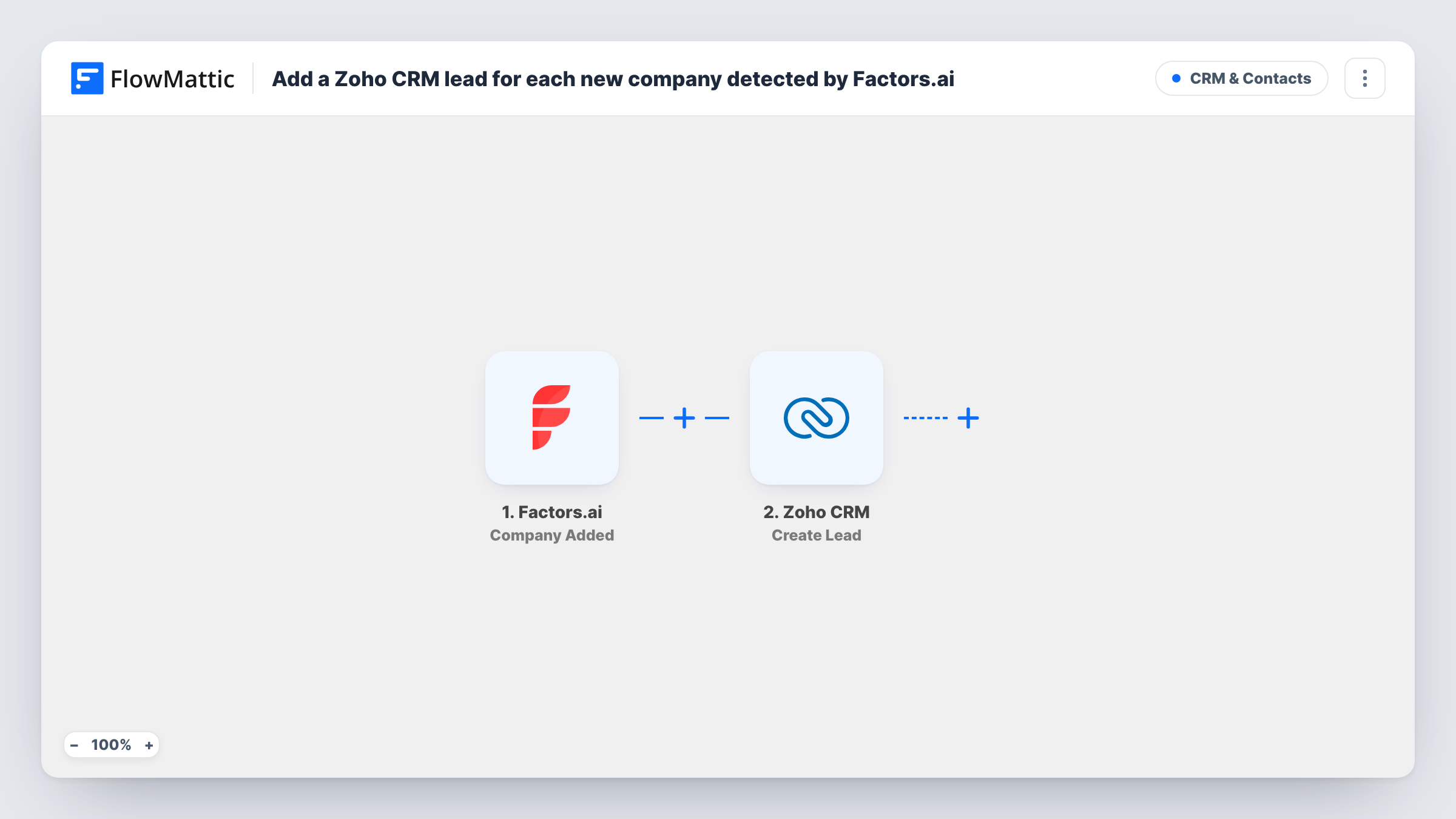
Factors.ai groups the companies visiting your site into segments. If your reps work from Zoho CRM, those accounts stay out of sight until someone copies them over. This workflow creates a Zoho CRM lead each time Factors.ai adds a company to a segment.
The Factors.ai trigger, Company Added, fires when a company joins a segment you track. FlowMattic passes the company data to Zoho CRM, where the Create Lead action adds a new lead. You decide which Factors.ai fields go into which lead fields when you set up the step.
The action only creates leads. It does not look for an existing lead first, so a company that enters a segment twice, or that is already in Zoho CRM, produces another lead. Task History records each run and the response Zoho CRM returned.
High-intent visitor segment
You keep a Factors.ai segment of companies that viewed your pricing page. Each company added to it becomes a Zoho CRM lead your SDRs can research and contact.
Target account list for ABM
A segment built around your ideal customer profile sends new matching companies to Zoho CRM as leads, so the account team sees them next to their existing pipeline.
Regional sales routing
Run one copy of the workflow per regional segment, each creating Zoho CRM leads that your regional teams pick up from their own views.
How this workflow runs
What happens at each step once the workflow is on, and what you need before you import it.
 Factors.ai Company Added
Runs each time a company is added to a Factors.ai segment. That company's data is passed on so you can map it into the Zoho CRM lead.
- Zoho CRM Create Lead
Creates a new lead in Zoho CRM from the company data. Map the Factors.ai fields into the lead and connect your Zoho CRM account, then send a test to check the lead it creates.
What you need
- FlowMatticCore
- Factors.ai AccountAccount
- Zoho CRM AccountAccount
After importing, map your own data. To keep the template universal, not every step is pre-filled. Open each step in the builder and connect your accounts and fields (channels, lists, sheets, recipients) before you switch the workflow on.
Make it yours
Changes worth making after you import it.
- Add a Filter after the trigger so only companies from the segment you care about, or with a field you need filled in, create a lead.
- Add a Slack or email step after Create Lead to tell the account owner that a new company from Factors.ai has arrived in Zoho CRM.
- Run one test with a known company and open the lead in Zoho CRM to confirm each mapped field landed where you expect.
Questions about this workflow
Which Factors.ai event starts this workflow?
Company Added, which fires when a company is added to a segment. Companies that are already in a segment before you turn the workflow on are not sent.
Will Zoho CRM get duplicate leads from Factors.ai?
It can. Create Lead always adds a new lead and does not search for an existing one, so a company that joins a segment again creates another lead. Check a test run in Task History to see what Zoho CRM returns.
Does this create Zoho CRM contacts or accounts?
No. It creates leads only. Add another Zoho CRM step after it if you also want to create an account or a contact.
Do I need accounts with both Factors.ai and Zoho CRM?
Yes. You connect your Factors.ai account for the trigger and your Zoho CRM account for the lead step when you set up the workflow.
More CRM & Contacts workflows
Other ready-to-import templates from the same category.





Import this workflow into your WordPress site
Download the JSON, import it from the Workflows screen and connect your accounts. Every run stays on your server, with no per-task fees.
30-day money-back guarantee Unlimited workflows and runs Self-hosted