

Create a HubSpot CRM contact from each new Paytm Insider sale
Each new ticket sale on Paytm Insider creates a contact in HubSpot CRM from the buyer’s details, so the people who buy tickets to your events are in the CRM you follow up from.
 Paytm Insider
 HubSpot CRM
2 steps Setup ~5 min Used on 2.5k sites Free to import
What this workflow does
Ticket buyers are some of your most engaged contacts, but their details stay in the Paytm Insider dashboard unless someone exports them. If your team works from HubSpot, those buyers are missing from the place where you plan follow-ups and future event invitations. Here, every ticket sale puts its buyer into HubSpot without an export.
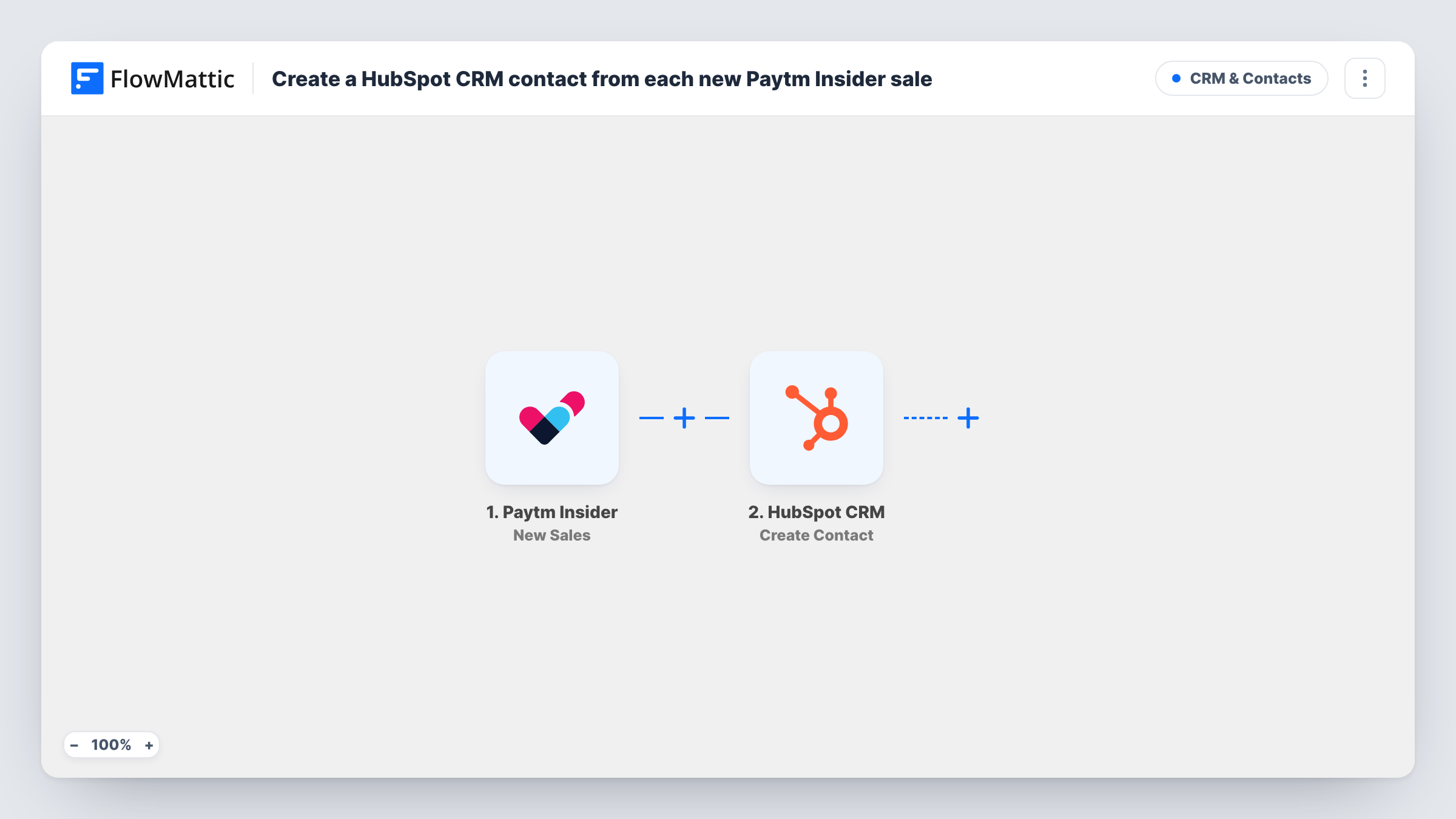
The Paytm Insider trigger starts a run for every ticket sale your account receives. FlowMattic captures the sale data, including whatever buyer details Paytm Insider sends. The HubSpot CRM step then creates a contact in HubSpot, with the buyer's details mapped into it.
The HubSpot action here makes new contacts and nothing else. It doesn't look for an existing contact first, so a buyer who is already in HubSpot, or who buys a second time, may be refused as a duplicate email; you'll find HubSpot's answer on that run in Task History. A test sale after import shows you which buyer fields arrive, so you can map them before the workflow goes live.
Building a list of event-goers
An events company running gigs on Paytm Insider builds a HubSpot contact list of everyone who has bought a ticket, ready for announcing the next show.
Follow-up after a workshop
A training provider sells workshop seats on Paytm Insider and uses the HubSpot contacts to send course materials and feedback requests afterwards.
Sales team sees conference buyers
Delegates who buy conference passes appear in HubSpot, where the sales team can spot companies worth a conversation before the event.
How this workflow runs
What happens at each step once the workflow is on, and what you need before you import it.
 Paytm Insider New Sales
Fires when Paytm Insider receives a new sale. The sale data, including the buyer details Paytm Insider provides, is passed on for mapping.
- HubSpot CRM Create Contact
Creates a contact in HubSpot CRM from the sale. Map the buyer's email and name into the contact, then connect your HubSpot account on import.
What you need
- FlowMatticCore
- Paytm Insider AccountAccount
- HubSpot CRM AccountAccount
After importing, map your own data. To keep the template universal, not every step is pre-filled. Open each step in the builder and connect your accounts and fields (channels, lists, sheets, recipients) before you switch the workflow on.
Make it yours
Changes worth making after you import it.
- If the sale data names the event, map it into a HubSpot contact property, so you can later sort contacts by the event they bought for.
- Add a Filter after the trigger that continues only when the buyer's email is not empty, so sales without an address stop before the HubSpot step.
- Run a test purchase after import so FlowMattic captures the Paytm Insider fields, then confirm the email field is mapped before switching the workflow on.
Questions about this workflow
What happens when a returning Paytm Insider buyer is already in HubSpot?
The step creates contacts only, so HubSpot may refuse a duplicate email address. That run shows HubSpot's response in Task History, and the existing contact is left as it was.
Does every Paytm Insider sale start a run?
Yes. Each new sale fires the trigger once. There is no Filter in the template, so every sale is sent to HubSpot.
Are past Paytm Insider sales added to HubSpot?
No. Only sales received after the workflow is on reach HubSpot. Export older buyers from Paytm Insider and import them into HubSpot directly.
More CRM & Contacts workflows
Other ready-to-import templates from the same category.




Import this workflow into your WordPress site
Download the JSON, import it from the Workflows screen and connect your accounts. Every run stays on your server, with no per-task fees.
30-day money-back guarantee Unlimited workflows and runs Self-hosted