

Add a Notion database entry for each completed VNTANA product
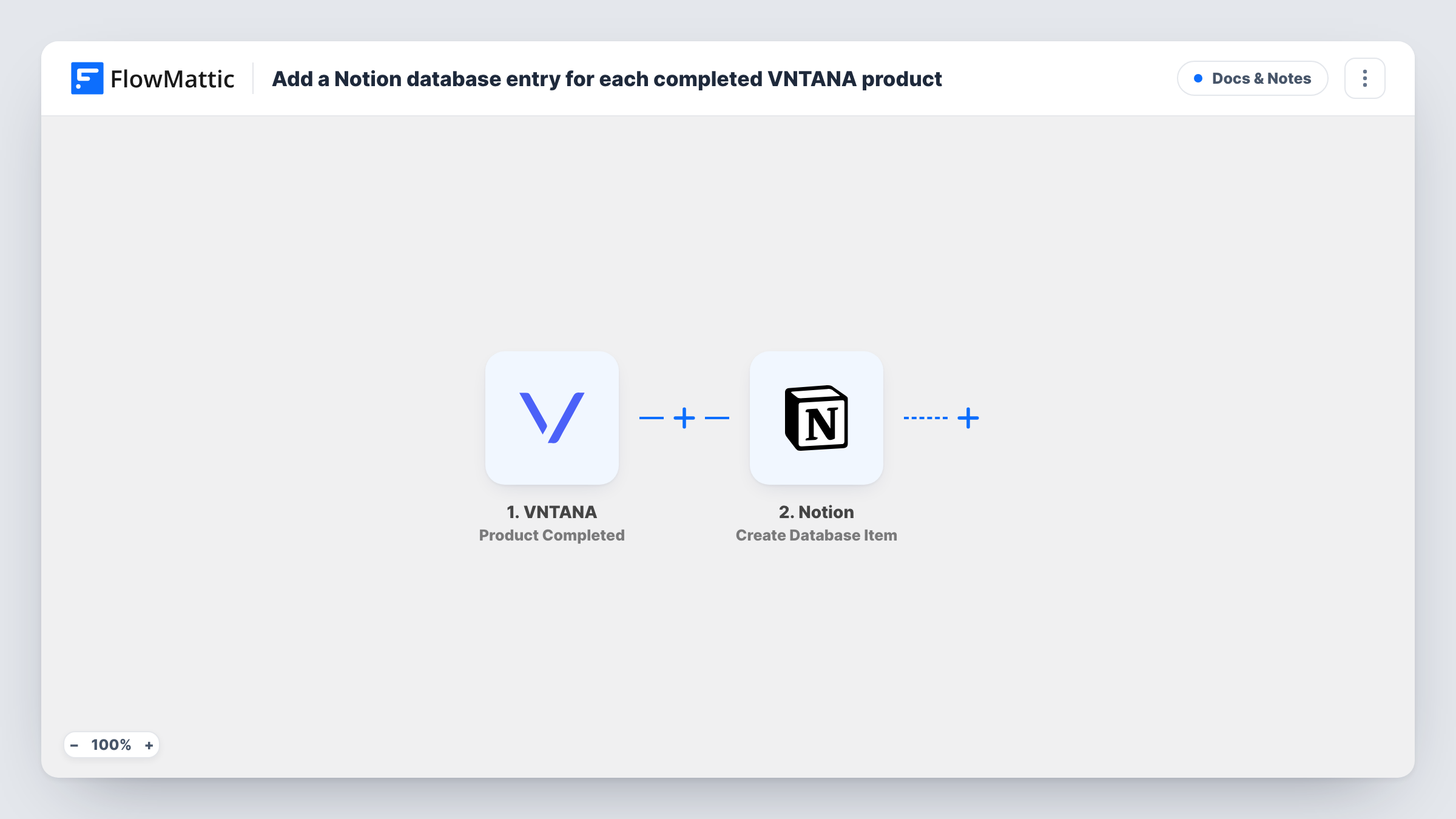
When a 3D product finishes in VNTANA, this workflow adds an item to your Notion database with the product details you map, giving your team a catalogue of completed assets they can search and share.
 VNTANA
 Notion
2 steps Setup ~5 min Used on 2.5k sites Free to import
What this workflow does
Teams that produce 3D assets in VNTANA often track them somewhere else as well: a Notion database where marketing, e-commerce and design can see what is ready. Keeping that list current by hand means checking VNTANA and typing in each finished product. This workflow adds the entry for you.
The VNTANA trigger fires on Product Completed and passes the product data to FlowMattic. The Create Database Item step in Notion then adds a new item to the database you choose, filling its properties with the VNTANA values you map, such as the product name.
One item is created per completed product. The workflow does not update an item that already exists, so a product completed a second time gets a second entry. Task History lists each run with the data sent to Notion and Notion's reply.
Asset catalogue for an e-commerce team
Store managers check the Notion database to see which products have a finished 3D model before they add it to the product page.
Weekly production review
The 3D team lead opens the Notion database each Friday and sorts by date to review everything completed that week.
Client delivery log for an agency
Each completed product for a client is recorded in Notion, and the account manager shares a filtered view with that client.
How this workflow runs
What happens at each step once the workflow is on, and what you need before you import it.
 VNTANA Product Completed
Starts when a product is completed in VNTANA. The product data that comes with the event is passed on for mapping into Notion.
- Notion Create Database Item
Adds a new item to a Notion database. Connect your Notion account, share the database with the connection, and map VNTANA values to the database properties.
What you need
- FlowMatticCore
- VNTANA AccountAccount
- Notion AccountAccount
After importing, map your own data. To keep the template universal, not every step is pre-filled. Open each step in the builder and connect your accounts and fields (channels, lists, sheets, recipients) before you switch the workflow on.
Make it yours
Changes worth making after you import it.
- Set up the Notion database properties before import, such as name, completion date and a link, so they are ready to map in the step.
- Complete a test product in VNTANA after import, so FlowMattic captures the event data you can map into Notion.
- Add a Discord or Slack message step after Notion to tell the team a new asset is in the catalogue.
Questions about this workflow
Does a VNTANA product appear in Notion before it is completed?
No. Only the Product Completed event starts this workflow. Other VNTANA events, such as pending approval, are not recorded.
What if the VNTANA product is already in my Notion database?
The step always creates a new item. It does not search for an existing one, so you may see more than one entry for the same product.
The Create Database Item step does not list my Notion database. What now?
In Notion, open the database and add the FlowMattic connection to it, since Notion hides pages from integrations that have not been given access. Then reload the step in FlowMattic.
More Docs & Notes workflows
Other ready-to-import templates from the same category.





Import this workflow into your WordPress site
Download the JSON, import it from the Workflows screen and connect your accounts. Every run stays on your server, with no per-task fees.
30-day money-back guarantee Unlimited workflows and runs Self-hosted