

Save each new Edens invitation to a Notion database
Every invitation created in Edens is saved as a new item in a Notion database, so you have a list of who was invited and when, next to the rest of your team notes.
 Edens
Edens
 Notion
2 steps Setup ~5 min Used on 1.2k sites Free to import
What this workflow does
Invitations sent from Edens are easy to lose track of once there are more than a handful. If your team already plans hiring and onboarding in Notion, a database of invitations is a natural place to follow them. This workflow adds each one there as it is created.
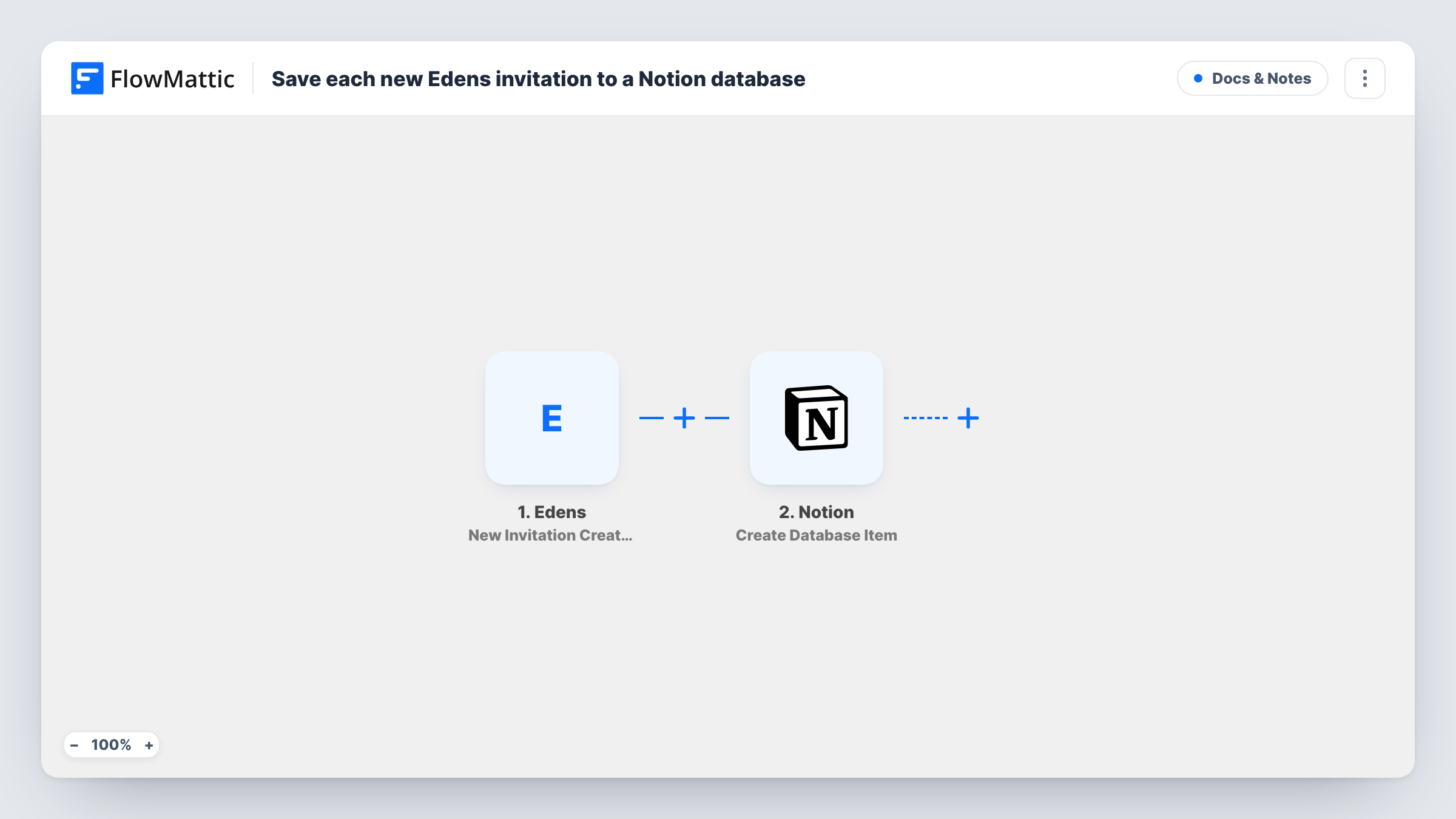
The Edens trigger fires when a new invitation is created in your account, and the invitation's data comes into FlowMattic. The Notion step then creates an item in the database you choose, with the invitation details mapped to the database's properties.
Each invitation gives one new Notion item. The workflow doesn't track what happens to the invitation afterwards, so an accepted invite is not updated in Notion as imported. Edens has a separate Invitation Accepted trigger if you want that recorded too. Task History shows every invitation the workflow handled and Notion's response.
Onboarding tracker in Notion
An operations lead keeps an onboarding board in Notion. Each Edens invitation appears as a card, ready for the checklist the team works through.
Record of invitations sent
A small company wants a history of every invitation sent from Edens, searchable alongside its other records in Notion.
Shared view for managers
Team leads without Edens access can see in Notion who has been invited, so they know who to expect.
How this workflow runs
What happens at each step once the workflow is on, and what you need before you import it.
 Edens New Invitation Created
Starts a run when a new invitation is created in your Edens account. The invitation's data is passed on for the Notion item.
- Notion Create Database Item
Creates an item in the Notion database you select, filled from the Edens invitation. Map the data to your database properties and connect your Notion account after import.
What you need
- FlowMatticCore
- Edens AccountAccount
- Notion AccountAccount
After importing, map your own data. To keep the template universal, not every step is pre-filled. Open each step in the builder and connect your accounts and fields (channels, lists, sheets, recipients) before you switch the workflow on.
Make it yours
Changes worth making after you import it.
- Add a Status property to the Notion database and set it to a fixed value like Invited in this step, so the board shows where each person stands.
- Import a second workflow from the Edens Invitation Accepted trigger to record acceptances in the same Notion database as new items, marked Accepted.
- Create one test invitation in Edens after import, then check Task History to see which fields arrived before mapping them to Notion properties.
Questions about this workflow
Which Notion database does the Edens invitation go into?
You choose it when you open the Notion step after importing the workflow. The Notion account you connect must have access to that database.
Is the Notion item updated when the invitation is accepted?
No. This workflow only adds an item when the invitation is created. Use the Edens Invitation Accepted trigger in another workflow if you want acceptances recorded.
Do I need both an Edens and a Notion account?
Yes. Edens supplies the invitation event and Notion stores the item. You connect both when you set up the imported workflow.
More Docs & Notes workflows
Other ready-to-import templates from the same category.



Import this workflow into your WordPress site
Download the JSON, import it from the Workflows screen and connect your accounts. Every run stays on your server, with no per-task fees.
30-day money-back guarantee Unlimited workflows and runs Self-hosted