

When a new submission is added in FormDesigner, create a document in Crove
Every new FormDesigner submission creates a document in Crove from the template you pick, filled with the answers the person gave, so agreements, quotes or forms are ready without retyping.
 FormDesigner
 Crove
Crove2 steps Setup ~5 min Used on 2.5k sites Free to import
What this workflow does
Forms collect the facts; documents are where those facts usually need to end up. If you build forms in FormDesigner and produce contracts, quotes or application forms in Crove, this workflow joins the two so each submission produces its own Crove document.
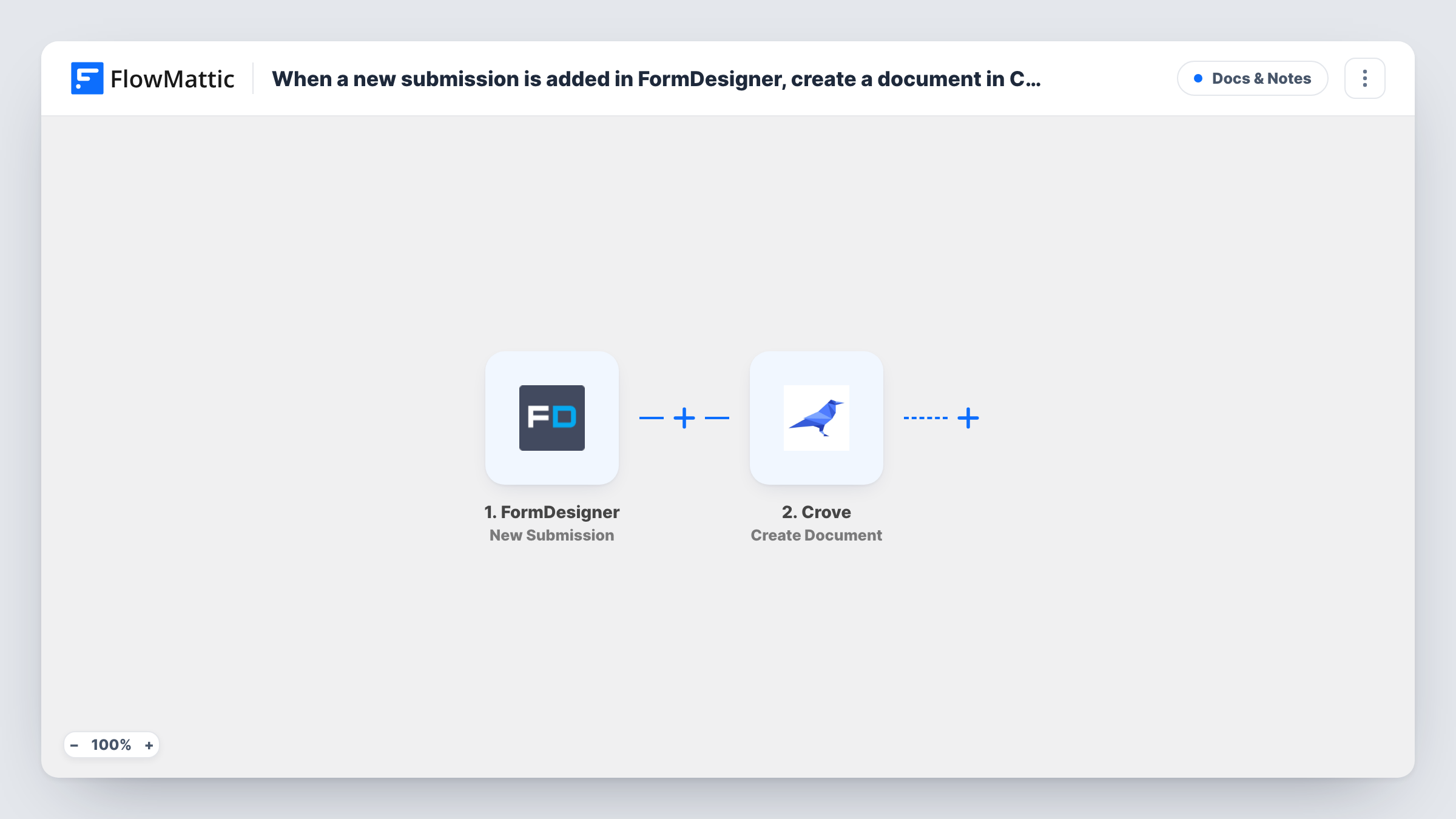
The FormDesigner trigger fires when a submission is added to a form. The answers are passed to the Crove step, which creates a document. You choose the Crove template after import and map the form's answers into it, such as the client name, address, service and date.
The template stops once the document is created. FlowMattic's Crove integration also has Generate PDF of Document and Create Email Invitation actions, so you can add a step that turns the document into a PDF or invites the person to complete it.
Every submission creates a new document, including tests you send while building the form. Prepare the Crove template before you import, then submit the form once and check Task History to see the document Crove returned.
Service agreements from an order form
A cleaning company's FormDesigner booking form creates a Crove service agreement with the client's address and chosen package for every booking.
Quotes from a calculator form
A print shop uses a FormDesigner calculator and turns each submission into a Crove quote document showing the quantity and price the customer worked out.
Application paperwork
A rental agent collects tenant details in FormDesigner and starts a Crove application document for each applicant.
How this workflow runs
What happens at each step once the workflow is on, and what you need before you import it.
 FormDesigner New Submission
Starts each time a submission is added to your FormDesigner form. Every answer the person gave can be mapped into the Crove document; a test submission shows the field names.
- Crove Create Document
Creates a document in Crove from the template you choose. Nothing is set in the template, so after import pick your Crove template and map the FormDesigner answers into its fields.
What you need
- FlowMatticCore
- FormDesigner AccountAccount
- Crove AccountAccount
After importing, map your own data. To keep the template universal, not every step is pre-filled. Open each step in the builder and connect your accounts and fields (channels, lists, sheets, recipients) before you switch the workflow on.
Make it yours
Changes worth making after you import it.
- Add Crove's Generate PDF of Document action after the Create Document step and map the document it created, so you get a PDF of each submission.
- To ask the submitter to review or sign, add Crove's Create Email Invitation action after Create Document and map their email from the form.
- If one FormDesigner form serves different document types, put a Router between the trigger and the Crove step, move that step into one route, give each other route its own Create Document step with its own template, and use answer conditions that can't both match.
Questions about this workflow
Do I need a Crove template before importing the FormDesigner workflow?
Yes. The Create Document step builds each document from a Crove template, so set one up in Crove first and choose it in the step after import.
Does this workflow send the Crove document to the person who filled in the form?
Not as imported. It only creates the document. Add an invitation or PDF step afterwards, then an email step, if the submitter should receive it.
What happens with test submissions in FormDesigner?
They start runs like real ones, so each creates a Crove document. Delete those test documents in Crove once your mapping is right.
More Docs & Notes workflows
Other ready-to-import templates from the same category.







Import this workflow into your WordPress site
Download the JSON, import it from the Workflows screen and connect your accounts. Every run stays on your server, with no per-task fees.
30-day money-back guarantee Unlimited workflows and runs Self-hosted