

Add TaskMagic scraped results to a Notion database
When a TaskMagic automation sends its scraped data to FlowMattic, the workflow creates an item in the Notion database you pick, filled with the values you map, so scraped results sit in a database you can sort and share.
 TaskMagic
 Notion
2 steps Setup ~5 min Used on 1.9k sites Free to import
What this workflow does
TaskMagic automations can collect data from web pages: prices, listings, profiles, anything the automation reads. That data is more useful in a Notion database, where you can sort it, add notes and share it with your team. This workflow moves each batch of scraped data into Notion.
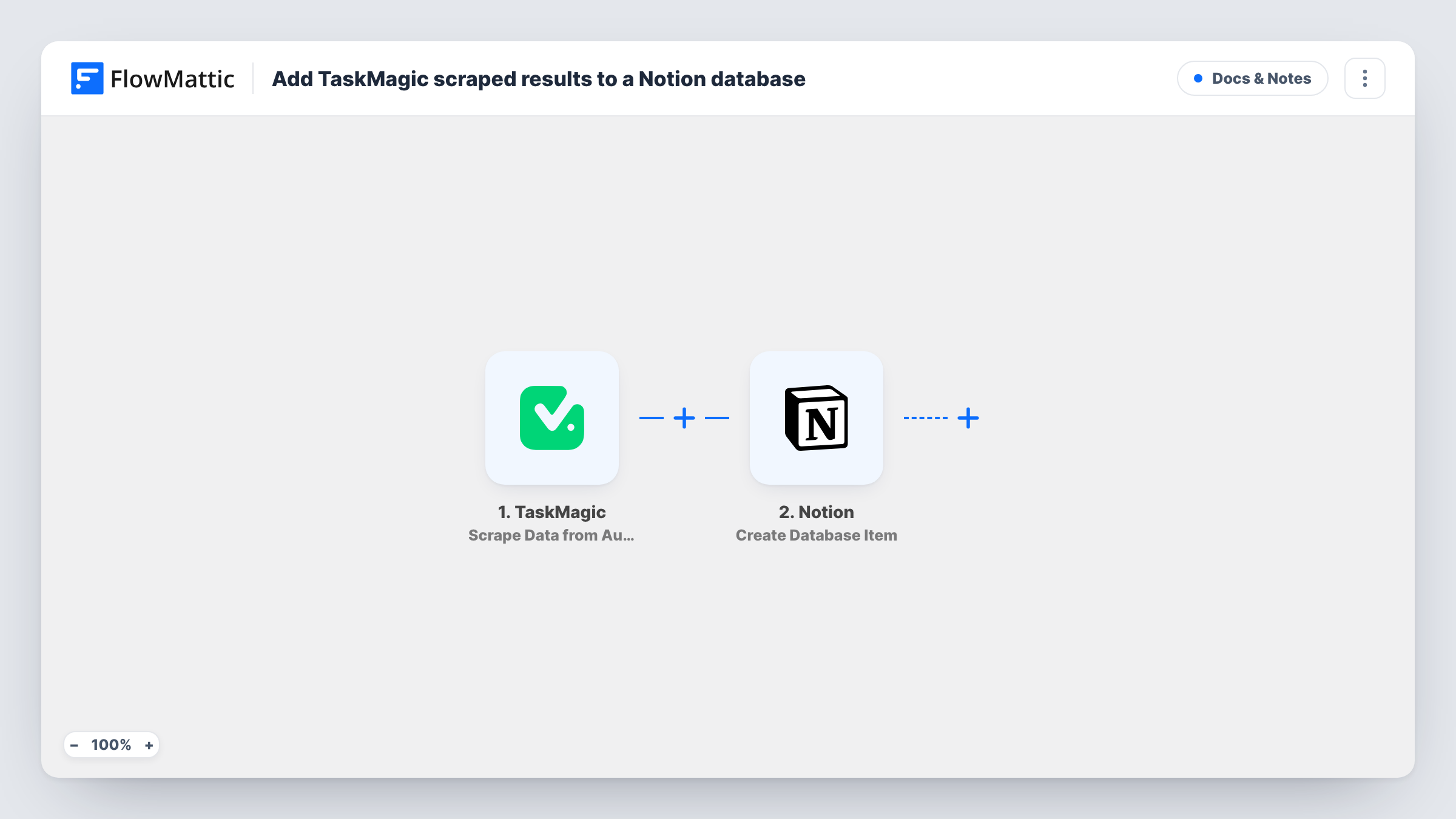
The TaskMagic trigger fires when scraped data is sent from your TaskMagic automation to FlowMattic. Whatever the automation sends becomes data you can map. FlowMattic then runs Create Database Item in Notion, which adds an item to the database you choose, with your mapped values in its properties.
Each time the automation sends data, one Notion item is created. If a single send holds a list of results, add an Iterator before the Notion step so each result gets its own item. Run your TaskMagic automation once after import so FlowMattic captures a sample to map from.
Competitor price watch
A TaskMagic automation reads product prices from competitor pages. Each result becomes a Notion item, so your team can compare and comment in one database.
Job or property listing research
Listings scraped from a site are added to a Notion database where you tag the interesting ones and track which you have followed up.
Prospect lists for outreach
Business details collected by TaskMagic land in a Notion database your sales team already uses to plan outreach.
How this workflow runs
What happens at each step once the workflow is on, and what you need before you import it.
 TaskMagic Scrape Data from Automation
Fires when your TaskMagic automation sends its scraped data to FlowMattic. Everything the automation sends is passed on for mapping into Notion.
- Notion Create Database Item
Adds an item to the Notion database you choose. Connect Notion on import, share the database with that connection, and map the scraped values into the database's properties.
What you need
- FlowMatticCore
- TaskMagic AccountAccount
- Notion AccountAccount
After importing, map your own data. To keep the template universal, not every step is pre-filled. Open each step in the builder and connect your accounts and fields (channels, lists, sheets, recipients) before you switch the workflow on.
Make it yours
Changes worth making after you import it.
- If one TaskMagic send carries many results, add an Iterator before the Notion step so every result becomes its own database item.
- Add a Filter after the trigger to skip sends where a key value is empty, so blank results never reach your Notion database.
- Create the Notion properties you need before mapping, for example a URL property for the source page and a date property for when it was scraped.
Questions about this workflow
Does the workflow check whether a scraped result is already in the Notion database?
No. Each send creates a new item. If your automation scrapes the same page again, expect a second item for it.
How does TaskMagic data reach FlowMattic?
Your TaskMagic automation sends the scraped data, and the FlowMattic trigger receives it. Send a test run from TaskMagic after import to confirm the data arrives.
Can I send TaskMagic results to Google Sheets instead of Notion?
Yes. Replace the Notion step with a Google Sheets Add New Row step and map the same values into columns.
Why doesn't my Notion database show up in the step?
Notion only lets a connection see pages and databases shared with it. Share the database with your FlowMattic connection in Notion, then reload the step.
More Docs & Notes workflows
Other ready-to-import templates from the same category.






Import this workflow into your WordPress site
Download the JSON, import it from the Workflows screen and connect your accounts. Every run stays on your server, with no per-task fees.
30-day money-back guarantee Unlimited workflows and runs Self-hosted