

Record approved Crowdin suggested translations in a Notion database
Each time a translation for a string is approved in Crowdin, this workflow creates an item in a Notion database with the details you map, building a record of approved translations your team can search.
 Crowdin
 Notion
2 steps Setup ~5 min Used on 2.3k sites Free to import
What this workflow does
Approved translations are the ones your team has agreed on, and they are worth keeping somewhere people outside Crowdin can read: writers checking terminology, product managers reviewing copy, or new translators learning the house style. This workflow copies each approval into a Notion database.
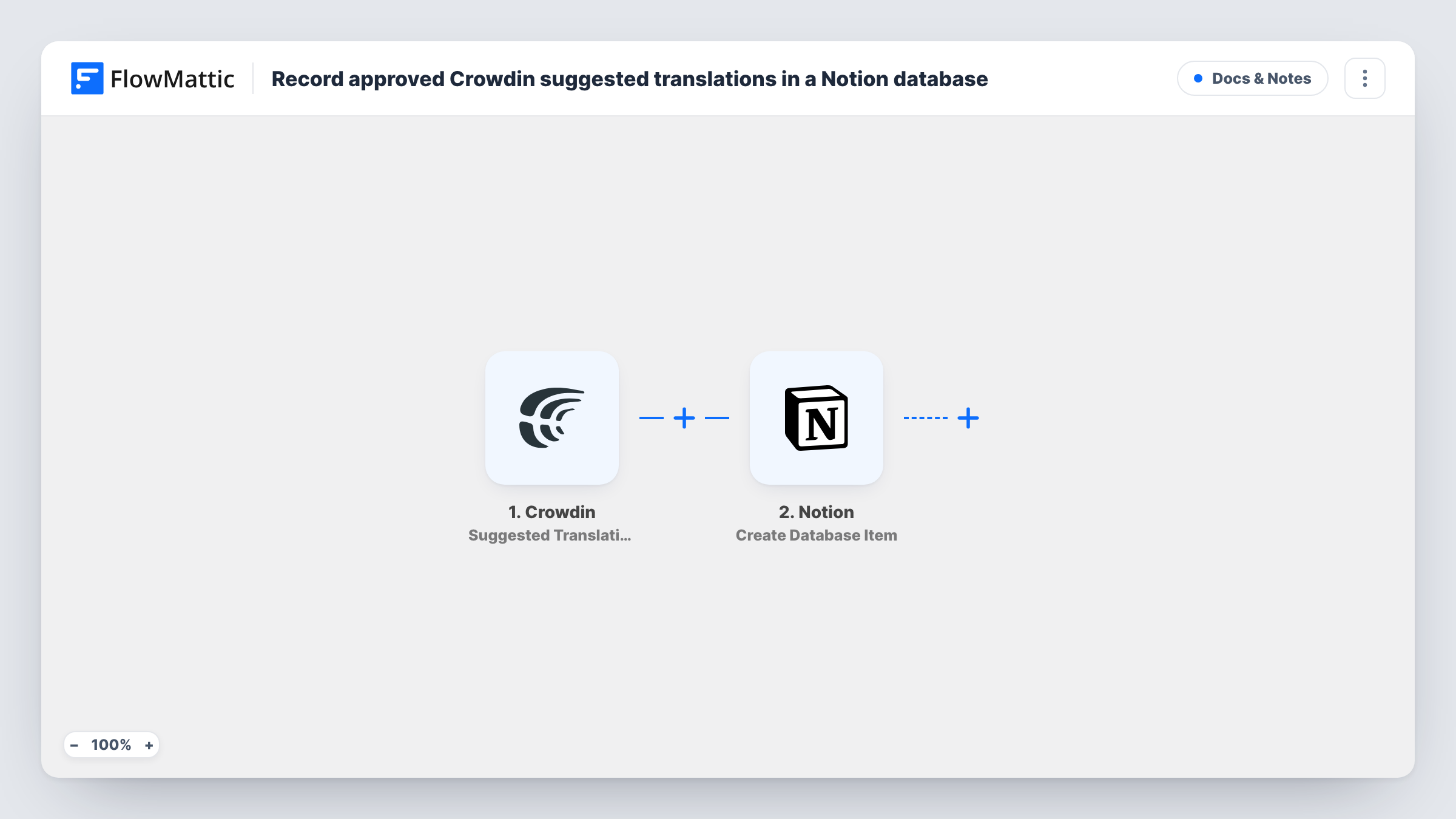
The Crowdin trigger, Suggested Translation Approved, fires when a translation for a string is approved. The event data Crowdin sends, such as the source text, the translation and the language, is passed on to map.
The second step runs Create Database Item in Notion. You choose the database and match its properties to the Crowdin data. Every approval adds a new item, so on a large project the database grows quickly, and a string approved again later adds another item. Task History keeps a record of each Notion item created.
A terminology reference for writers
Content writers who never log in to Crowdin search the Notion database to see how a product term was translated in each language.
Review log for a localization manager
Group the Notion items by language to see what was approved each week, and spot strings worth a second look.
Onboarding new translators
Share the Notion database with a new freelancer so they can read approved translations before they start on your project.
How this workflow runs
What happens at each step once the workflow is on, and what you need before you import it.
 Crowdin Suggested Translation Approved
Fires when a translation for a string is approved in Crowdin. The event's data, such as the string, its translation and the language, becomes available to map into Notion.
- Notion Create Database Item
Adds one Notion database item per approved Crowdin translation. Connect Notion, share the database with the integration, and map the Crowdin details to the database's properties.
What you need
- FlowMatticCore
- Crowdin AccountAccount
- Notion AccountAccount
After importing, map your own data. To keep the template universal, not every step is pre-filled. Open each step in the builder and connect your accounts and fields (channels, lists, sheets, recipients) before you switch the workflow on.
Make it yours
Changes worth making after you import it.
- Add a Filter after the trigger that continues only for one language or one project, if your Notion database is meant for a single team.
- Approve one test translation in Crowdin after import so FlowMattic captures real data. You can then create Notion properties that match the fields you want to keep.
- Add a Notion property for the approval date and map a date from the Crowdin event, if it includes one, so you can sort items over time.
Questions about this workflow
Which Crowdin approvals reach the Notion database?
Every approval the trigger receives from your connected Crowdin account. Add a Filter on the project or language if you only want some of them.
Will an updated Crowdin translation replace the Notion item?
No. The workflow only creates items. A translation approved again later adds a new item rather than changing the existing one.
Does my Notion database need set properties first?
Yes. Create the database with the properties you want, such as source text, translation and language, and share it with your Notion connection before mapping.
Are translations approved before importing copied to Notion?
No. Only approvals that happen after the workflow is turned on create items.
More Docs & Notes workflows
Other ready-to-import templates from the same category.




Import this workflow into your WordPress site
Download the JSON, import it from the Workflows screen and connect your accounts. Every run stays on your server, with no per-task fees.
30-day money-back guarantee Unlimited workflows and runs Self-hosted