

Create a Google Docs file from every new Social Intents missed chat
Each time a visitor’s chat goes unanswered in Social Intents, this workflow creates a new Google Docs file from the missed chat’s details, giving your team one document per missed conversation to follow up from.
 Social Intents
 Google Docs
2 steps Setup ~5 min Used on 829 sites Free to import
What this workflow does
A missed chat is a visitor who wanted to talk and found nobody there. If the only record sits inside the chat tool, it is easy for nobody to pick it up later. This workflow turns every missed chat into its own Google Doc, so each one becomes a file your team can open, assign and work through.
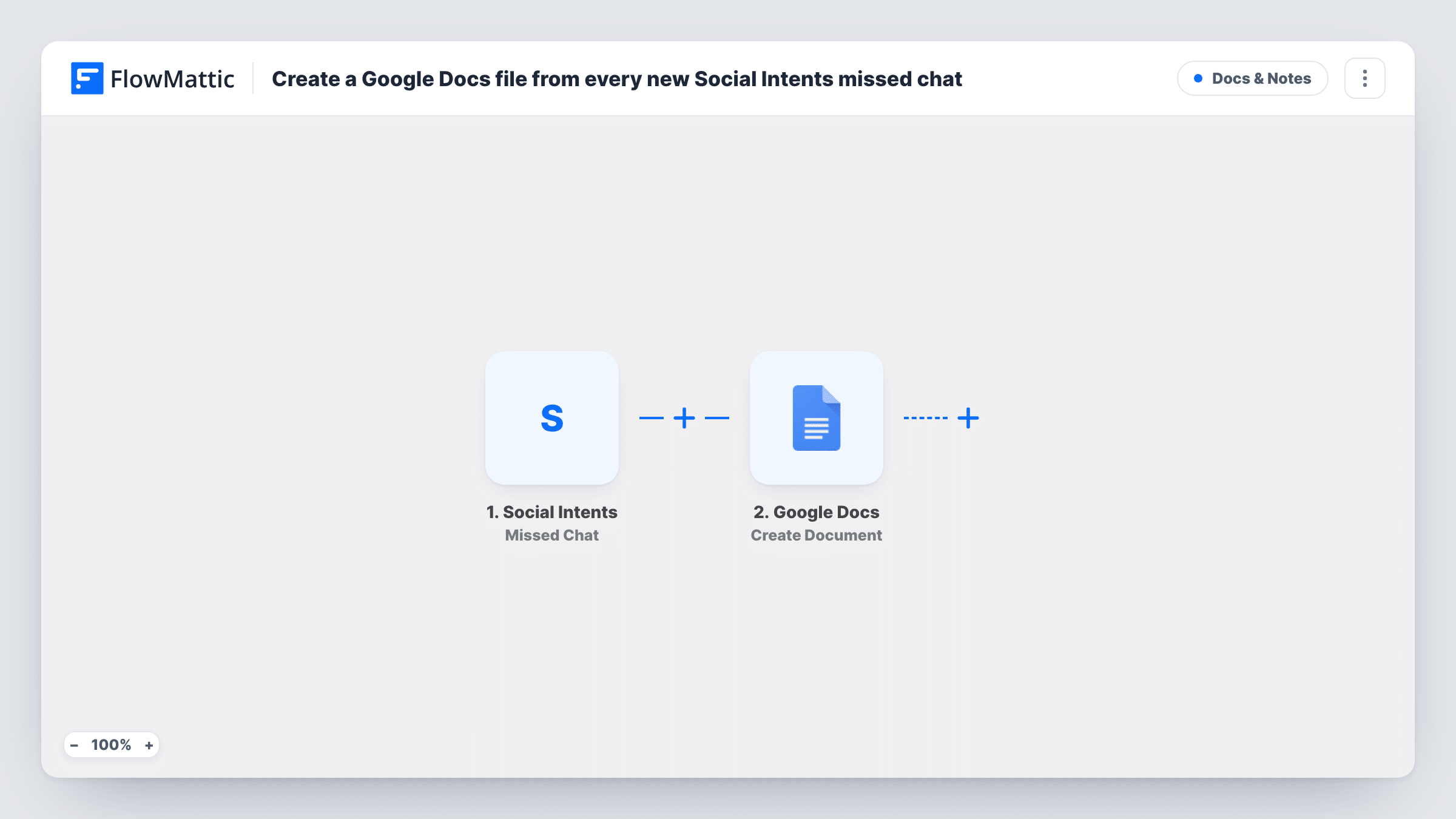
The Social Intents trigger fires when a visitor chat is missed. FlowMattic receives the data Social Intents sends about that chat and passes it to Google Docs. The Create Document action makes a new doc in your Google account, and you decide what goes into it by mapping the chat data into the step after import.
Nothing else happens in the run. The workflow doesn't reply to the visitor or alert anyone; it only creates the file. Each run appears in Task History, so you can check what Social Intents sent and whether the document was created.
After-hours chats on a small business site
Visitors who start a chat overnight leave a missed chat behind. In the morning, staff open the Google Docs files created overnight and contact each visitor who left a way to reach them.
Reviewing gaps in chat coverage
A support lead scans the docs created during a week to see when missed chats pile up, then adjusts who is online in Social Intents at those times.
Handing missed sales chats to a rep
A rep without a Social Intents seat gets access to the folder in Google Drive and works from the missed-chat docs there.
How this workflow runs
What happens at each step once the workflow is on, and what you need before you import it.
 Social Intents Missed Chat
Fires whenever a visitor chat is missed in Social Intents. The data Social Intents sends about that chat becomes available to map in the Google Docs step.
- Google Docs Create Document
Creates a new Google Doc for the missed chat. Connect your Google account, then map the chat data into the document's name and content. Run a test after import to see which chat fields arrive.
What you need
- FlowMatticCore
- Social Intents AccountAccount
- Google Docs AccountAccount
After importing, map your own data. To keep the template universal, not every step is pre-filled. Open each step in the builder and connect your accounts and fields (channels, lists, sheets, recipients) before you switch the workflow on.
Make it yours
Changes worth making after you import it.
- Put the visitor's name or the chat date in the document title when you map the step, so the files are easy to tell apart in Google Drive.
- Want a ready-made layout? Swap the action for Google Docs Create Document From Template, which fills placeholder variables in a template doc you design.
- Add a Slack or email step after Google Docs if someone should hear about each missed chat as well as have a file for it.
Questions about this workflow
Does a Social Intents chat that was answered also create a Google Doc?
No. The trigger is Missed Chat, so only chats nobody answered start the workflow. Social Intents has a separate Answered Chat trigger in FlowMattic if you want those too.
Which details from the missed chat end up in the Google Doc?
Only what you map into the Create Document step. Send a test missed chat after import, then look at the captured data in FlowMattic to see what Social Intents provides and choose what to include.
Will the Google Doc be shared with my team automatically?
The doc is created in the Google account you connect. Who can see it depends on that account's Drive sharing, so share the folder with your team in Google Drive.
Are missed chats from before I turn on the workflow added to Google Docs?
No. The trigger reacts to chats missed after the workflow is active. Earlier missed chats stay in Social Intents only.
More Docs & Notes workflows
Other ready-to-import templates from the same category.




Import this workflow into your WordPress site
Download the JSON, import it from the Workflows screen and connect your accounts. Every run stays on your server, with no per-task fees.
30-day money-back guarantee Unlimited workflows and runs Self-hosted