

When an email is received in Email Parser, create a new post in WordPress
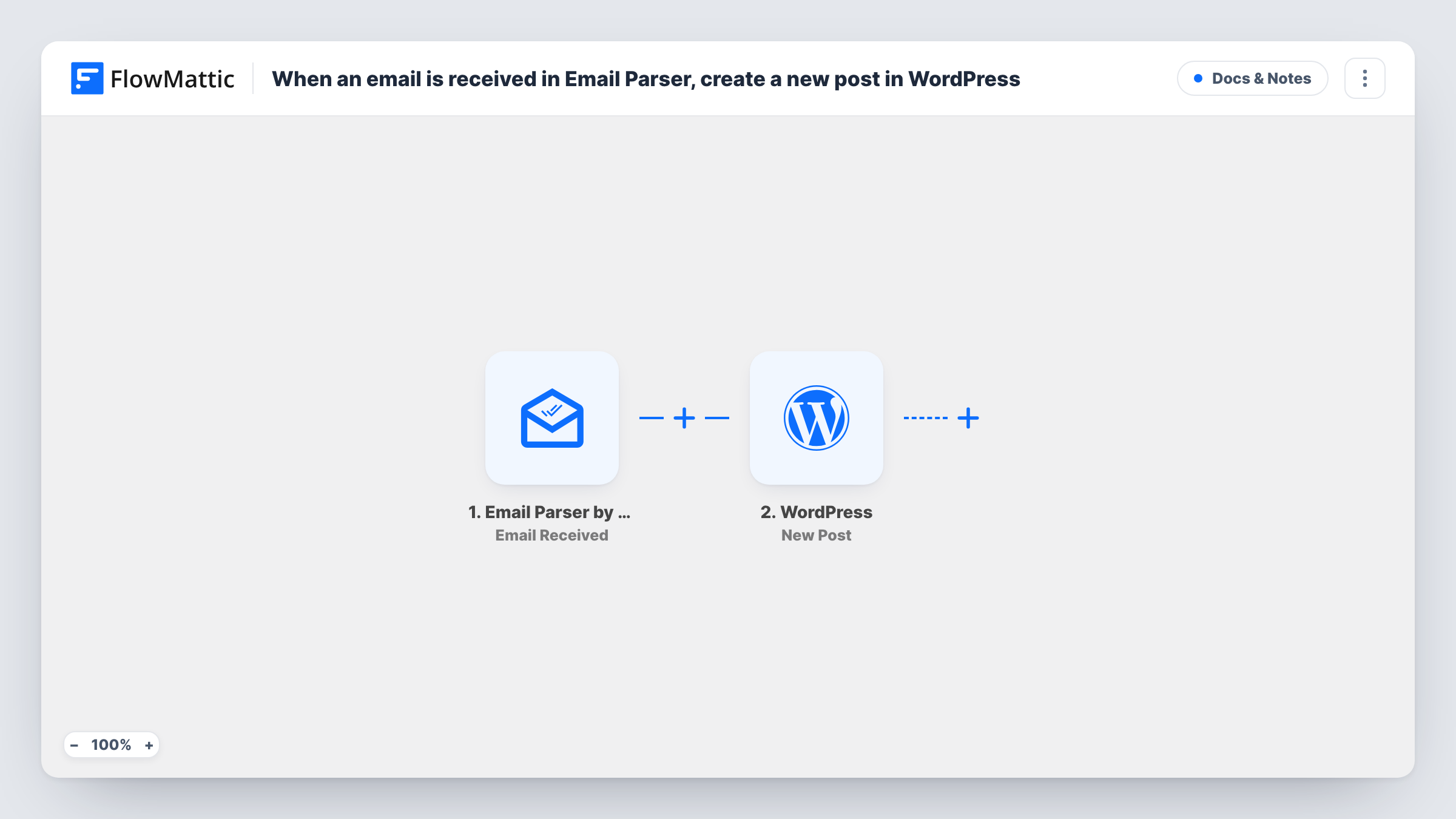
Send an email to your Email Parser by FlowMattic address and this workflow creates a WordPress post from it, so you can draft or publish content on your site straight from your mail app.
 Email Parser by FlowMattic
 WordPress
2 steps Setup ~5 min Used on 2.9k sites Free to import
What this workflow does
Ideas for posts often start away from the WordPress dashboard: on your phone, in a newsletter draft, or in a note a colleague sends you. Logging in to paste each one into the editor slows you down. This workflow lets you write the email and have the post created on your site.
The Email Parser by FlowMattic trigger gives you a dedicated address. When a message arrives there, FlowMattic reads it and makes its parts available to map, such as the subject and the body. The WordPress step then runs New Post and creates a post on the same site as FlowMattic, using the email parts you mapped.
Every message that reaches the parser address creates a post, whoever sent it. Keep the address private, or add a Filter on the sender, before you turn the workflow on. Run a test email and look at the result in WordPress to see whether the post is saved the way you want before relying on it.
Blogging from your phone
A travel writer emails short updates from the road. Each message becomes a WordPress post without opening the dashboard on a small screen.
Announcements from office staff
A school office emails notices to the parser address, and each one becomes a post on the school website for an editor to review.
Turning newsletters into posts
A small business forwards each newsletter it sends to the parser address, so the site keeps an archive of every issue as a post.
How this workflow runs
What happens at each step once the workflow is on, and what you need before you import it.
 Email Parser by FlowMattic Email Received
Fires when an email lands at your Email Parser by FlowMattic address. The message parts, such as subject, body and sender, become available to map into the post.
- WordPress New Post
Creates a post on your WordPress site from the email. Map the subject to the title and the body to the content, then test once to check how the post looks and which status it gets.
What you need
- FlowMatticCore
After importing, map your own data. To keep the template universal, not every step is pre-filled. Open each step in the builder and connect your accounts and fields (channels, lists, sheets, recipients) before you switch the workflow on.
Make it yours
Changes worth making after you import it.
- Add a Filter after the trigger that continues only when the sender matches your own email address, so messages from anyone else never become posts.
- Send a test email with a heading, a link and a short list, then open the post in WordPress to see how the formatting carried over before you rely on it.
- Add an email or Slack notification after the WordPress step with the new post's details, so an editor knows something is waiting to be checked.
Questions about this workflow
Can anyone who knows my Email Parser address create WordPress posts?
As imported, yes. Every email that reaches the address runs the workflow. Add a Filter on the sender's address after the trigger to accept only people you trust.
Are posts published straight away or saved as drafts?
The template doesn't show which status new posts get. Send a test email and look at the new post in WordPress to confirm its status before you use the workflow for real.
Do email attachments become images in the WordPress post?
The template doesn't handle attachments. It creates the post from the email parts you map, so plan on adding images in WordPress yourself.
Do I need a separate mailbox for the Email Parser trigger?
No. Email Parser by FlowMattic gives you the address to send or forward to, so you don't connect your own inbox.
More Docs & Notes workflows
Other ready-to-import templates from the same category.






Import this workflow into your WordPress site
Download the JSON, import it from the Workflows screen and connect your accounts. Every run stays on your server, with no per-task fees.
30-day money-back guarantee Unlimited workflows and runs Self-hosted