

Create new Notion database items from newly created Lemon Squeezy orders
Every new Lemon Squeezy order becomes an item in the Notion database you choose, filled with the order details you map, so your sales list lives in the same workspace as your notes and plans.
 Lemon Squeezy
 Notion
2 steps Setup ~5 min Used on 2.6k sites Free to import
What this workflow does
Lemon Squeezy keeps your orders in its own dashboard. If your team plans launches, tracks customers or writes up sales in Notion, those orders have to be copied across before anyone can link to them or add notes. This workflow puts each new order into a Notion database for you.
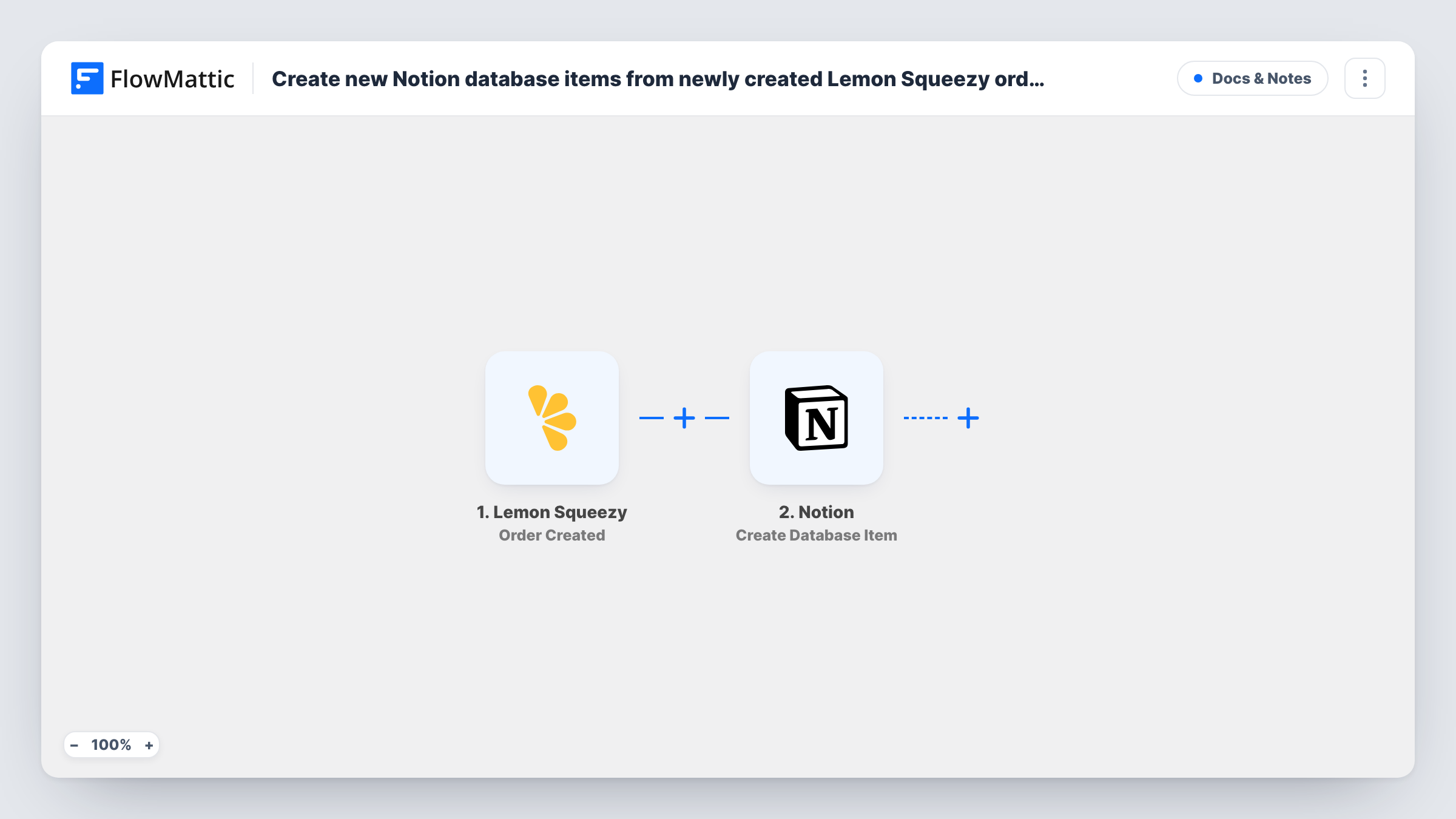
Each time your store records a new order, the Lemon Squeezy trigger starts a run. FlowMattic receives the order data and passes it to Notion, where the Create Database Item step adds one item to the database you pick. You decide which order values go into which properties, such as the customer email in an email property and the order total in a number property.
Each order creates one new item. The step always creates, so it never looks for an existing item to update. Refunds are a separate Lemon Squeezy event and don't change the item. Task History records every run, so you can see the order data that arrived and what Notion sent back.
Sales log for a digital product launch
Launch a course or template pack on Lemon Squeezy and watch the orders fill a Notion table your team already uses for launch planning, with a notes column for follow-ups.
Customer onboarding checklist
Each order becomes a Notion item with a status property you add yourself, so someone can work through welcome emails or setup calls and tick each buyer off.
Monthly revenue review
Group or filter the Notion database by date and product to review the month's orders in a page alongside your other business notes.
How this workflow runs
What happens at each step once the workflow is on, and what you need before you import it.
 Lemon Squeezy Order Created
Starts a run for every order your Lemon Squeezy store takes. Place a test order after import so FlowMattic captures the order fields you can map.
- Notion Create Database Item
Adds a new item to the Notion database you select. Map the Lemon Squeezy order values into the database properties, and share the database with your Notion connection first.
What you need
- FlowMatticCore
- Lemon Squeezy AccountAccount
- Notion AccountAccount
After importing, map your own data. To keep the template universal, not every step is pre-filled. Open each step in the builder and connect your accounts and fields (channels, lists, sheets, recipients) before you switch the workflow on.
Make it yours
Changes worth making after you import it.
- Add a Filter after the trigger so only orders for one product reach this database, which helps when a single store sells several unrelated things.
- Set up a second workflow on the Lemon Squeezy Order Refunded trigger that logs refunds to the same Notion database as their own items, with the order identifier so you can match them up.
- Map the Lemon Squeezy order identifier into its own text property. It makes each Notion item easy to match against the order in your Lemon Squeezy dashboard.
Questions about this workflow
Will Lemon Squeezy orders placed before import show up in Notion?
No. The trigger reacts to orders created after the workflow is on, so earlier orders stay only in Lemon Squeezy.
Does a repeat customer get a single Notion item?
No. Each order is its own run, and Create Database Item always adds a new item, so a customer who buys twice appears twice.
Do my Notion property names have to match Lemon Squeezy fields?
No. You choose the mapping in the Notion step, so your properties can have any names. Match each property's type to the data you map into it.
Does the Notion item change if the Lemon Squeezy order is refunded?
No. This template only listens for new orders. Use the Order Refunded trigger in another workflow if refunds need to show in Notion.
More Docs & Notes workflows
Other ready-to-import templates from the same category.




Import this workflow into your WordPress site
Download the JSON, import it from the Workflows screen and connect your accounts. Every run stays on your server, with no per-task fees.
30-day money-back guarantee Unlimited workflows and runs Self-hosted