

Record new Lokalise contributors in a Notion database
When an admin invites a new contributor to a Lokalise project, this workflow creates an item for them in a Notion database, so you keep one roster of translators and reviewers across your projects.
 Lokalise
 Notion
2 steps Setup ~5 min Used on 1.4k sites Free to import
What this workflow does
Localisation teams change often. Freelance translators join for one language, reviewers come in for a release, and agencies add people of their own. Lokalise knows who is on each project, but the rest of your team plans work in Notion. This workflow adds each invited contributor to a Notion database as they join.
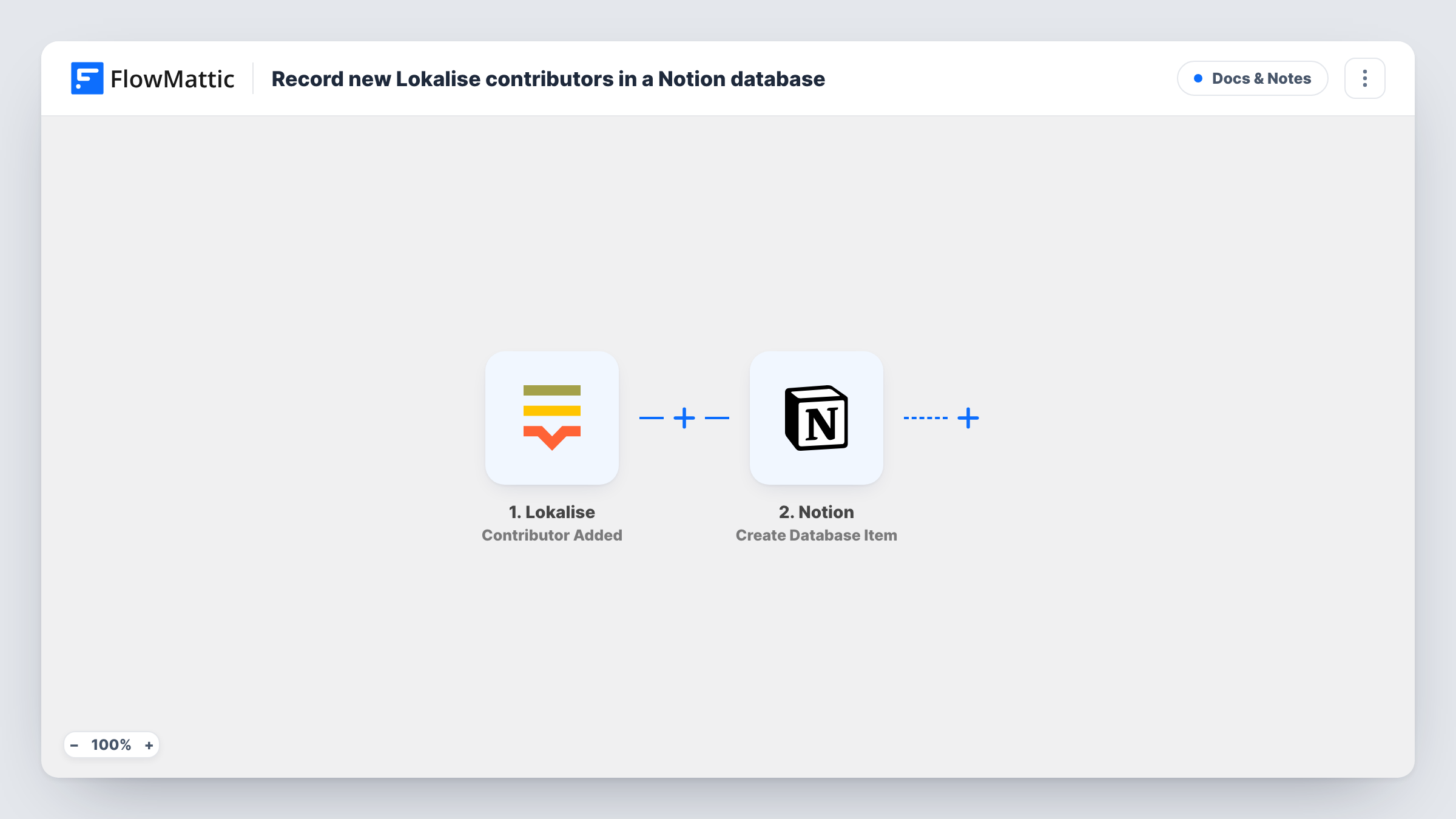
The Lokalise trigger fires when a new contributor is added to a project by invitation of an admin. FlowMattic passes the contributor and project details to Notion, where Create Database Item adds an item to the database you choose. You map the values the trigger returns, such as name, email and project, into the database's properties.
People who join through a project's public signup link don't fire this trigger. Lokalise reports those with a separate Contributor Added Public event. The Notion item is created once and is not changed if the contributor is later removed.
Freelance translator roster
A product team invites freelancers into Lokalise per language. The Notion database lists each one with their project, ready for rates, contracts and contact notes.
Onboarding checklist per contributor
Each new database item can carry a status property your localisation manager uses to track access, style guide and first task for the new person.
Agency oversight across clients
A localisation agency runs several client projects in Lokalise. The Notion database shows who was invited where, across all of them.
How this workflow runs
What happens at each step once the workflow is on, and what you need before you import it.
 Lokalise Contributor Added
Fires when an admin invites a new contributor to a Lokalise project. The contributor and project details the event carries are passed to the Notion step.
- Notion Create Database Item
Adds the new contributor as one row in your chosen Notion database. Map the contributor details from Lokalise into the database properties, and connect your Notion account with access to that database.
What you need
- FlowMatticCore
- Lokalise AccountAccount
- Notion AccountAccount
After importing, map your own data. To keep the template universal, not every step is pre-filled. Open each step in the builder and connect your accounts and fields (channels, lists, sheets, recipients) before you switch the workflow on.
Make it yours
Changes worth making after you import it.
- Build a second workflow on Lokalise's Contributor Added Public trigger with the same Notion step, so people who join through the public signup link reach the roster too.
- If a test run shows the contributor's languages in the trigger data, map them into a multi-select property so you can filter the roster by language.
- Pair it with a workflow on Contributor Removed that adds a note or item to a separate Notion database, if you want a record of who left each project.
Questions about this workflow
Does this catch Lokalise contributors who sign up through a public link?
No. This trigger covers contributors invited by an admin. Lokalise sends public signups as Contributor Added Public, so add a second workflow on that trigger if you use public links.
What does the Notion database need?
Properties for the values you want to store, such as name, email and project. Share the database with your Notion connection so FlowMattic can add items to it.
Will the Notion item be removed when someone leaves the Lokalise project?
No. This flow never edits or deletes Notion entries. Removing a contributor in Lokalise does not change the Notion database.
Are my existing Lokalise contributors added?
No. Only contributors invited after the workflow is on are added to the database.
More Docs & Notes workflows
Other ready-to-import templates from the same category.




Import this workflow into your WordPress site
Download the JSON, import it from the Workflows screen and connect your accounts. Every run stays on your server, with no per-task fees.
30-day money-back guarantee Unlimited workflows and runs Self-hosted