

Add a Notion database entry for each updated GrowthBook experiment
Every time an experiment is updated in GrowthBook, this workflow adds a new item to a Notion database, giving your team a written trail of experiment changes next to the rest of its docs.
 GrowthBook
 Notion
2 steps Setup ~5 min Used on 1.4k sites Free to import
What this workflow does
Experiments change shape while they run. Someone adjusts a variation, changes the traffic split, or stops the test, and the reasoning lives in GrowthBook while the team's notes live in Notion. This workflow writes each update into a Notion database, so anyone reading your experiment docs can see what changed and when.
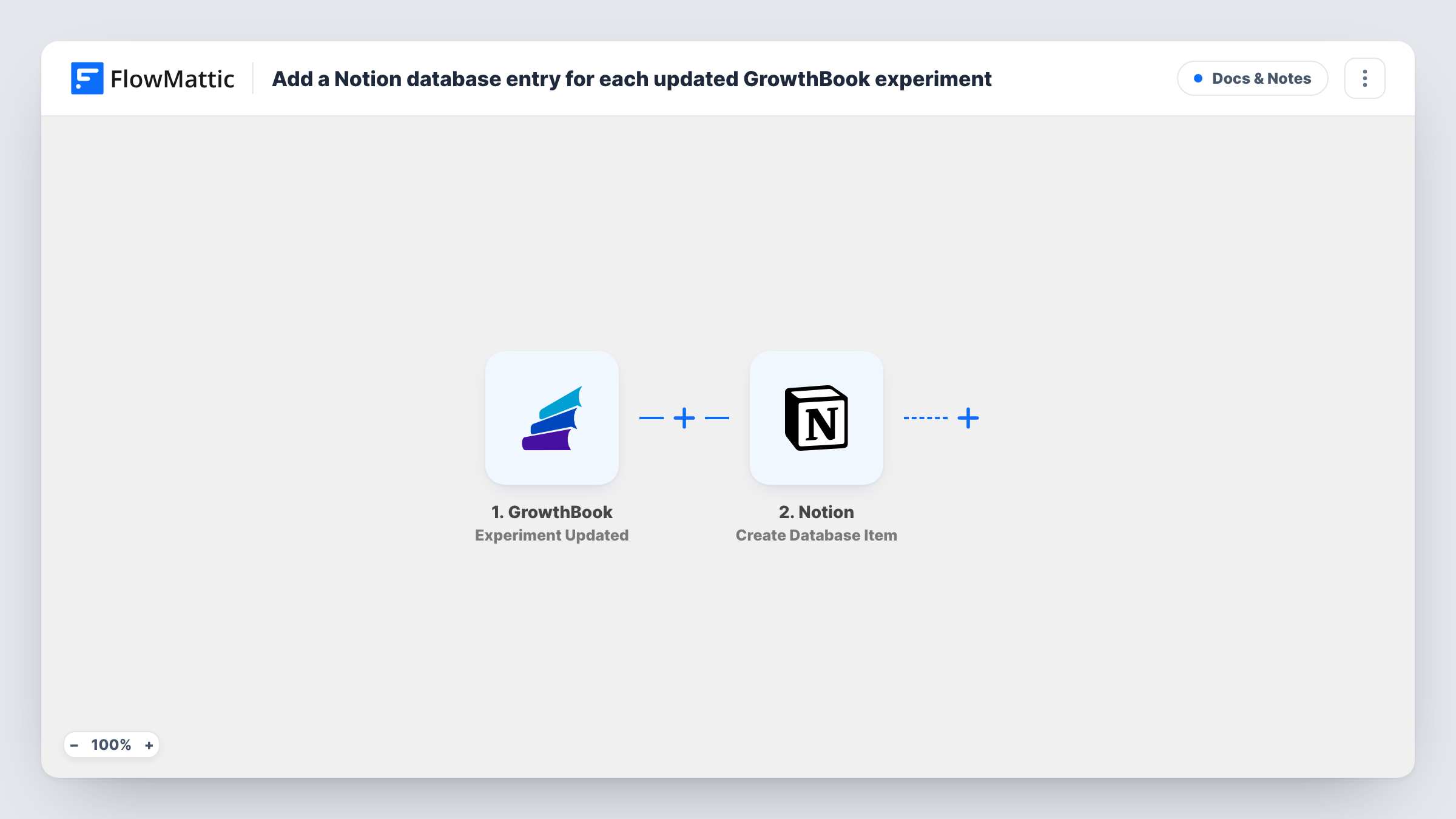
The GrowthBook trigger runs whenever an experiment in your account is updated. FlowMattic receives the experiment data GrowthBook sends with that event. The Notion step then creates a database item, and you map the experiment data into the database's properties.
Each update creates a separate item. The workflow does not look for an existing page for that experiment and edit it, so an experiment that changes five times gets five entries. That suits a change log. The FAQ below covers what to change if you want one page per experiment. Task History keeps a record of every run, including what was sent to Notion.
Experiment change log for product reviews
Before a weekly review, the product team sorts the Notion database by date and reads every experiment update from the past week in one view.
Audit trail for growth teams
When a test result looks odd, an analyst checks the Notion entries for that experiment to see when it was changed during the run.
Linking experiments to specs
Your feature specs already live in Notion. A relation property lets the team connect each new experiment entry to the spec it tests.
How this workflow runs
What happens at each step once the workflow is on, and what you need before you import it.
 GrowthBook Experiment Updated
Runs each time an experiment is updated in your GrowthBook account. The experiment data GrowthBook sends is passed to the Notion step for mapping.
- Notion Create Database Item
Creates a new item in the Notion database you choose. Connect your Notion account, share the database with it, and map the experiment data into the database's properties.
What you need
- FlowMatticCore
- GrowthBook AccountAccount
- Notion AccountAccount
After importing, map your own data. To keep the template universal, not every step is pre-filled. Open each step in the builder and connect your accounts and fields (channels, lists, sheets, recipients) before you switch the workflow on.
Make it yours
Changes worth making after you import it.
- Update a test experiment in GrowthBook after import so FlowMattic captures a real payload. You can then see which experiment fields exist before mapping them to Notion properties.
- Add a Created time property to the Notion database. Notion fills it in for each new item, so the change log sorts in the order the updates arrived.
- Add a Filter after the trigger when only some experiments matter, for example ones whose name contains a project prefix, so other updates stay out of the database.
Questions about this workflow
Does each GrowthBook experiment get a single Notion page?
No. Every update creates a new database item, so one experiment can have many entries. To keep one page per experiment, you would need to change the workflow to find and update an existing item.
Which Notion database does the GrowthBook data go to?
The one you pick in the Notion step after import. Create the database and its properties first, then connect your Notion account and give it access to that database.
Will a new GrowthBook experiment be logged in Notion too?
The trigger is Experiment Updated, so the workflow is built around changes to experiments. Create a test experiment after import and check Task History to see whether that event starts a run in your setup.
More Docs & Notes workflows
Other ready-to-import templates from the same category.




Import this workflow into your WordPress site
Download the JSON, import it from the Workflows screen and connect your accounts. Every run stays on your server, with no per-task fees.
30-day money-back guarantee Unlimited workflows and runs Self-hosted