

Save MoreApp submission data to a Notion database
Each form an end-user submits in MoreApp becomes a new item in your Notion database, so inspection reports, checklists and field forms sit in Notion where your team already plans and reviews work.
 MoreApp
 Notion
2 steps Setup ~5 min Used on 965 sites Free to import
What this workflow does
Crews use MoreApp on phones and tablets for inspections, work orders, delivery notes and safety checks. Once a form is in, the office often wants it next to everything else the team tracks, and for many teams that place is Notion. This workflow files every MoreApp submission as a database item without anyone copying answers across.
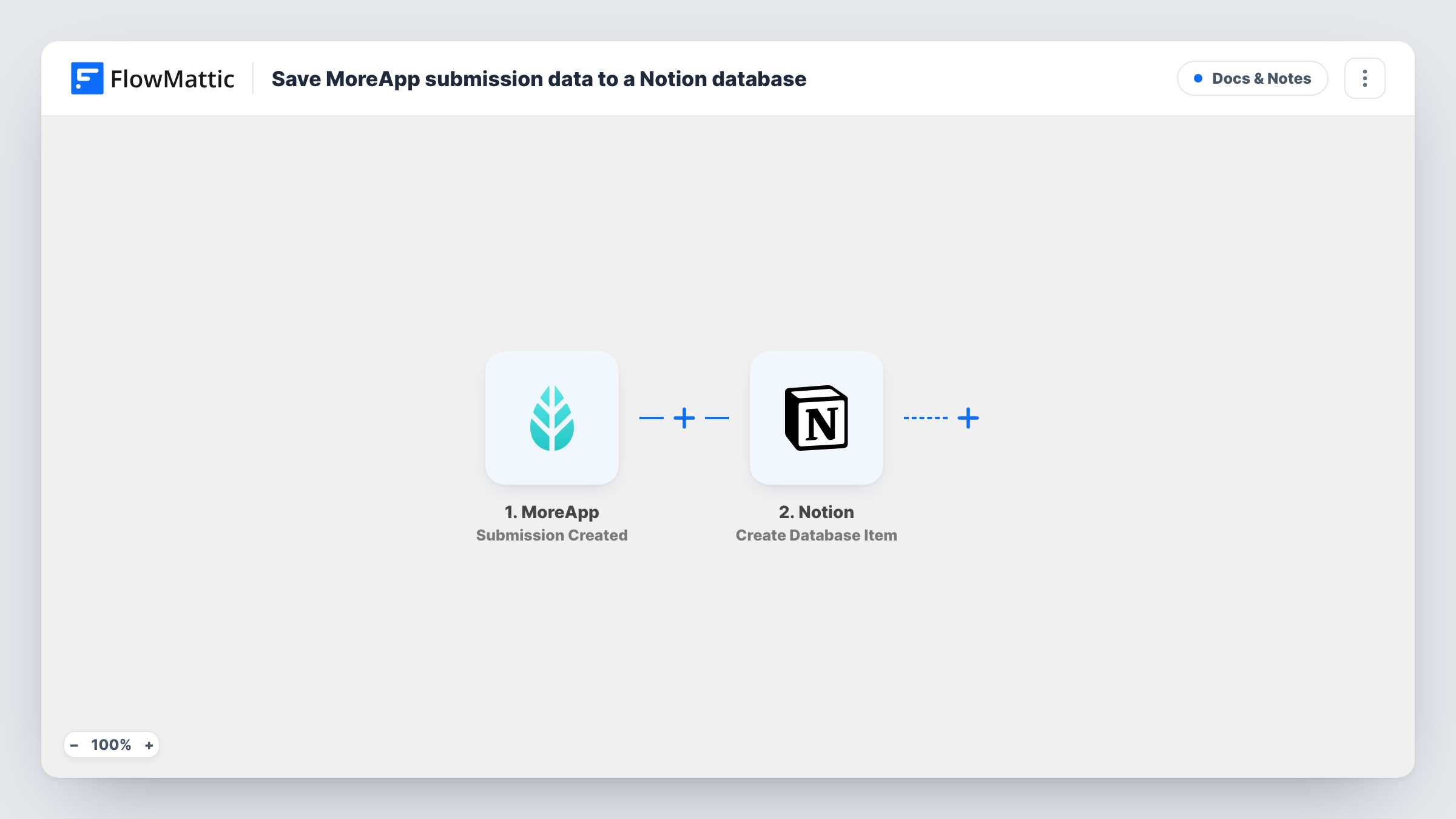
The MoreApp trigger fires when an end-user has submitted a form. Each answer on the completed form is then ready for mapping. Notion then runs Create Database Item, adding an item to the database you choose with those values placed in its properties.
Every submission adds one item, so a form submitted twice produces two. Changes made to a submission in MoreApp later don't reach Notion. Make sure the Notion integration you connect has access to the target database. Task History shows each run and Notion's response.
Site inspection log
Inspectors complete a MoreApp checklist at each property, and every report appears as a Notion item the office can filter by site or inspector.
Maintenance requests from the field
Technicians report faults on a MoreApp form, and each one becomes a Notion item that the planning team assigns and tracks.
Delivery and service records
Drivers fill in a delivery form on their phone, and the Notion database becomes the searchable record of what was delivered and when.
How this workflow runs
What happens at each step once the workflow is on, and what you need before you import it.
 MoreApp Submission Created
Runs as soon as someone in the field completes and sends a MoreApp form. The submitted answers are passed on as values for the Notion step.
- Notion Create Database Item
Files the submission as a new entry in your chosen Notion database. Map the MoreApp answers to the database's properties, such as a title and date, and connect your Notion account on import.
What you need
- FlowMatticCore
- MoreApp AccountAccount
- Notion AccountAccount
After importing, map your own data. To keep the template universal, not every step is pre-filled. Open each step in the builder and connect your accounts and fields (channels, lists, sheets, recipients) before you switch the workflow on.
Make it yours
Changes worth making after you import it.
- Set up the Notion database's properties before mapping, so each MoreApp answer has a matching property of the right type, such as a date or select.
- If you run several MoreApp forms, add a Filter after the trigger that continues only for the form this database is meant for.
- Submit one test form in MoreApp after import so FlowMattic captures the real answers, then map them into the Notion step.
Questions about this workflow
Why doesn't the MoreApp item appear in my Notion database?
The most common cause is that the Notion connection can't reach that database. Share the database with the integration you connected, then check Task History for Notion's error message.
Are photos or signatures from MoreApp copied into Notion?
Only what the MoreApp event includes and what you map. Look at a captured test submission to see which values are available before you plan around them.
Do older MoreApp submissions get added to Notion?
No. Only forms submitted after you turn the workflow on create items. Earlier submissions stay in MoreApp.
More Docs & Notes workflows
Other ready-to-import templates from the same category.






Import this workflow into your WordPress site
Download the JSON, import it from the Workflows screen and connect your accounts. Every run stays on your server, with no per-task fees.
30-day money-back guarantee Unlimited workflows and runs Self-hosted