

Add a Notion database entry when a Localazy tag is promoted
When a release tag is promoted in Localazy, this workflow adds an item to a Notion database, giving your team a running log of translation releases in the workspace they already use.
 Localazy
 Notion
2 steps Setup ~5 min Used on 1.7k sites Free to import
What this workflow does
Localazy release tags mark which set of translations is ready for which stage. Promoting a tag is a release event, yet the people tracking launches often work in Notion and never see it. This workflow writes each promotion into a Notion database, so your release log fills itself.
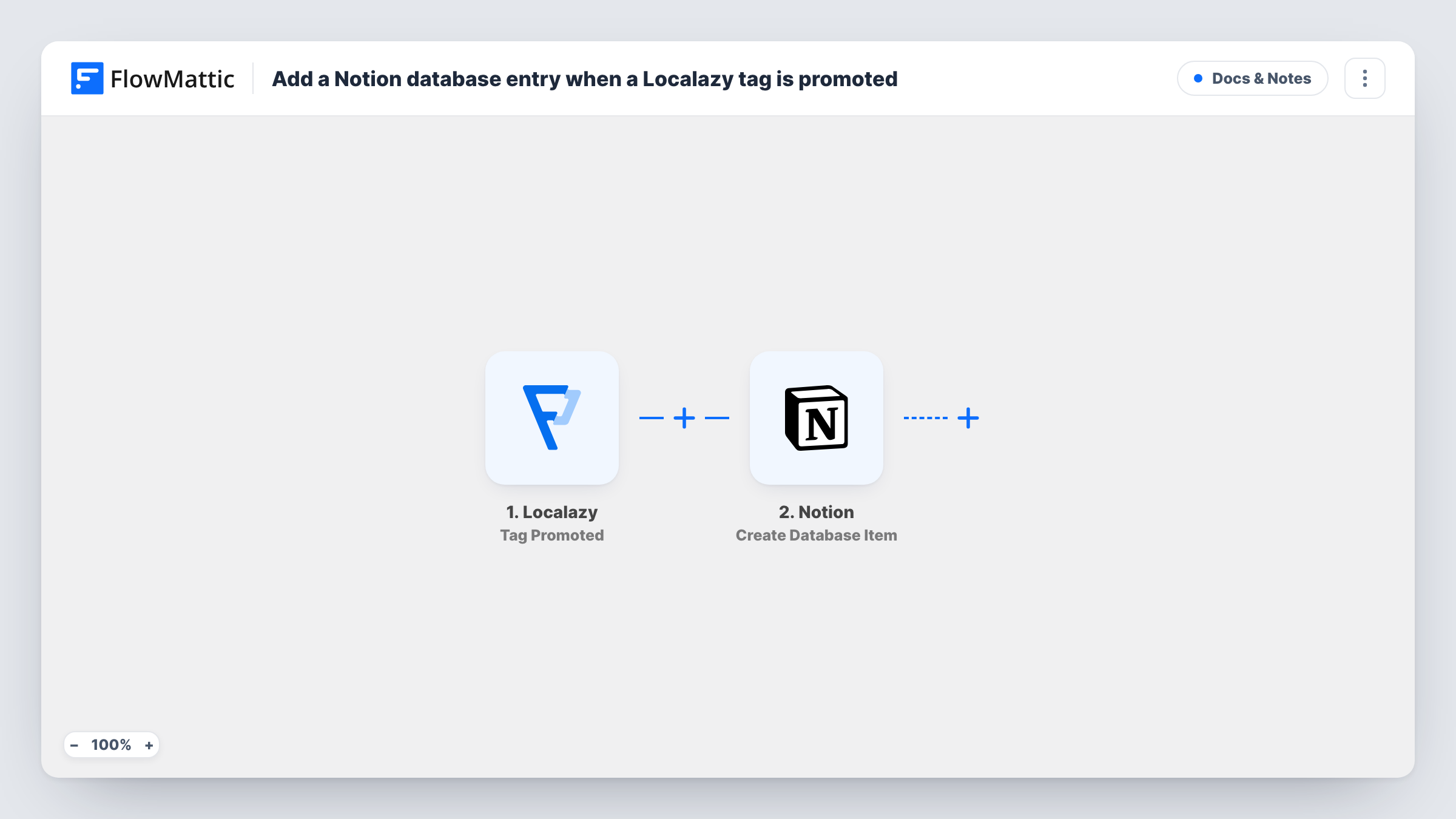
The Localazy trigger fires when a release tag is promoted to another tag. FlowMattic passes the event data, such as the tags involved, to the next step. The Notion step then creates an item in the database you pick, filled with the values you map from the promotion.
Each promotion adds one new item. The workflow doesn't edit or remove earlier items, so the database becomes a history you can sort by date or filter by tag. You choose which properties to fill when you set up the Notion step, and Task History records every run if you need to check what was sent.
Release log for a localization manager
Each time a tag moves from staging to production in Localazy, a Notion item records it, so the manager can see when each language set went live.
Launch checklists in Notion
A product team runs launches from a Notion database. Promotions in Localazy add items there, so translators' releases sit next to the rest of the launch tasks.
Reporting to clients
An agency managing translations for clients keeps a Notion database per client and shares it, so clients can see each promoted release without a Localazy login.
How this workflow runs
What happens at each step once the workflow is on, and what you need before you import it.
 Localazy Tag Promoted
Runs when a release tag is promoted to another tag in your Localazy project. The promotion data is passed on for mapping in the Notion step.
- Notion Create Database Item
Adds one new item to your chosen Notion database for the promotion. Connect your Notion account, share the database with the integration, and map the promotion data into its properties.
What you need
- FlowMatticCore
- Localazy AccountAccount
- Notion AccountAccount
After importing, map your own data. To keep the template universal, not every step is pre-filled. Open each step in the builder and connect your accounts and fields (channels, lists, sheets, recipients) before you switch the workflow on.
Make it yours
Changes worth making after you import it.
- Add a date property to your Notion database and map the run time or event time into it, so you can sort promotions in the order they happened.
- Promote a test tag after import so FlowMattic captures a real payload, then map the source and target tag values into separate Notion properties.
- To tell the team as well, add a Slack Send Channel Message step after the Notion step so a channel gets a note for each promotion.
Questions about this workflow
Do I need to share the Notion database with FlowMattic?
Yes. Notion only lets an integration write to pages and databases that have been shared with it, so share the database before you pick it in the Notion step.
Does promoting the same Localazy tag twice add two items?
Yes. Each promotion is its own event and creates its own Notion item. The workflow doesn't check for an existing item first.
Which Localazy events start this workflow?
Only tag promotions. Imports, comments and other Localazy events have their own triggers in FlowMattic and don't run this template.
More Docs & Notes workflows
Other ready-to-import templates from the same category.





Import this workflow into your WordPress site
Download the JSON, import it from the Workflows screen and connect your accounts. Every run stays on your server, with no per-task fees.
30-day money-back guarantee Unlimited workflows and runs Self-hosted