

Save new Inoreader articles to a Notion database
Articles that Inoreader sends to this workflow’s webhook are saved as items in a Notion database, so the stories you follow build up into a reading library you can tag, search and share.
 Inoreader
 Notion
2 steps Setup ~5 min Used on 848 sites Free to import
What this workflow does
Inoreader is good for following feeds, but the articles you want to keep often end up scattered between starred items and open tabs. A Notion database gives them one home where you can add notes, tags and status. This workflow creates a Notion item for each article Inoreader passes to it.
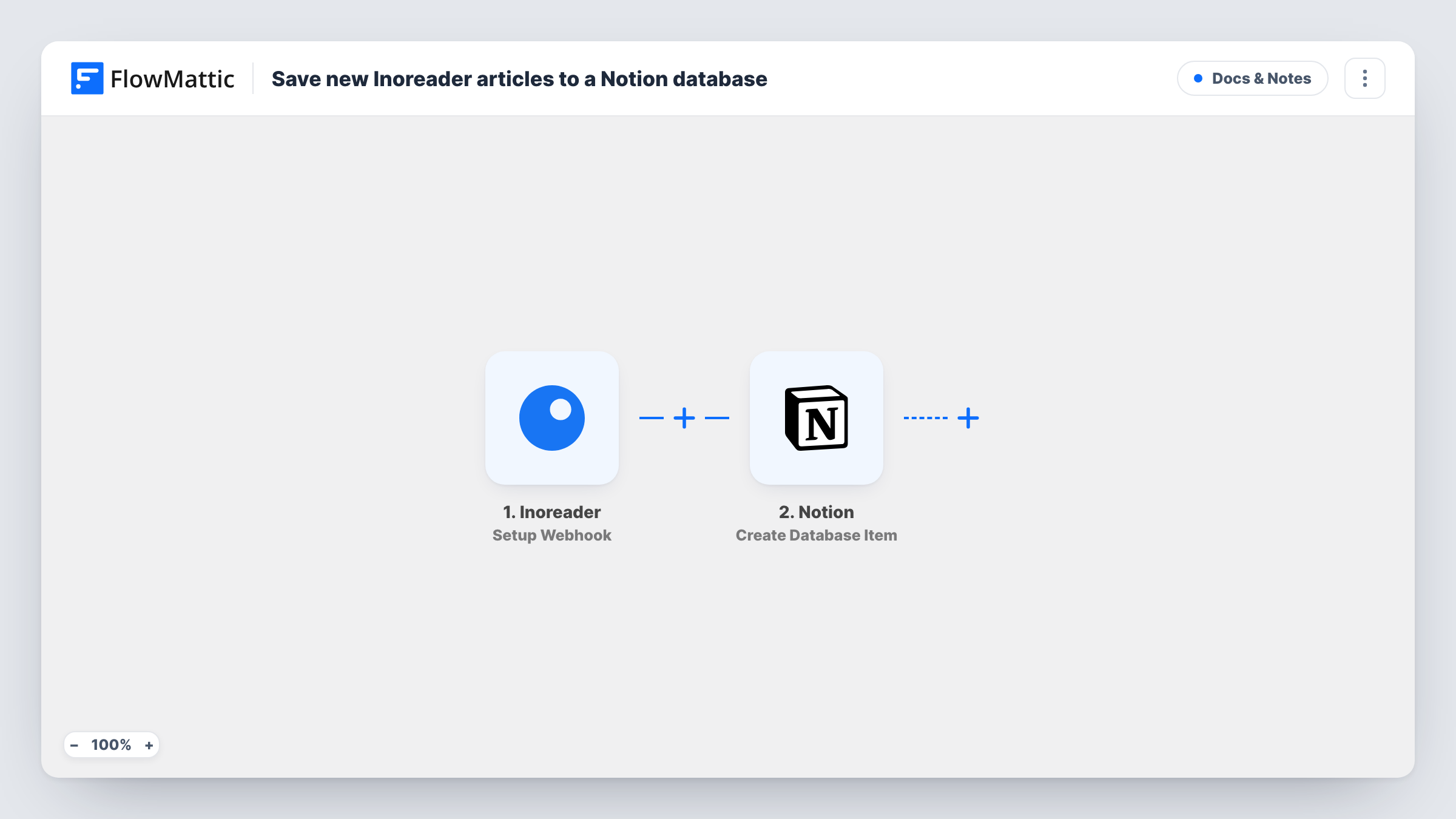
The Inoreader trigger is a webhook: FlowMattic gives you a URL, and Inoreader posts article data to it. Which articles arrive depends on how you set Inoreader up to call that URL, for example a rule that fires for new articles in a chosen folder or feed. FlowMattic then passes the values you map to Notion, where Create Database Item adds a new entry to your database.
Every request Inoreader sends becomes one Notion item, so a broad rule can fill the database quickly. Keep the rule narrow, and send a test article first so FlowMattic captures the fields to map, such as the title and link. Task History lists each article's run.
Industry news library
A marketer follows trade blogs in Inoreader. New posts from the industry folder land in a Notion database where the team tags them for the next newsletter.
Research reading list
A student collects new papers from journal feeds. Each one becomes a Notion item with its link, ready for notes and a read or unread status.
Content ideas board
A writer sends articles from competitor feeds to Notion, then sorts the database by topic when planning their own posts.
How this workflow runs
What happens at each step once the workflow is on, and what you need before you import it.
 Inoreader Setup Webhook
Receives the article data Inoreader posts to this workflow's webhook URL. Set Inoreader to send to that URL, then send a test so FlowMattic captures fields such as the title and link.
- Notion Create Database Item
Creates a new item in a Notion database from the article values you map. Connect Notion, make sure the connection can reach that database, and map each property, such as Name and URL, to an Inoreader value.
What you need
- FlowMatticCore
- Inoreader AccountAccount
- Notion AccountAccount
After importing, map your own data. To keep the template universal, not every step is pre-filled. Open each step in the builder and connect your accounts and fields (channels, lists, sheets, recipients) before you switch the workflow on.
Make it yours
Changes worth making after you import it.
- Point Inoreader at the webhook from a narrow rule, such as one folder or a keyword, so the Notion database only receives the articles you'd want to keep.
- Add a Filter after the trigger on the article title or feed name, if your test shows those values, to drop topics you don't want saved.
- Add a Select property such as Status in Notion and set it to a fixed value like To read in the mapping, so new items line up in a reading queue.
Questions about this workflow
Which Inoreader articles reach Notion?
Only the ones Inoreader sends to the workflow's webhook URL. That depends on what you set up in Inoreader, such as a rule for a folder or a search, not on anything in this template.
What should my Notion reading database contain before I import this?
It needs properties for whatever you want to store, such as a title and a URL. Create them in Notion first, then map Inoreader values into them in the Create Database Item step.
Will the same Inoreader article be saved twice?
If Inoreader sends it twice, yes. The template doesn't check Notion for an existing item, so each request creates a new entry.
Is the full article text copied into Notion?
Only what Inoreader includes in the webhook data and you map. A test article shows whether you get a summary, the full content or just the title and link.
More Docs & Notes workflows
Other ready-to-import templates from the same category.





Import this workflow into your WordPress site
Download the JSON, import it from the Workflows screen and connect your accounts. Every run stays on your server, with no per-task fees.
30-day money-back guarantee Unlimited workflows and runs Self-hosted