

Log every DocSpring PDF job update as a Notion database item
Every time a DocSpring PDF job changes status, FlowMattic adds an item to your Notion database, giving you a running log of PDF jobs and their states that you can sort and search.
 DocSpring
 Notion
2 steps Setup ~5 min Used on 2.6k sites Free to import
What this workflow does
When DocSpring fills PDFs for you, it helps to have a record outside DocSpring of which jobs ran and how they ended: for audits, for a client asking where their document is, or to spot jobs that went wrong. This workflow writes that record into Notion, one database item per job update.
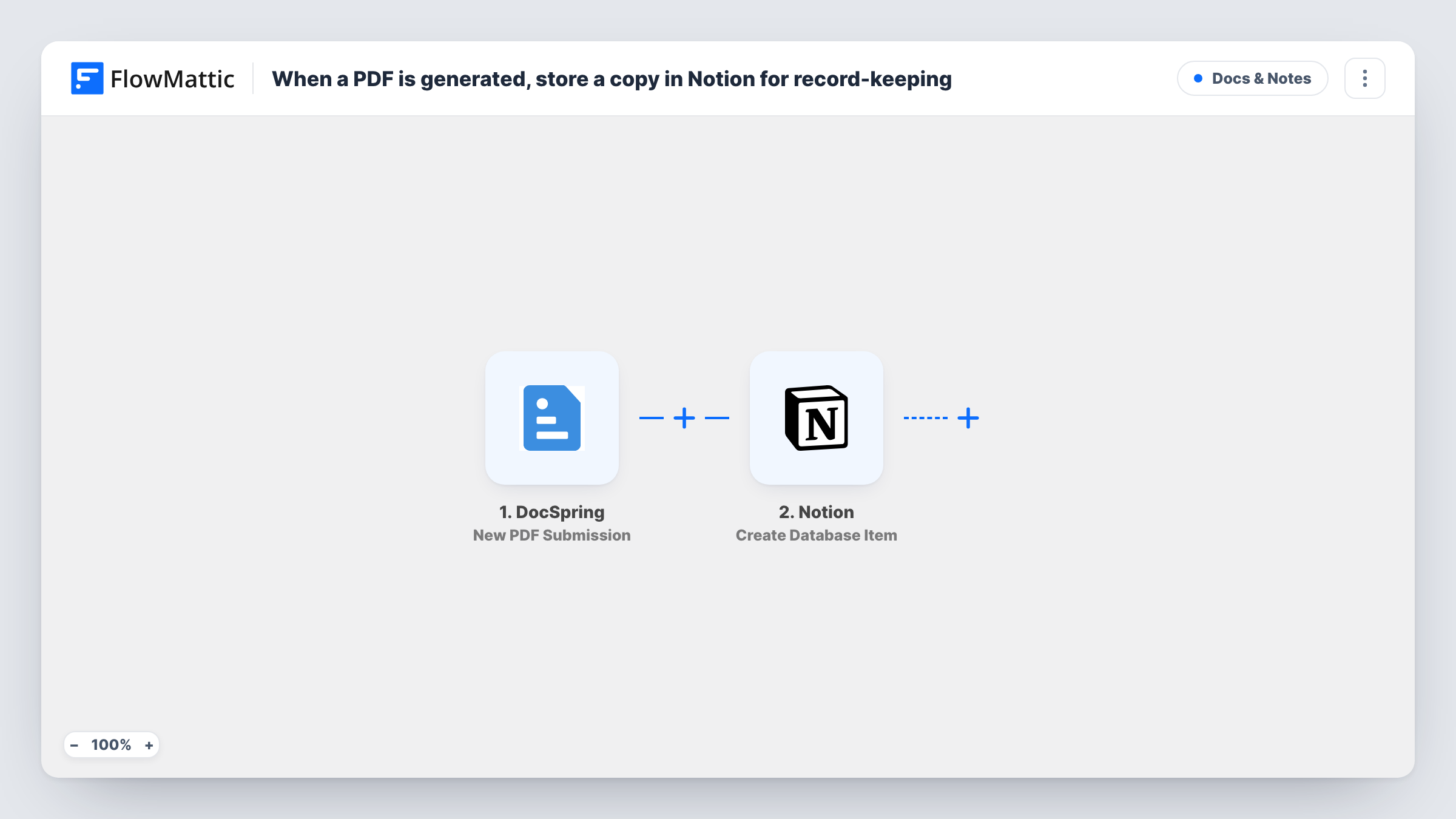
The DocSpring trigger is New PDF Submission. FlowMattic describes it as firing whenever a PDF job status changes. So a single PDF can start more than one run as its status moves on, and jobs that fail run the workflow too. That is what makes this a job log rather than a list of finished files.
The Notion step, Create Database Item, adds an item to a database. It ships unmapped: after import you connect Notion, pick the database and map the job values DocSpring sends into its properties. Run a test job and look at the trigger data to see which values arrive, such as the submission ID, the status and a link to the PDF when there is one.
Each status change creates its own item, so mapping the submission ID and the status into separate properties lets you group a job's entries together in Notion. For any single run, Task History holds what Notion sent back.
Audit trail for signed forms
An HR team generates onboarding PDFs with DocSpring and keeps a Notion database that shows when each job changed status, for checks later on.
Spotting failed PDF jobs
A developer groups the Notion log by status and sees at a glance which DocSpring jobs ended in an error and need another look.
Client document tracker
An agency that fills contracts with DocSpring answers clients' questions about their documents by searching the Notion log for the submission.
How this workflow runs
What happens at each step once the workflow is on, and what you need before you import it.
 DocSpring New PDF Submission
Starts whenever a DocSpring PDF job changes status, so one PDF can run it several times. The job's data, such as its ID and status, is passed on; a test job shows the exact values.
- Notion Create Database Item
Adds an item to a Notion database for each job update. The step ships unmapped: connect Notion, choose the database and map the DocSpring values into its properties.
What you need
- FlowMatticCore
- DocSpring AccountAccount
- Notion AccountAccount
After importing, map your own data. To keep the template universal, not every step is pre-filled. Open each step in the builder and connect your accounts and fields (channels, lists, sheets, recipients) before you switch the workflow on.
Make it yours
Changes worth making after you import it.
- Create Notion properties for the submission ID, the status and the PDF link before you map the step, so each update has somewhere to land.
- If you only want finished jobs in Notion, put a Filter between the DocSpring trigger and the Notion step that continues when the status matches the value your test run shows for a processed job.
- Add a Created time property in Notion, so you can sort the log by when each status change arrived.
Questions about this workflow
Why does one DocSpring PDF create several Notion items?
The trigger fires whenever a job's status changes, not once per PDF. Each change is a new run and a new item. Group by submission ID in Notion, or add a Filter on the status between the trigger and the Notion step.
Are failed DocSpring jobs logged in Notion?
Yes. A job whose status changes to a failed state starts a run like any other, so it gets an item. That is useful if you want to track errors.
Does the PDF file itself go into Notion?
No. Create Database Item writes property values. You can map a link to the PDF into a URL property if DocSpring includes one in the job data.
Must the Notion database for the DocSpring log exist first?
Yes. The step adds items to an existing database, so create one with the properties you want and share it with your Notion connection first.
More Docs & Notes workflows
Other ready-to-import templates from the same category.





Import this workflow into your WordPress site
Download the JSON, import it from the Workflows screen and connect your accounts. Every run stays on your server, with no per-task fees.
30-day money-back guarantee Unlimited workflows and runs Self-hosted