

Add a row to Airtable for every Alchemer survey response
Each time someone completes an Alchemer survey, this workflow creates a new record in Airtable from their answers, so every response sits in a base you can sort, filter and share.
 Alchemer
 Airtable
2 steps Setup ~5 min Used on 2.5k sites Free to import
What this workflow does
Alchemer keeps survey results inside its own reports. When your team plans work, tracks follow-ups or links feedback to customers in Airtable, someone has to export responses and paste them into the base. This workflow moves each response across as it arrives.
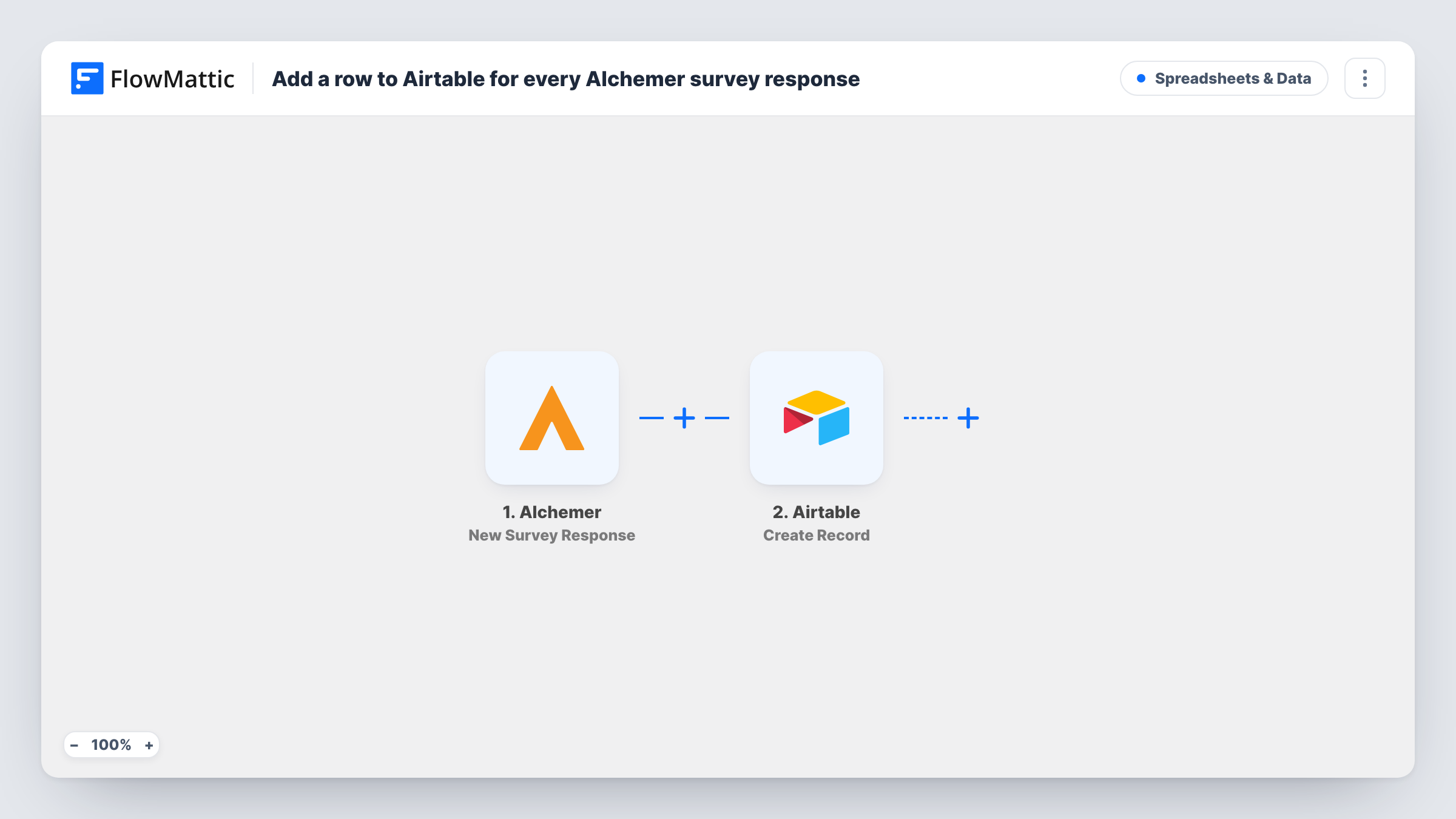
The Alchemer trigger fires when a new survey response is submitted. FlowMattic receives the answers and passes them to Airtable, where the Create Record step adds one record to the base and table you choose. You decide which answer goes into which Airtable field when you map the step.
There is no Filter in the template, so every response becomes a record, whether it is a glowing review or a half-empty form. The run for each response shows up in Task History, with the data Alchemer sent and what Airtable returned. That makes it easy to confirm the mapping after your first test response.
Product feedback board
Responses to an in-app feedback survey become Airtable records your product team tags, groups by theme and links to planned features.
Post-event surveys
Attendee ratings from an Alchemer survey land in an Airtable table next to your session list, so organisers can compare speakers in one view.
Customer satisfaction follow-up
Support managers work from an Airtable view of every satisfaction response and add an owner and status field to track who calls back.
How this workflow runs
What happens at each step once the workflow is on, and what you need before you import it.
 Alchemer New Survey Response
Fires when someone submits a response to your Alchemer survey. The answers from that response are passed on for mapping in the Airtable step.
- Airtable Create Record
Adds one record per response to the Airtable table you select. Connect your Airtable account, then map each survey answer to the matching field in the table.
What you need
- FlowMatticCore
- Alchemer AccountAccount
- Airtable AccountAccount
After importing, map your own data. To keep the template universal, not every step is pre-filled. Open each step in the builder and connect your accounts and fields (channels, lists, sheets, recipients) before you switch the workflow on.
Make it yours
Changes worth making after you import it.
- Set up the Airtable table first with one field per question you want to keep, so mapping the Create Record step is a one-to-one match.
- Add a Filter after the trigger if only some responses matter, for example continuing when a rating answer is less than 7 so the base holds detractors only.
- Submit one test response in Alchemer after import, then check Task History to see the exact answer data before you map the Airtable fields.
Questions about this workflow
Does every Alchemer response create an Airtable record?
Yes, as imported. The template has no Filter, so each new survey response runs the Create Record step once.
Will past Alchemer responses be copied into Airtable?
No. The trigger reacts to new responses, so only surveys submitted after you turn the workflow on reach your base.
Can a response update an existing Airtable record instead?
Not as imported. The step only creates records, so a person who answers twice gets two records. Changing that would need a lookup step and an update action in its place.
More Spreadsheets & Data workflows
Other ready-to-import templates from the same category.






Import this workflow into your WordPress site
Download the JSON, import it from the Workflows screen and connect your accounts. Every run stays on your server, with no per-task fees.
30-day money-back guarantee Unlimited workflows and runs Self-hosted