

Add a Todoist task when a new easybill project is created
Each time a project is created in easybill, this workflow creates a matching task in Todoist, so the start of new client work shows up on the to-do list you already check every day.
 easybill
 Todoist
2 steps Setup ~5 min Used on 693 sites Productivity Free to import
What this workflow does
easybill is where you bill clients, and a new project there usually means work is about to begin. Your day-to-day planning, though, may live in Todoist. If you rely on remembering to add a task by hand, a fresh project can sit unnoticed until the client asks about it.
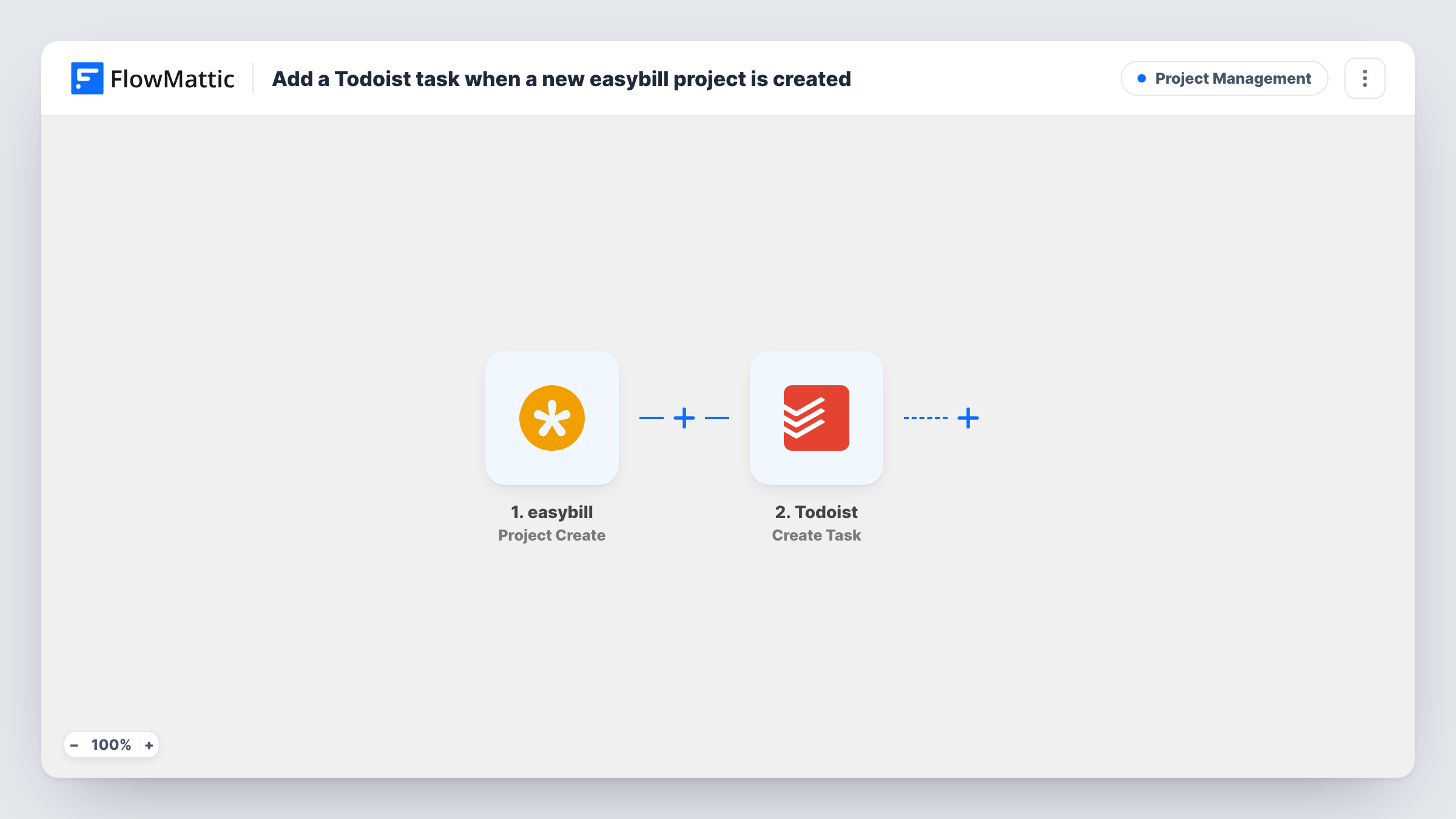
This workflow listens for the Project Create event in easybill. Whenever someone on your team creates a project, the project data from easybill is handed to FlowMattic. The second step then calls Create Task in Todoist and adds a new task built from whatever easybill details you map into it.
There are only two steps and no conditions, so every new easybill project produces exactly one Todoist task. Nothing is written back to easybill. Task History keeps a record of each run, with the data easybill sent and the reply from Todoist, which helps if a task ever fails to appear.
Freelancer starting client jobs
You open a project in easybill when a client signs off on a quote. A Todoist task appears for it, so the job is on your list before you start invoicing the hours.
Small studio with a shared Todoist project
The office manager creates projects in easybill, and the designers see a new task for each one in the Todoist project the team works from.
Kickoff checklist reminder
Every new easybill project lands as a Todoist task that reminds you to send the welcome email, set up folders and book the first call for that client.
How this workflow runs
What happens at each step once the workflow is on, and what you need before you import it.
 easybill Project Create
Fires when a project is created in your easybill account. The new project's data becomes available to map into the Todoist step.
- Todoist Create Task
Creates a new task in Todoist from the easybill project. Map the project details you want into the task, connect your Todoist account, and run a test to confirm where the task is created.
What you need
- FlowMatticCore
- easybill AccountAccount
- Todoist AccountAccount
After importing, map your own data. To keep the template universal, not every step is pre-filled. Open each step in the builder and connect your accounts and fields (channels, lists, sheets, recipients) before you switch the workflow on.
Make it yours
Changes worth making after you import it.
- Put the easybill project name at the start of the task text so you can search Todoist for a client and find every project task at once.
- Add a Filter after the trigger if only some projects need a task, for example projects whose name contains a word your team uses for billable work.
- Create one test project in easybill after import so FlowMattic captures real project data, then map it in the Todoist step before you turn the workflow on.
Questions about this workflow
Will projects I created in easybill before importing get Todoist tasks?
No. The trigger only reacts to projects created after the workflow is switched on. Older easybill projects are left alone.
Does editing an easybill project change the Todoist task?
No. The template only uses the Project Create event, so changes to an existing project don't update or add tasks. The Todoist task stays as it was created.
Which easybill details can go into the Todoist task?
Whatever easybill sends with the Project Create event. Create a test project after import and look at the captured data in FlowMattic to see which values you can map.
Do I need a paid Todoist account for this easybill workflow?
You need a Todoist account you can connect to FlowMattic. Check Todoist's own plans if you are unsure what your account allows.
More Project Management workflows
Other ready-to-import templates from the same category.





Import this workflow into your WordPress site
Download the JSON, import it from the Workflows screen and connect your accounts. Every run stays on your server, with no per-task fees.
30-day money-back guarantee Unlimited workflows and runs Self-hosted