

Add engaged MoEngage users to a Mailchimp audience for follow-up
When MoEngage sends an event to this workflow’s webhook, the user is added to your Mailchimp audience or updated if already there, so people MoEngage flags as engaged can get your Mailchimp follow-up emails.
 MoEngage
 Mailchimp
2 steps Setup ~5 min Used on 2.4k sites Free to import
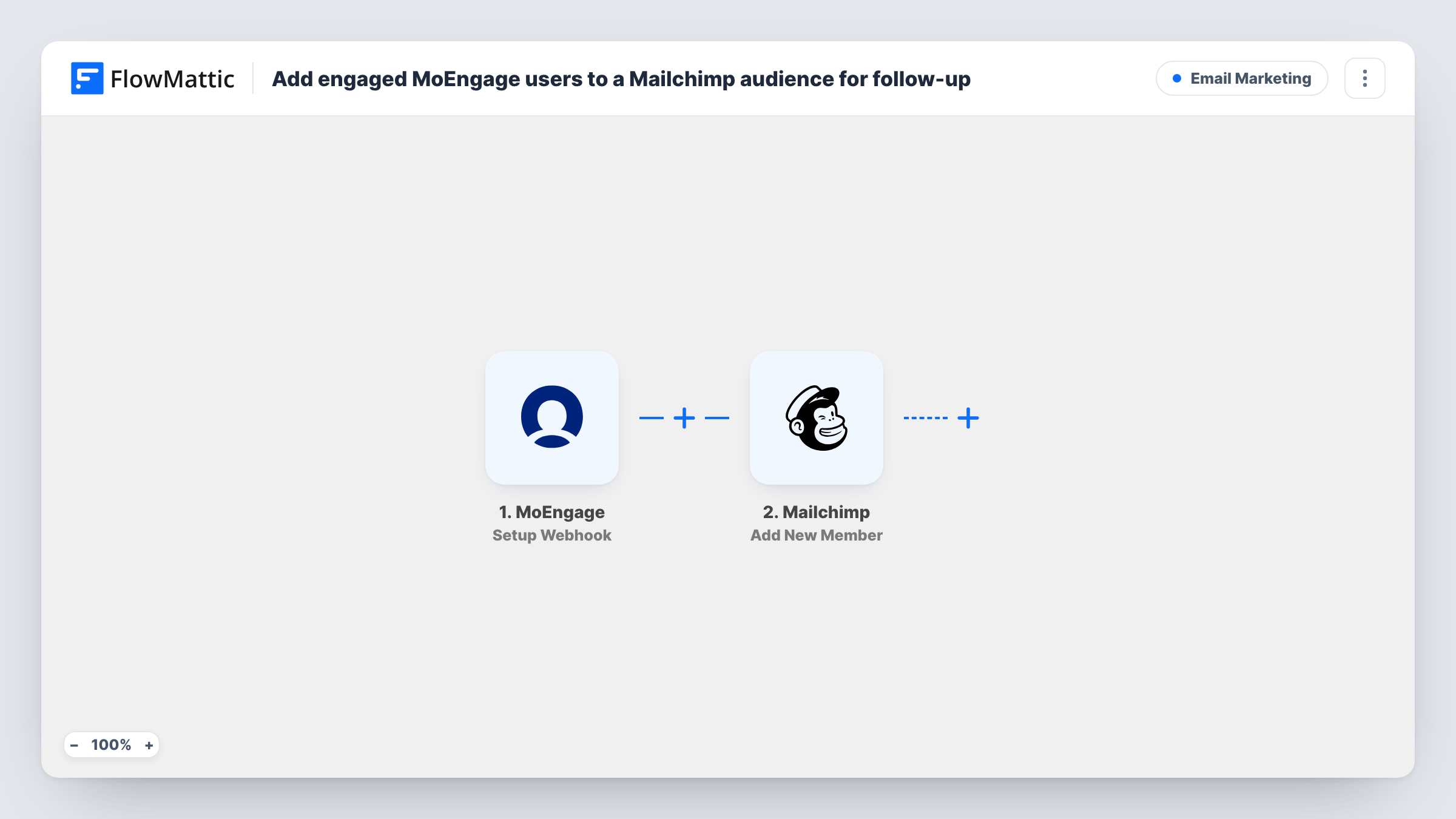
What this workflow does
MoEngage tracks how people use your app or site and can tell you who is active. Your follow-up emails, though, may go out from Mailchimp. This workflow carries users across: when MoEngage reports an event, the person lands in your Mailchimp audience.
The MoEngage trigger, Setup Webhook, fires when MoEngage sends an event to the webhook you set up. Who counts as engaged is decided on the MoEngage side: the event, segment or campaign you attach the webhook to sets which users are sent. FlowMattic itself doesn't check engagement. The Mailchimp step, Add New Member, then adds the user to the audience you choose, or updates them if their address is already there.
Every event that reaches the webhook runs the Mailchimp step once, so a user sent several times is updated, not duplicated. The event must carry an email address for Mailchimp to use. Task History shows each event received and Mailchimp's reply.
Follow up after key actions
MoEngage sends users who complete an action you care about, such as finishing onboarding. They join a Mailchimp audience where your follow-up series runs.
Win back users who returned
A MoEngage segment of users who came back after a long break posts to the webhook. Mailchimp gets them for a welcome-back newsletter.
Product news for power users
Users in a high-activity MoEngage segment are sent across, so your Mailchimp product updates reach the people using the app most.
How this workflow runs
What happens at each step once the workflow is on, and what you need before you import it.
 MoEngage Setup Webhook
Fires when MoEngage sends an event to the webhook you set up. The users and events you attach it to in MoEngage decide who comes through, and the event data is passed to Mailchimp.
- Mailchimp Add New Member
Adds the user to the Mailchimp audience you choose, or updates them if they already exist. Map the email address from the MoEngage event, plus any name or attribute values you want in Mailchimp.
What you need
- FlowMatticCore
- MoEngage AccountAccount
- Mailchimp AccountAccount
After importing, map your own data. To keep the template universal, not every step is pre-filled. Open each step in the builder and connect your accounts and fields (channels, lists, sheets, recipients) before you switch the workflow on.
Make it yours
Changes worth making after you import it.
- Attach the MoEngage webhook only to the engagement event or segment you want in Mailchimp. Anything else sent to it is added to the audience too.
- Send one test event from MoEngage after import and check Task History to confirm the payload includes an email address before you map the Mailchimp step.
- If the webhook carries several event types, add a Filter after the trigger on the event name so only engagement events reach Mailchimp.
Questions about this workflow
How does FlowMattic know a MoEngage user is engaged?
It doesn't check. The workflow adds whoever MoEngage sends to the webhook, so set up the MoEngage side to send only the users or events you treat as engaged.
What if the MoEngage user is already in my Mailchimp audience?
Add New Member updates existing members instead of adding them twice. Blank values in a later event may overwrite fields, so map only values MoEngage always sends.
What if the MoEngage event has no email address?
Mailchimp needs an email to add a member, so the step returns an error for that run and Task History shows it. Make sure the MoEngage payload includes the user's email.
Do users need to have agreed to email from me?
Mailchimp expects permission from everyone in an audience. Send only users who have opted in to email, for example by limiting the MoEngage segment.
More Email Marketing workflows
Other ready-to-import templates from the same category.




Import this workflow into your WordPress site
Download the JSON, import it from the Workflows screen and connect your accounts. Every run stays on your server, with no per-task fees.
30-day money-back guarantee Unlimited workflows and runs Self-hosted