

Add every new Assembly client to a Google Sheets onboarding tracker
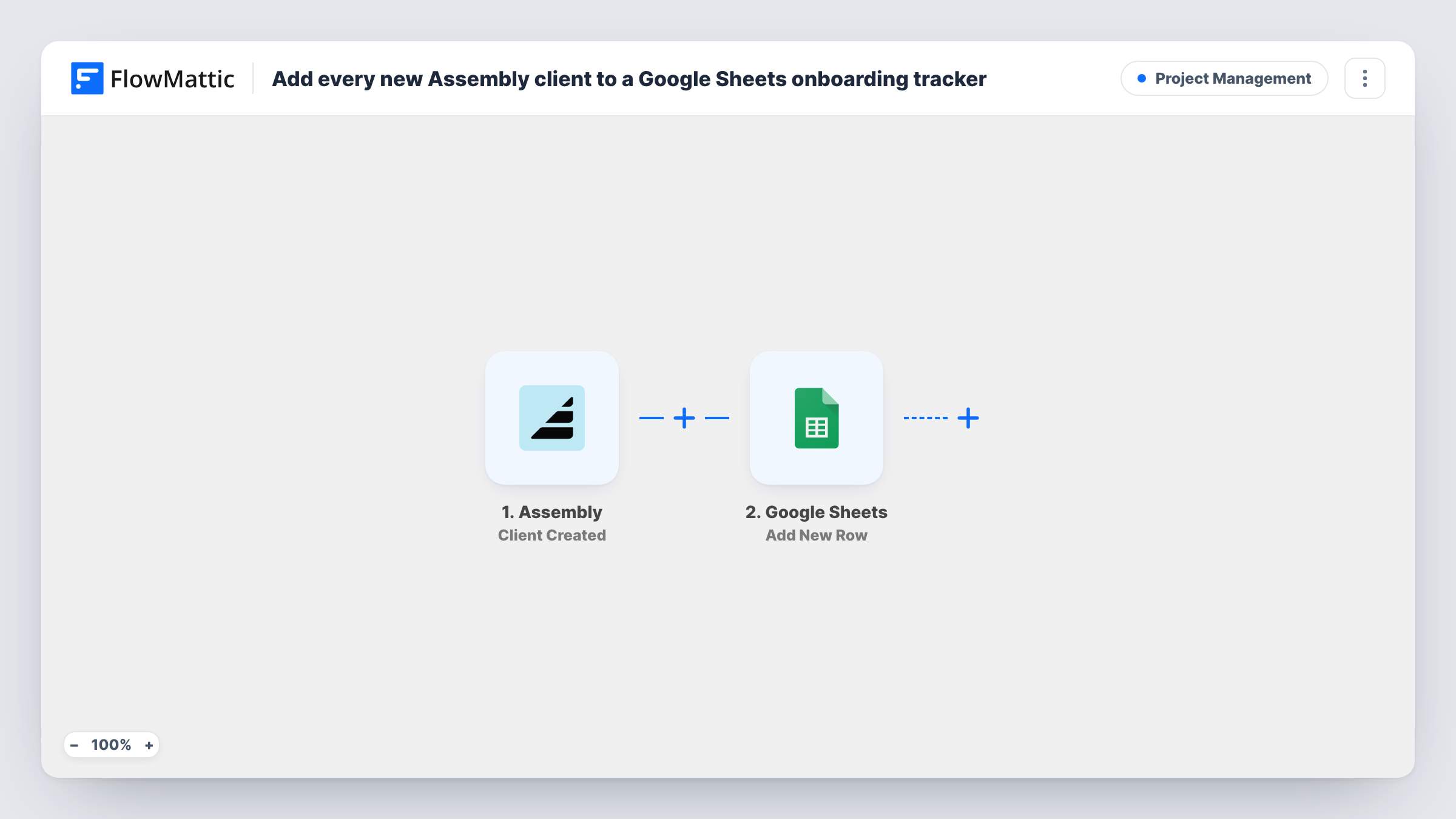
When you create a client in Assembly, this workflow adds them as a new row in your Google Sheets onboarding tracker, so every new client starts on the same checklist.
 Assembly
 Google Sheets
2 steps Setup ~5 min Used on 414 sites Productivity Free to import
What this workflow does
Onboarding trackers are often a spreadsheet with one row per client and columns for each step: welcome call, contract, first invoice. Adding each new client by hand is the step that gets missed. Here, Assembly itself kicks off that row the moment the client exists.
The Assembly trigger is Client Created, which fires when a client is created in your workspace. FlowMattic receives the client's details and passes them to Google Sheets. The Add New Row action writes one row in the tracker, and you map details such as the client's name, email and company to its columns.
Only the client's details are written. Your progress columns start empty, ready for your team to fill in. Later changes to the client in Assembly don't touch the row, and Task History keeps a record of each run.
Agencies onboarding new accounts
Each client you add to your Assembly portal lands in the onboarding sheet, where the account manager ticks off kickoff, access and first deliverable.
Accountants and bookkeepers
New clients get a row with columns for documents received and engagement letter signed, giving the team one place to see who is waiting on what.
Coaches and consultants
A shared sheet lists every client added in Assembly, so you and an assistant can track intake calls and first sessions.
How this workflow runs
What happens at each step once the workflow is on, and what you need before you import it.
 Assembly Client Created
Runs when a client is created in your Assembly workspace. The client's details are passed to the Google Sheets step for mapping.
- Google Sheets Add New Row
Adds the new Assembly client as a row in your onboarding spreadsheet. Connect Google, choose the sheet, and map the client's details to its columns.
What you need
- FlowMatticCore
- Assembly AccountAccount
- Google Sheets AccountAccount
After importing, map your own data. To keep the template universal, not every step is pre-filled. Open each step in the builder and connect your accounts and fields (channels, lists, sheets, recipients) before you switch the workflow on.
Make it yours
Changes worth making after you import it.
- Set up the tracker's columns, including empty ones for each onboarding stage, before the first run so the client fields map to the right places.
- Add a Slack message step after the row is written to tell the onboarding team that a client was added.
- Create a test client in Assembly after import so FlowMattic captures the fields Assembly sends, then map them.
Questions about this workflow
Will clients already in Assembly be added to the tracker?
No. Only clients created after the workflow is on start a run. Paste existing clients into the sheet yourself.
Does updating a client in Assembly change their row?
No. The trigger fires when a client is created. Edits in Assembly don't reach the spreadsheet.
Can a new Assembly company start a row as well?
Not with this template. Assembly has a separate Company Created trigger in FlowMattic that you could use in a second workflow.
More Project Management workflows
Other ready-to-import templates from the same category.




Import this workflow into your WordPress site
Download the JSON, import it from the Workflows screen and connect your accounts. Every run stays on your server, with no per-task fees.
30-day money-back guarantee Unlimited workflows and runs Self-hosted