

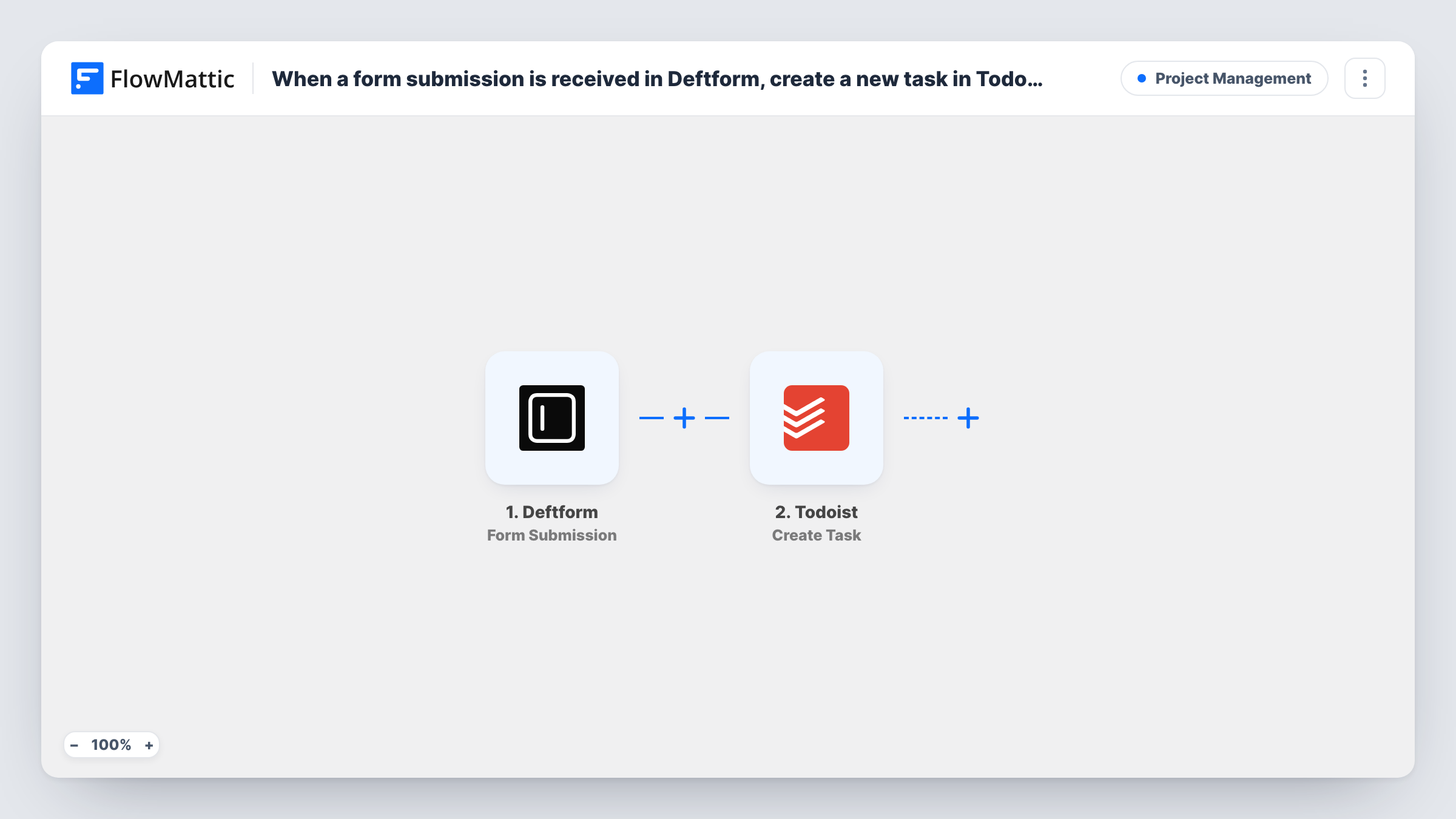
When a form submission is received in Deftform, create a new task in Todoist.
Each Deftform submission becomes a new Todoist task built from the answers, so requests, bookings and enquiries collected through your form turn into to-dos you can schedule, prioritise and tick off.
 Deftform
 Todoist
2 steps Setup ~5 min Used on 1.6k sites Productivity Free to import
What this workflow does
A form that collects requests is only useful if someone acts on them. When Deftform responses sit in an inbox or a dashboard, they compete with everything else, and a few slip through. This workflow puts each response on your Todoist list, where you already plan your day.
The Deftform trigger fires when a form submission is received. FlowMattic collects the respondent's answers and passes them to Todoist, where the Create Task action adds a new task. Map a short answer, such as the request subject or the person's name, into the task title, and place the longer answers wherever the step lets you add more detail.
There is no condition in the template, so each submission creates exactly one task, including test entries and repeat submissions from the same person. Completing or deleting the task in Todoist does not touch the Deftform response. Task History lists every run with the data that was sent.
Freelancer project enquiries
Prospects fill in a Deftform enquiry form, and each one becomes a Todoist task reminding you to reply and send a proposal.
Office maintenance requests
Staff report a broken light or a jammed printer through Deftform, and the facilities person sees each report as a task in Todoist.
Content suggestions from readers
Readers suggest topics through a Deftform form, and each idea lands in your Todoist list to review when you plan the next issue.
How this workflow runs
What happens at each step once the workflow is on, and what you need before you import it.
 Deftform Form Submission
Fires when a submission is received on the Deftform form you connect. The answers become data you can use in the Todoist task.
- Todoist Create Task
Adds a new task in Todoist from the submission. Connect your Todoist account and map the answers into the task. Run a test to see which task options, such as where it goes, the step lets you set.
What you need
- FlowMatticCore
- Deftform AccountAccount
- Todoist AccountAccount
After importing, map your own data. To keep the template universal, not every step is pre-filled. Open each step in the builder and connect your accounts and fields (channels, lists, sheets, recipients) before you switch the workflow on.
Make it yours
Changes worth making after you import it.
- Add a Filter after the trigger if only some submissions need action, for example continuing only when a request-type answer equals Urgent.
- Use a Router to send different request types to different Todoist projects, with a route condition per type and a Create Task step on each route.
- Submit one test entry in Deftform after import so FlowMattic captures the answers, then map them into the Todoist task before you activate the workflow.
Questions about this workflow
Does each Deftform submission create its own Todoist task?
Yes. Every submission runs the workflow once and adds one task. Two entries from the same person give you two tasks.
Are Deftform submissions from before the import turned into tasks?
No. Only submissions received after the workflow is switched on start a run.
If I complete the Todoist task, is the Deftform response marked as handled?
No. The workflow sends data one way, from Deftform to Todoist, and does not change anything in Deftform.
Can I use Deftform answers in the Todoist task title?
Yes. Any answer the trigger captures can be mapped into the task, so you can build a title from the subject or the respondent's name.
More Project Management workflows
Other ready-to-import templates from the same category.






Import this workflow into your WordPress site
Download the JSON, import it from the Workflows screen and connect your accounts. Every run stays on your server, with no per-task fees.
30-day money-back guarantee Unlimited workflows and runs Self-hosted