

Update Breeze workspaces with Google Sheets row updates for sales pipeline tracking
Keep Breeze workspaces in line with your sales pipeline sheet: when a Google Sheets row is added or edited, FlowMattic updates the Breeze workspace whose ID that row holds.
 Google Sheets
 Breeze
2 steps Setup ~5 min Used on 1.3k sites Productivity Free to import
What this workflow does
Some sales teams track deals in a spreadsheet and run delivery in Breeze, with a workspace per client or per deal. When a deal's details change in the sheet, someone has to change the workspace to match. This workflow makes that update from the sheet itself.
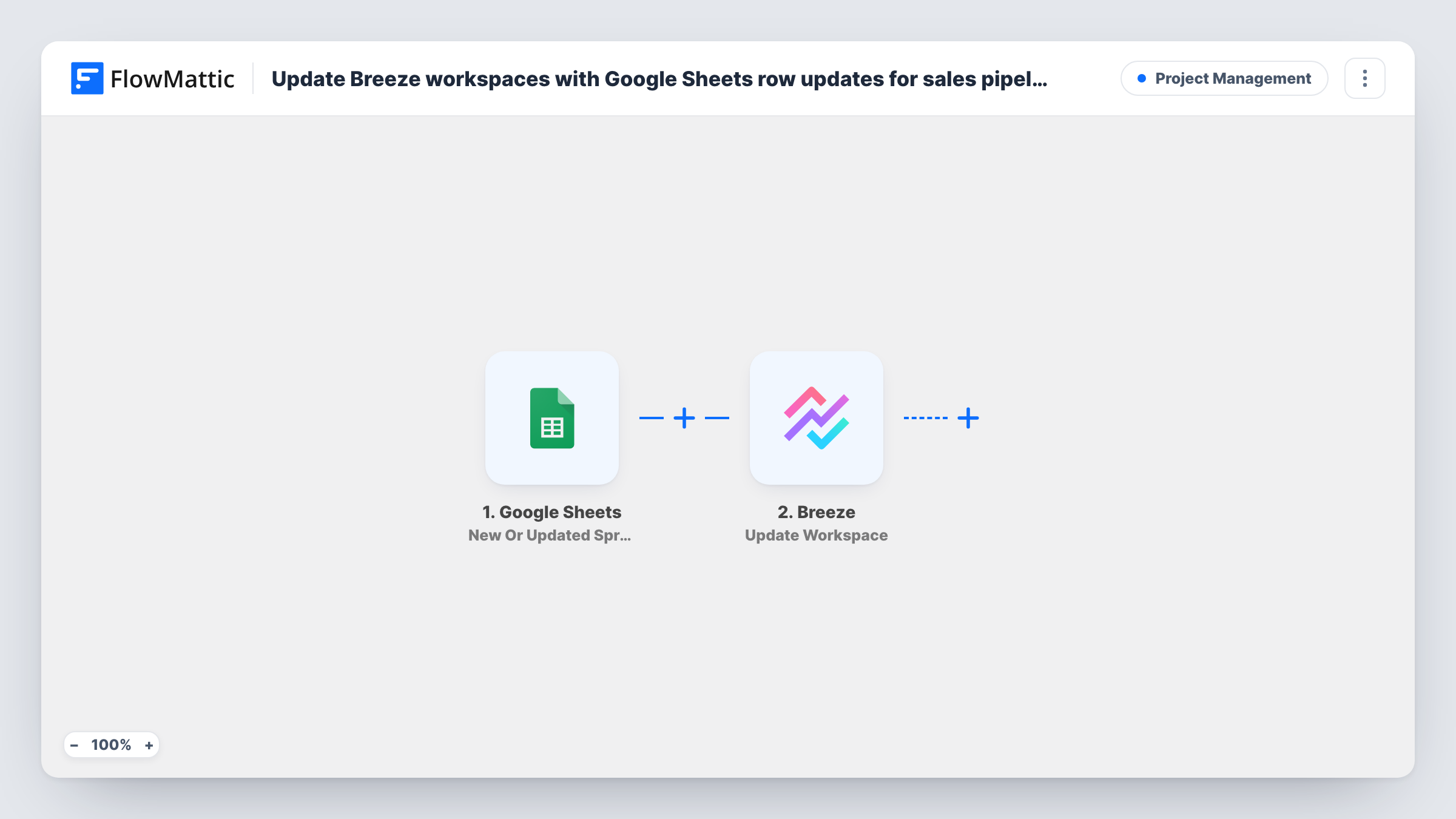
The Google Sheets trigger, New Or Updated Spreadsheet Row, watches the spreadsheet you connect. When a row changes, its values are passed to Breeze, where Update Workspace changes an existing workspace. Breeze needs to know which workspace to change, and the sheet is the only source here, so each row must keep that workspace's Breeze ID in a column of its own. You map that column, plus the values you want written, in the Breeze step.
The trigger also fires for rows you add, not only for edits. A new row without a valid workspace ID gives an error on the Breeze step, which Task History shows. Any later edit to a row sends its values to Breeze again, even if the change was in a column you don't map.
Deal changes passed to delivery
When a rep edits a deal's row in the pipeline sheet, the workspace with that row's ID gets the mapped values, so the delivery team sees the change in Breeze.
Agency client workspaces
An agency keeps one row per client with the Breeze workspace ID beside it. Editing the client's details in the sheet carries them over to the workspace.
Pipeline sheet as the single place to edit
Managers change deal details only in Google Sheets, and the workspaces in Breeze follow, so nobody edits both places by hand.
How this workflow runs
What happens at each step once the workflow is on, and what you need before you import it.
 Google Sheets New Or Updated Spreadsheet Row
Fires when a row in your chosen Google Sheets spreadsheet is added or updated. The row's values, including the column that holds the Breeze workspace ID, are passed on.
- Breeze Update Workspace
Changes an existing Breeze workspace. Map the workspace ID column from the sheet so Breeze knows which one to change, then map the values to write. Test it on a row with a known workspace.
What you need
- FlowMatticCore
- Google Sheets AccountAccount
- Breeze AccountAccount
After importing, map your own data. To keep the template universal, not every step is pre-filled. Open each step in the builder and connect your accounts and fields (channels, lists, sheets, recipients) before you switch the workflow on.
Make it yours
Changes worth making after you import it.
- Add a Filter after the trigger that continues only when the workspace ID column is not empty. New rows that don't have an ID yet then stop before the Breeze step.
- To fill the ID column, look up each workspace in Breeze. The Breeze app in FlowMattic also has a Get Workspace action you can use to check an ID before you rely on it.
- If new deals should get a new workspace, build a separate workflow with Breeze's Create Workspace action and keep this one for changes to rows that already carry an ID.
Questions about this workflow
Where does the Breeze workspace ID come from?
From your sheet. The trigger only knows what is in the row, so give each row a column with the Breeze workspace ID and map it in the Update Workspace step.
Does adding a new pipeline row to the sheet start a run?
Yes. The trigger covers new and updated rows. Without a workspace ID the Breeze step returns an error, so add a Filter on the ID column if new rows shouldn't reach Breeze.
Will editing an unrelated column update the Breeze workspace?
It sends the row to Breeze again. Any edit to the row starts a run, and the workspace is updated with the mapped values, even if they haven't changed.
Can this create Breeze workspaces for new deals?
Not as imported. It only updates existing workspaces. Breeze in FlowMattic has a Create Workspace action you can use in a separate workflow for that.
More Project Management workflows
Other ready-to-import templates from the same category.





Import this workflow into your WordPress site
Download the JSON, import it from the Workflows screen and connect your accounts. Every run stays on your server, with no per-task fees.
30-day money-back guarantee Unlimited workflows and runs Self-hosted