

Update Multiple Columns in Monday.com When a New Lead is Captured from Facebook Lead Ads
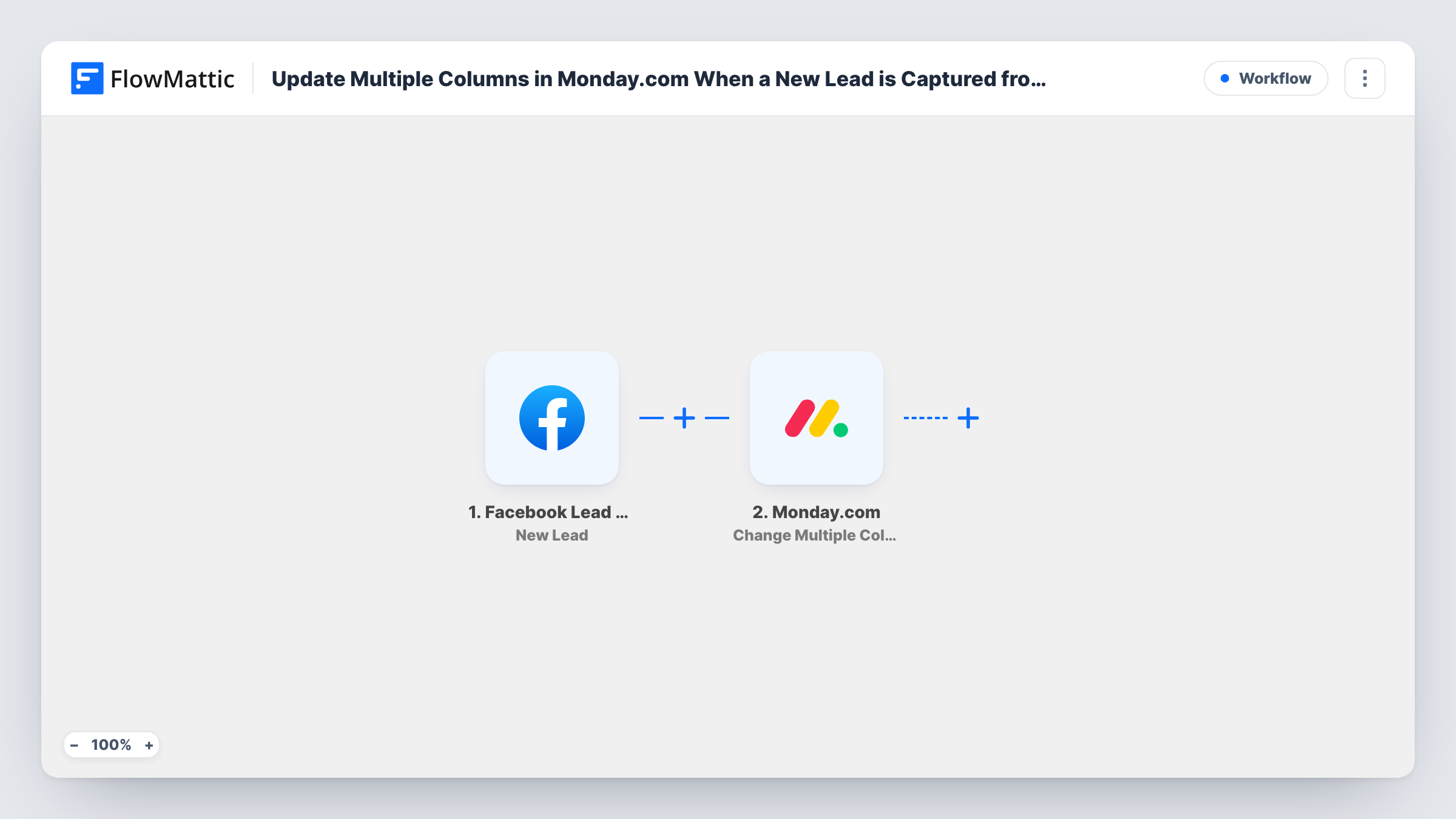
When your Facebook lead ad collects a new lead, this workflow writes the lead’s answers into several columns of a Monday.com item at once, using Change Multiple Columns Value.
 Facebook Lead Ads
 Monday.com
2 steps 1 downloads Setup ~5 min Used on 2.8k sites Free to import
What this workflow does
Some teams keep one Monday.com item per campaign, territory or sales rep and want it to show the most recent lead: who, how to reach them, what they asked for. Typing those values in after every lead is slow and falls behind. This workflow fills them in from Facebook as each lead arrives.
The Facebook Lead Ads trigger fires when someone submits the form on your ad. Their answers, such as name, email and phone, come through as fields you can map.
The Monday.com step uses Change Multiple Columns Value. It updates an item that already exists on your board, so you choose the board and the item, then map a lead field to each column you want filled. All the columns change in one action. The step does not add a new item, so each lead overwrites the values the previous lead left in those columns.
Latest lead on a campaign item
Each campaign has an item on your marketing board. Its Last Lead, Email and Phone columns always show the newest person who responded to that ad.
Round-robin desk for one rep
A rep's item on the sales board holds the contact they should call next. Each new lead replaces it, so the rep checks one place for their next call.
Status column for a live ad
Set a status column to New Lead and a date column to the submission time, so the board shows at a glance which ads have produced responses recently.
How this workflow runs
What happens at each step once the workflow is on, and what you need before you import it.
 Facebook Lead Ads New Lead
Runs when a lead form on your Facebook ad is submitted. Connect your Facebook account, choose the Page and form, and the person's answers are passed on for mapping.
- Monday.com Change Multiple Columns Value
Changes the values of several columns on one Monday.com item in a single action. Pick the board and item, then map lead fields such as name, email and phone to the columns.
What you need
- FlowMatticCore
- Facebook Lead Ads AccountAccount
- Monday.com AccountAccount
After importing, map your own data. To keep the template universal, not every step is pre-filled. Open each step in the builder and connect your accounts and fields (channels, lists, sheets, recipients) before you switch the workflow on.
Make it yours
Changes worth making after you import it.
- If you want a record of every lead rather than only the latest, change the Monday.com action to one that creates an item, and map the same fields to its columns.
- Match each lead field to a column of a suitable type: email to an email column, phone to a phone column, so Monday.com accepts the value.
- Add a Filter after the trigger if only some leads should update the item, for example those who chose a particular option on the form.
Questions about this workflow
Does this create a new item for each lead?
No. It updates the columns of an item you select. Each new lead replaces the values written by the one before it.
Which columns can I fill?
Any columns on the chosen board that the step lists for mapping. Send a test lead after import so the form answers are available to place in them.
Will leads from before import be written?
No. Only leads submitted after you turn the workflow on start a run.
What access do I need?
A Facebook account that manages the Page running the lead ads, and a Monday.com account that can edit the board holding the item.
More Project Management workflows
Other ready-to-import templates from the same category.





Import this workflow into your WordPress site
Download the JSON, import it from the Workflows screen and connect your accounts. Every run stays on your server, with no per-task fees.
30-day money-back guarantee Unlimited workflows and runs Self-hosted