

Create a Todoist task to renew a contract when a Concord document expires
When a document expires in Concord, this workflow creates a task in Todoist to renew it, with the contract’s details in the task, so a lapsed agreement lands on someone’s to-do list.
 Concord
 Todoist
2 steps Setup ~5 min Used on 2.8k sites Productivity Free to import
What this workflow does
Contracts expire quietly. A supplier agreement or a software licence can lapse without anyone noticing until something stops working. If your team plans its work in Todoist, a renewal task there is the simplest way to make sure someone acts.
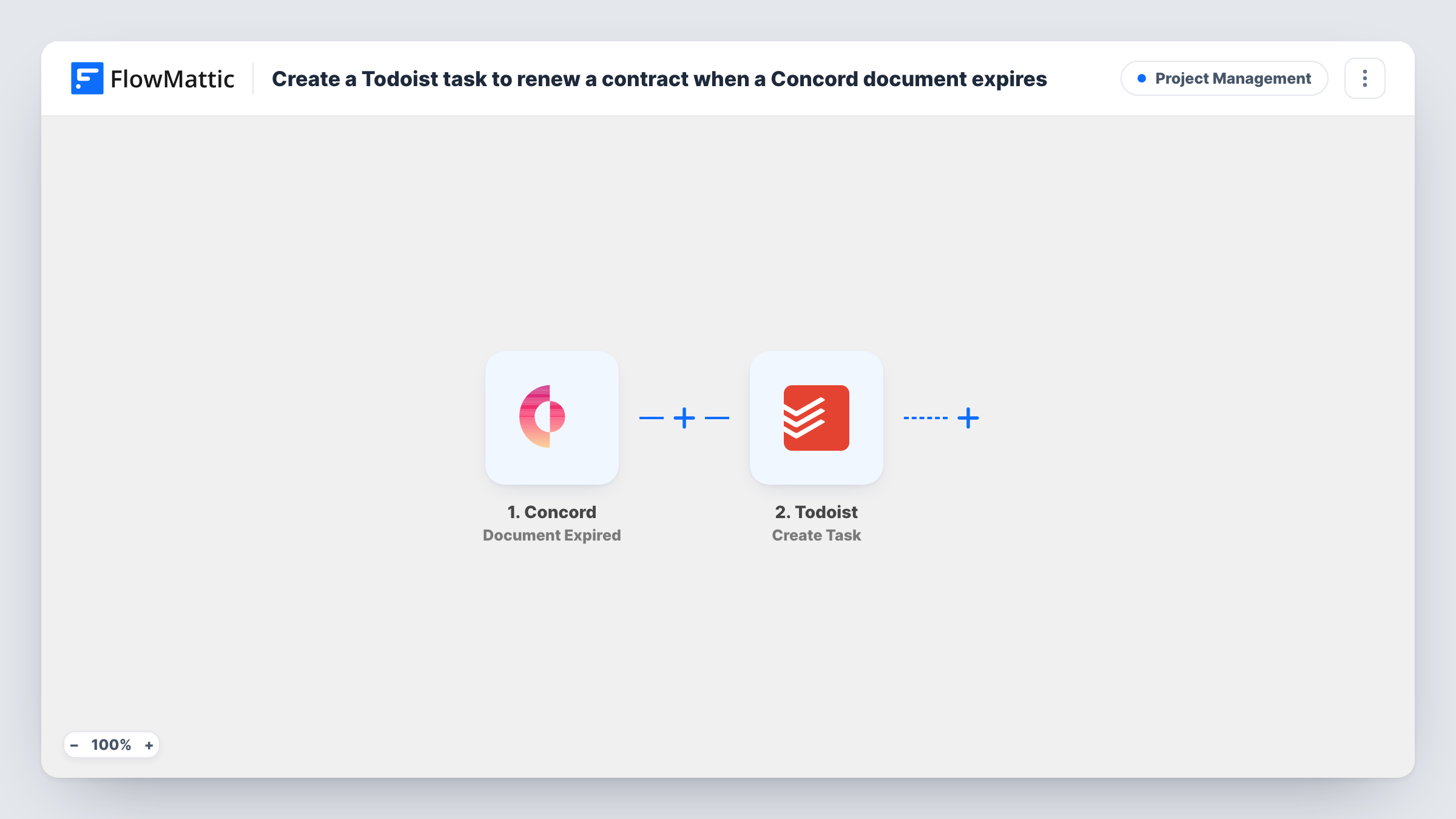
The Concord trigger fires when a document is expired. FlowMattic passes the document's data to Todoist, whose Create Task action creates a new task. You write the task text and insert Concord values such as the document name, so the task says exactly which contract needs attention.
The task is created at the moment of expiry, not before it. If you want time to renegotiate, this template tells you a contract has lapsed rather than warning you ahead. Each expired document creates one task. The workflow does not renew anything in Concord. Task History records each run with the data received from Concord.
Supplier agreements for an operations lead
When a supplier contract in Concord expires, a Todoist task titled with the supplier's agreement appears in the operations lead's inbox.
Client retainers at an agency
An expired retainer agreement turns into a Todoist task for the account manager to contact the client about a new term.
Freelancer contracts
A freelancer who signs client agreements in Concord gets a Todoist task each time one expires, as a prompt to send a new proposal.
How this workflow runs
What happens at each step once the workflow is on, and what you need before you import it.
 Concord Document Expired
Fires when a document in Concord is expired. The document's data is passed on so you can describe it in the Todoist task.
- Todoist Create Task
Adds a renewal task to your Todoist account for each expired document. Write the task text with the Concord document name or other values mapped in, and connect Todoist.
What you need
- FlowMatticCore
- Concord AccountAccount
- Todoist AccountAccount
After importing, map your own data. To keep the template universal, not every step is pre-filled. Open each step in the builder and connect your accounts and fields (channels, lists, sheets, recipients) before you switch the workflow on.
Make it yours
Changes worth making after you import it.
- Put the Concord document name at the start of the task text, so the renewal is easy to spot in a long Todoist list.
- Add a Todoist Add a Task Comment step after Create Task to attach more contract details without crowding the task title.
- Let a document expire in a test, or wait for the first real one, and check Task History to see which Concord values you can use in the task.
Questions about this workflow
Does the Todoist task arrive before the Concord contract expires?
No. The trigger fires when the document has expired, so the task appears after the fact. It is a prompt to renew, not an advance warning.
Will the workflow renew the contract in Concord?
No. Its only output is the Todoist task. Someone still renews or replaces the agreement in Concord.
Can the Todoist task go to a specific project?
Open the Create Task step after import to see what it offers for placing the task. A test run shows where new tasks land in your Todoist account.
What about Concord contracts that already expired?
Only documents that expire after the workflow is turned on start a run. Contracts that lapsed earlier need tasks added by hand.
More Project Management workflows
Other ready-to-import templates from the same category.




Import this workflow into your WordPress site
Download the JSON, import it from the Workflows screen and connect your accounts. Every run stays on your server, with no per-task fees.
30-day money-back guarantee Unlimited workflows and runs Self-hosted