

Create a Todoist task when a ChargeOver customer status changes
Whenever a customer’s status changes in ChargeOver, this workflow creates a Todoist task with the details you map, so someone on your team is prompted to review the change and act on it.
 ChargeOver
 Todoist
2 steps Setup ~5 min Used on 3.2k sites Productivity Free to import
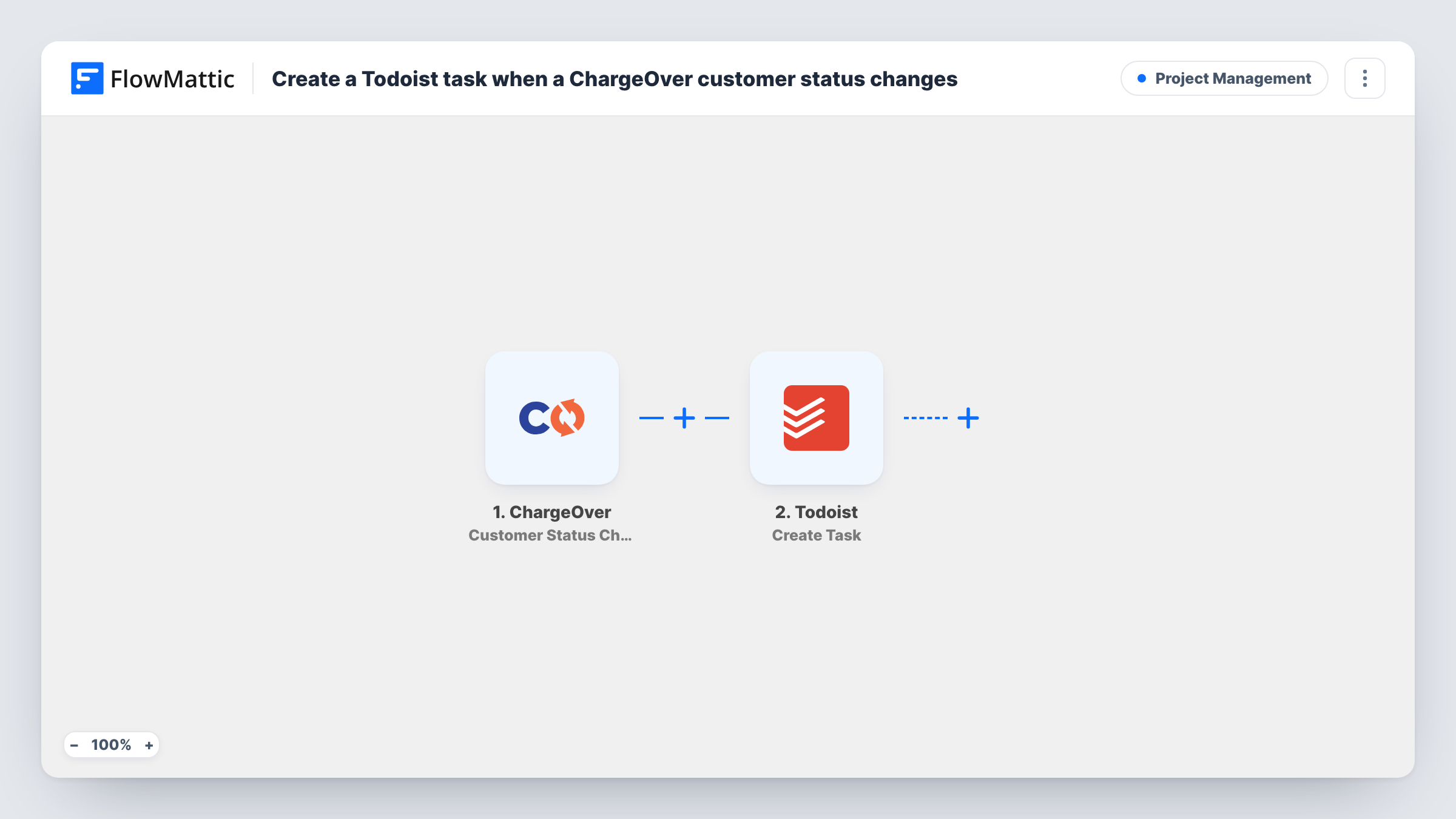
What this workflow does
A change in a customer's status in ChargeOver often calls for a person to do something, such as checking an account or contacting the customer. Those changes are easy to miss if nobody is watching the billing system. This workflow turns each status change into a task in Todoist, where your team already plans its work.
The ChargeOver trigger fires when a customer's status has changed. FlowMattic captures the customer data ChargeOver sends with the event. The Todoist step then creates a new task, and you write its content from the ChargeOver fields you map, such as the customer and the new status.
Every status change creates one task, whatever the old or new status is. If only certain statuses need follow-up, add a Filter between the steps on the status value. Task History records each run with Todoist's response.
Account review for billing staff
A finance team member gets a Todoist task each time a customer's status changes in ChargeOver and checks the account that day.
Customer success check-ins
A success manager uses the tasks as a prompt to contact customers whose status has just changed and ask whether they need help.
Keeping an audit of changes
Completed tasks in Todoist give a simple history of which customer statuses changed and who handled each one.
How this workflow runs
What happens at each step once the workflow is on, and what you need before you import it.
 ChargeOver Customer Status Changed
Fires when a customer's status changes in ChargeOver, whatever the new status. The customer data sent with the change is captured for the task.
- Todoist Create Task
Creates a task in Todoist. Connect your account and write the task content using the captured ChargeOver fields so the task says which customer changed and to what.
What you need
- FlowMatticCore
- ChargeOver AccountAccount
- Todoist AccountAccount
After importing, map your own data. To keep the template universal, not every step is pre-filled. Open each step in the builder and connect your accounts and fields (channels, lists, sheets, recipients) before you switch the workflow on.
Make it yours
Changes worth making after you import it.
- Change a test customer's status in ChargeOver after import so FlowMattic captures a sample, then use it to build the task text.
- Add a Filter after the trigger that continues only for the status values your team acts on, so other changes don't create tasks.
- Check the Todoist step's options after import. If it lets you set a project or due date, use them so the tasks land where the right person sees them.
Questions about this workflow
Which ChargeOver status changes create a Todoist task?
All of them, as imported. The trigger fires on any customer status change. Add a Filter on the status field to limit it.
Does editing a customer's other details in ChargeOver create a task?
No. Only status changes start this workflow. ChargeOver's separate Customer Updated trigger covers other edits.
Will the Todoist task show the customer's new ChargeOver status?
Yes, if you map the status field into the task text. Capture a test status change to see the field to use.
What happens if a customer's status changes twice in a day?
Each change starts its own run, so you get two Todoist tasks for that customer.
More Project Management workflows
Other ready-to-import templates from the same category.




Import this workflow into your WordPress site
Download the JSON, import it from the Workflows screen and connect your accounts. Every run stays on your server, with no per-task fees.
30-day money-back guarantee Unlimited workflows and runs Self-hosted