

Create a ClickUp task for each new Edens time off request
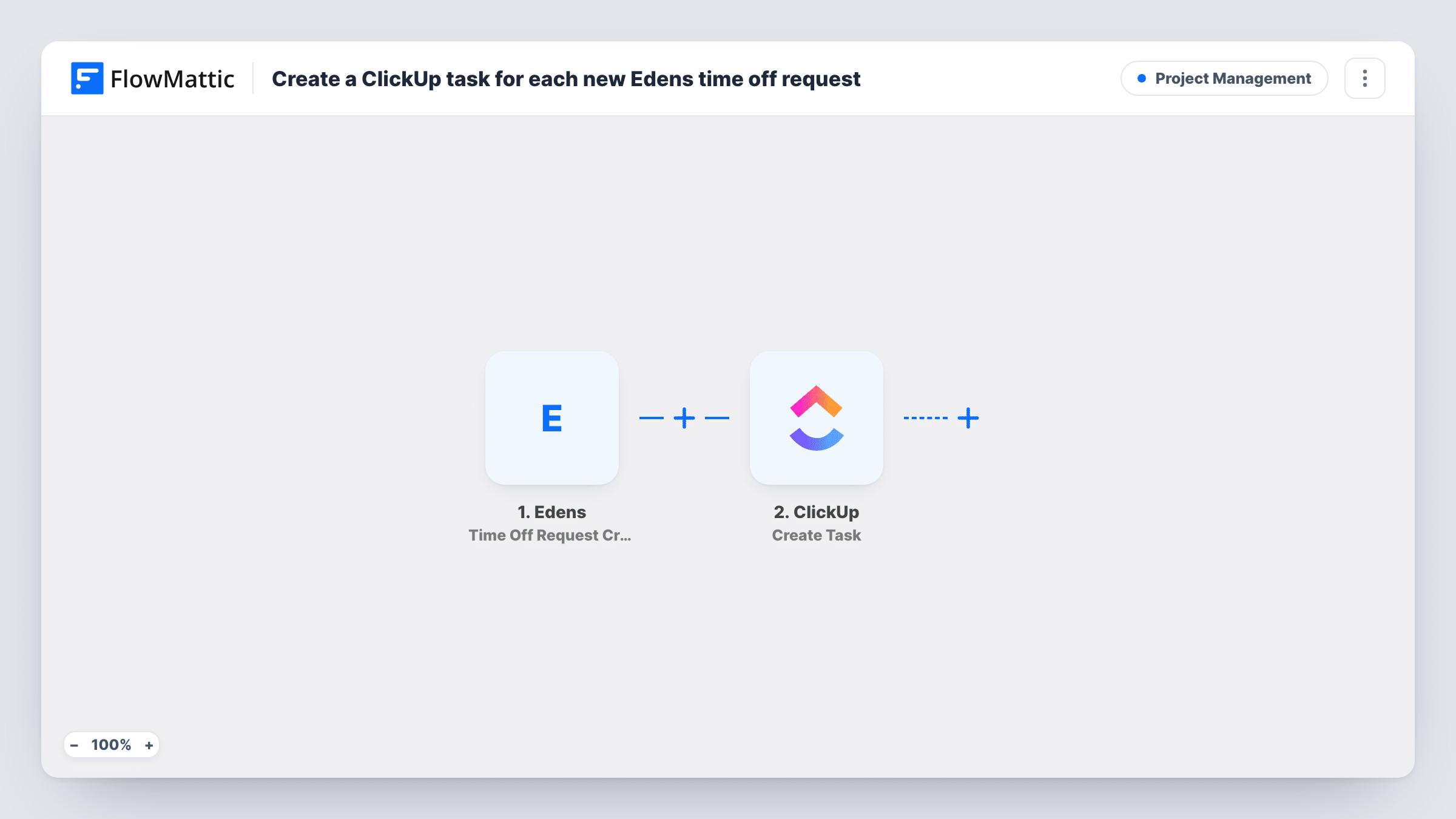
Each time a time-off request is created in Edens, this workflow creates a ClickUp task from it, so leave requests show up in the list your managers already work from.
 Edens
Edens
 ClickUp
2 steps Setup ~5 min Used on 1.6k sites Productivity Free to import
What this workflow does
Leave requests that sit in an HR tool are easy to miss if your team plans its work in ClickUp. A manager has to remember to check Edens, and the request has no place next to the projects it affects. This workflow puts each new request into ClickUp as a task.
The Edens trigger is Time Off Request Created. It fires when a request is created and passes the request data to FlowMattic. The ClickUp step then runs Create Task in the place you choose, and you map the request details into the task, for example who asked and for which dates.
The workflow creates the task and stops. It does not approve or reject anything in Edens, and later changes to the request do not touch the ClickUp task. Edens has separate triggers for updated and deleted requests if you want to handle those as well.
Manager review queue in ClickUp
Every new request becomes a task in a Leave Requests list, so a manager works through them alongside the rest of their tasks and marks each one done once handled in Edens.
Planning around absences
Project leads see upcoming leave as tasks in the team's ClickUp list and can plan handovers before the dates arrive.
Small HR team tracking follow-up
An HR coordinator uses the ClickUp task to track the paperwork and the conversation around each request.
How this workflow runs
What happens at each step once the workflow is on, and what you need before you import it.
 Edens Time Off Request Created
Starts a run whenever a time-off request is created in Edens. The data that comes with the request can be mapped into the ClickUp task.
- ClickUp Create Task
Creates a task in ClickUp from the Edens request. Choose where the task goes and map details such as the employee and dates into it. Connect your ClickUp account after import.
What you need
- FlowMatticCore
- Edens AccountAccount
- ClickUp AccountAccount
After importing, map your own data. To keep the template universal, not every step is pre-filled. Open each step in the builder and connect your accounts and fields (channels, lists, sheets, recipients) before you switch the workflow on.
Make it yours
Changes worth making after you import it.
- Put the employee's name and the requested dates in the task name, so the ClickUp list reads clearly without opening each task.
- Build a separate workflow on Edens' Time Off Request Updated or Deleted trigger that creates its own ClickUp task, so changed or withdrawn requests reach the same list.
- Create a request in Edens as a test after import, then check in Task History which request details are available to map.
Questions about this workflow
Does approving the ClickUp task approve the leave in Edens?
No. The workflow only copies the new request into ClickUp. Approvals still happen in Edens.
What happens when an Edens time-off request is changed after the task exists?
Nothing, as imported. The trigger is Time Off Request Created, so edits do not start a run and the ClickUp task stays as it was created.
Will older Edens requests be added to ClickUp?
No. Only requests created after the workflow is turned on reach ClickUp.
Which ClickUp list does the time-off task go into?
The one you set in the Create Task step after import. Use a test run to confirm the task lands where you expect.
More Project Management workflows
Other ready-to-import templates from the same category.





Import this workflow into your WordPress site
Download the JSON, import it from the Workflows screen and connect your accounts. Every run stays on your server, with no per-task fees.
30-day money-back guarantee Unlimited workflows and runs Self-hosted