

Create a Monday.com item for each new recurring vPlan card
When vPlan creates a recurring card, this workflow adds a matching item to a Monday.com board, so repeating work planned in vPlan also shows up where the rest of your team tracks it.
 vPlan
vPlan
 Monday.com
2 steps Setup ~5 min Used on 1.6k sites Productivity Free to import
What this workflow does
vPlan handles planning and scheduling, including cards that repeat on a set pattern. If other teams track their work on Monday.com, those repeating jobs have to be copied over each time they come round. This workflow creates the Monday.com item for you when vPlan creates the recurring card.
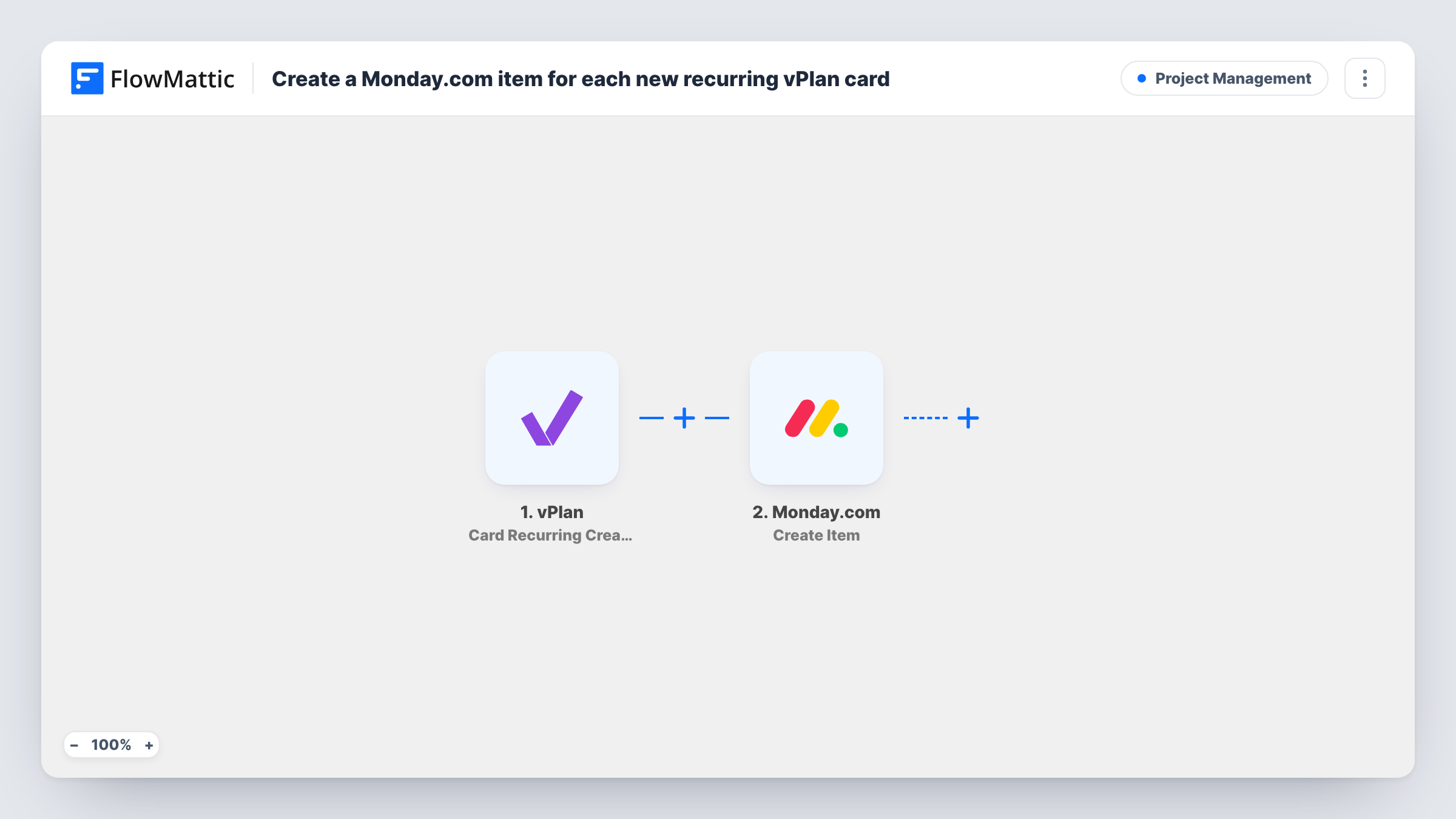
The vPlan trigger is Card Recurring Created, which fires when a recurring card is created. FlowMattic passes the card's data to Monday.com, which creates a new item on the board you pick. Map the card's name to the item name, and add other card details to the columns you use.
Only recurring cards start a run. Cards created once, card updates and deletions don't, because vPlan has separate triggers for those. Run a test after import to see which card fields reach FlowMattic.
Monthly maintenance visits
A facilities planner sets up recurring service cards in vPlan, and each one appears on the Monday.com board the account managers use.
Weekly production runs
Repeating production jobs planned in vPlan show up as Monday.com items, so the sales team can see what is scheduled without a vPlan login.
Recurring client reports
An agency plans monthly reporting work as recurring vPlan cards, and Monday.com gets an item for each one on the client's board.
How this workflow runs
What happens at each step once the workflow is on, and what you need before you import it.
 vPlan Card Recurring Created
Runs when a recurring card is created in vPlan. The card's details become available to map into the Monday.com item.
- Monday.com Create Item
Adds an item to your chosen Monday.com board for the recurring card. Connect your Monday.com account and map the vPlan card name and other details into the item.
What you need
- FlowMatticCore
- vPlan AccountAccount
- Monday.com AccountAccount
After importing, map your own data. To keep the template universal, not every step is pre-filled. Open each step in the builder and connect your accounts and fields (channels, lists, sheets, recipients) before you switch the workflow on.
Make it yours
Changes worth making after you import it.
- Add a second workflow with vPlan's Card Created trigger if one-off cards should reach Monday.com too.
- Add a Filter after the trigger on a card field, such as its board or label, if only some recurring cards belong on Monday.com.
- Map the vPlan card ID into a Monday.com text column, so you can match items to cards later.
Questions about this workflow
Do ordinary vPlan cards create Monday.com items?
No. The trigger is Card Recurring Created, so only recurring cards start a run. vPlan's Card Created trigger covers cards in general if you need it.
Does editing the vPlan card change the Monday.com item?
No. This template adds an item once, when the recurring card is created. Changes to the card in vPlan are not copied to Monday.com.
Which Monday.com board does the item go to?
The board you choose when you configure the Create Item step. Every run adds its item there.
More Project Management workflows
Other ready-to-import templates from the same category.








Import this workflow into your WordPress site
Download the JSON, import it from the Workflows screen and connect your accounts. Every run stays on your server, with no per-task fees.
30-day money-back guarantee Unlimited workflows and runs Self-hosted