

Create a ClickUp task from each new Jira Software issue
Point a Jira Software webhook at this workflow’s URL and each new issue Jira sends becomes a task in the ClickUp list you choose, so a team that plans in ClickUp sees work raised in Jira.
 Webhook
 ClickUp
2 steps Setup ~5 min Used on 384 sites Productivity Free to import
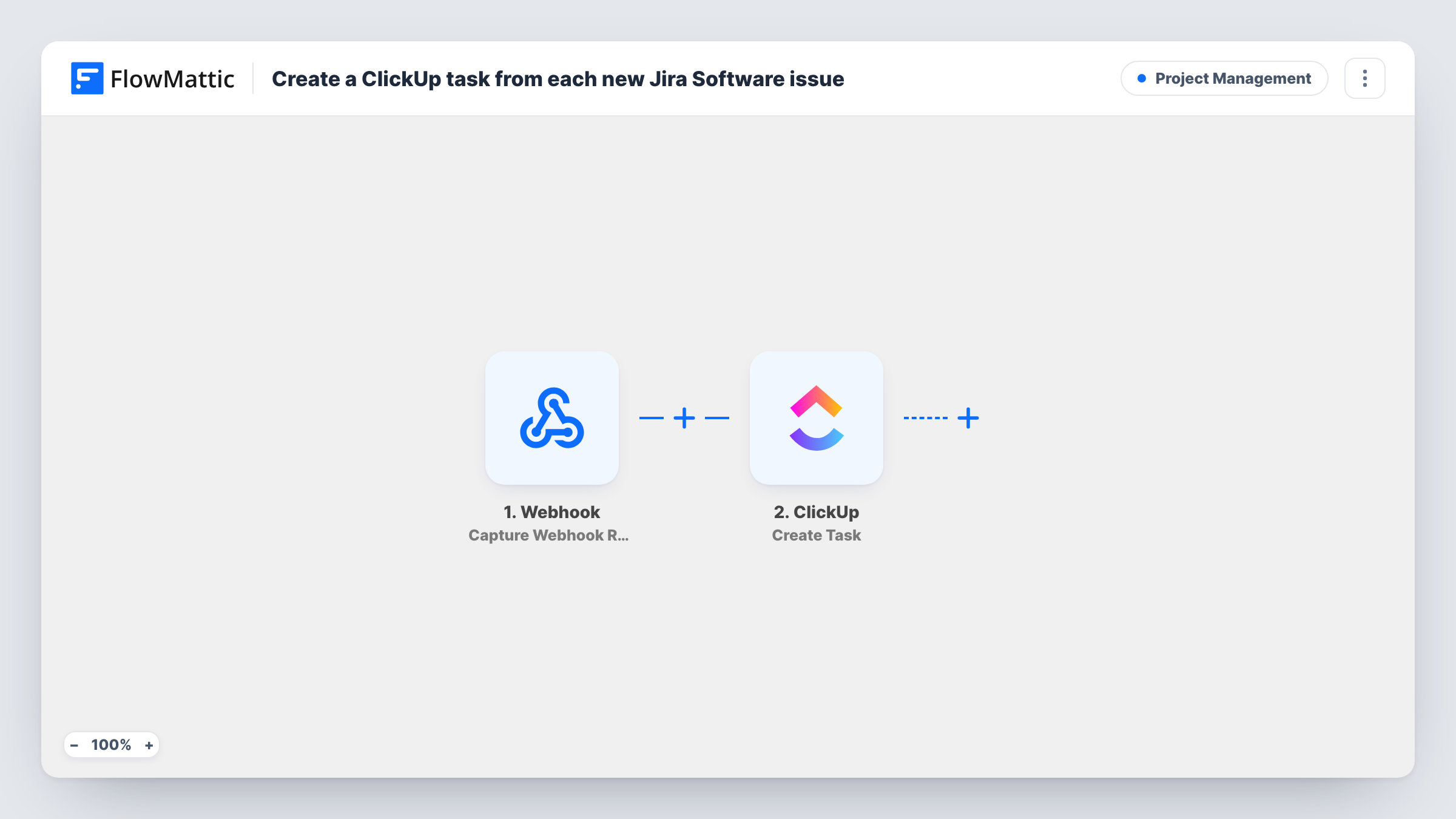
What this workflow does
Engineering may track work in Jira Software while design, marketing or support plan in ClickUp. When an issue is raised in Jira that another team needs to act on, someone has to copy it across, and things get missed. Here, each new Jira issue turns into a ClickUp task without anyone copying it.
Step one is a Webhook trigger that gives you a URL. In Jira's webhook settings you add that URL and choose the issue created event, so Jira posts each new issue's data to FlowMattic. FlowMattic's own Jira trigger is also a webhook receiver, so this generic one works the same way. The ClickUp step then creates a new task, with the name and description you map from the issue, such as its summary and key.
The workflow acts on whatever Jira sends. If the Jira webhook also sends issue updates, each update makes another task, so keep the webhook to the created event. Task History shows every payload received and ClickUp's reply.
Bugs that need support follow-up
Developers log a bug in Jira. The support team gets a ClickUp task for it in their own list and can tell affected customers what is happening.
Feature work that needs design
A product owner raises a Jira issue for a new feature. Designers who live in ClickUp see a task appear in their queue.
Agency handing work to a client
Your developers run on Jira and your client plans in ClickUp. New issues in the shared Jira project appear as tasks the client can follow.
How this workflow runs
What happens at each step once the workflow is on, and what you need before you import it.
 Webhook Capture Webhook Response
Gives you a webhook URL to add in Jira Software. When Jira sends an issue event to it, the issue data arrives in FlowMattic and can be mapped into the ClickUp task.
- ClickUp Create Task
Turns the incoming Jira issue into one ClickUp task. Connect your ClickUp account, choose where the task goes and map the Jira issue's summary, description or key into the task name and details.
What you need
- FlowMatticCore
- ClickUp AccountAccount
After importing, map your own data. To keep the template universal, not every step is pre-filled. Open each step in the builder and connect your accounts and fields (channels, lists, sheets, recipients) before you switch the workflow on.
Make it yours
Changes worth making after you import it.
- In Jira's webhook setup, tick only the issue created event. If updates are sent too, every edit to an issue creates another ClickUp task.
- Turn on the Webhook trigger's Require authentication on incoming requests setting so only senders with your key can start a run. Without it, anyone holding the URL could create tasks.
- Use a JQL filter in Jira's webhook settings to send issues from one project or of one type only, so the ClickUp list holds just the work that team needs.
Questions about this workflow
Why does this Jira to ClickUp flow use a generic Webhook?
FlowMattic's Jira Software trigger is itself a webhook receiver you configure in Jira. The generic Webhook trigger takes the same data, so either one works here.
Will changes to the Jira issue update the ClickUp task?
No. Nothing here edits an existing ClickUp task. If Jira sends update events to the URL, each one creates a new task instead, so limit the webhook to issue creation.
Are existing Jira issues copied into ClickUp?
No. Only issues Jira sends after the webhook is set up start a run. Older issues stay in Jira.
Can the ClickUp task link back to the Jira issue?
Yes, if you map it. Jira includes issue details in its webhook payload; build the issue link from them in the task description after checking a test run.
More Project Management workflows
Other ready-to-import templates from the same category.




Import this workflow into your WordPress site
Download the JSON, import it from the Workflows screen and connect your accounts. Every run stays on your server, with no per-task fees.
30-day money-back guarantee Unlimited workflows and runs Self-hosted