

Create a ClickUp task from each New Relic incident notification
Each incident notification New Relic sends to FlowMattic, whether an incident opens, is acknowledged or closes, becomes a new task in ClickUp for your team to track.
 New Relic
 ClickUp
2 steps Setup ~5 min Used on 823 sites Productivity Free to import
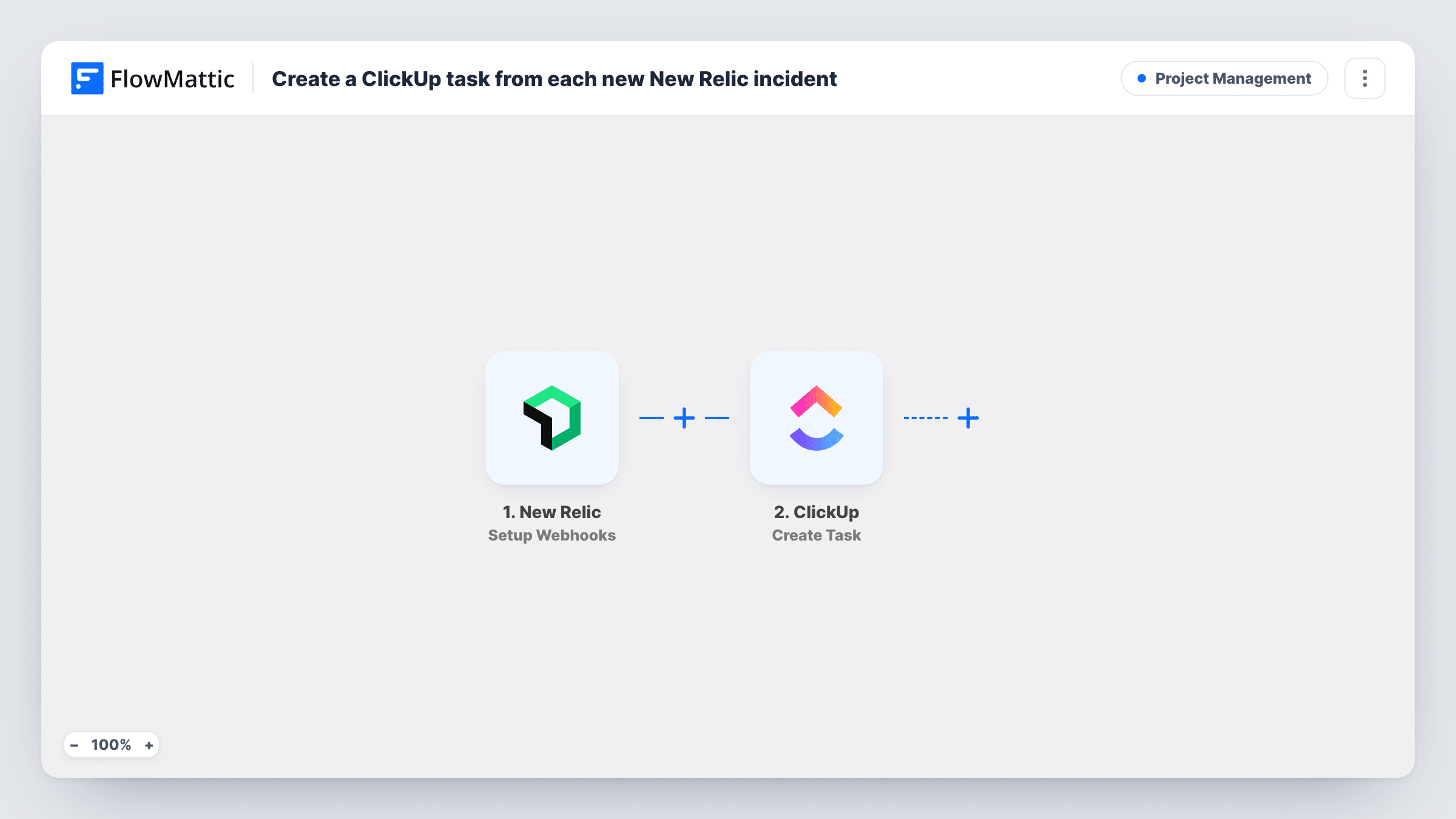
What this workflow does
New Relic is good at telling you something broke, but the follow-up work, such as finding the cause and writing up what happened, usually lives in a project tool. This workflow turns New Relic incident notifications into ClickUp tasks, so that work has an owner and a place in your lists.
The New Relic trigger gives you a webhook URL to add as a destination in New Relic. FlowMattic describes it as firing when an incident is opened, acknowledged or closed. Each of those notifications starts its own run, so one incident can produce up to three tasks if New Relic sends all three.
The ClickUp step creates a task. It ships unmapped: after import, connect ClickUp, choose where tasks go, and map the incident details into the task name and description, such as the incident title, state, priority and a link back to New Relic.
If you want exactly one task per incident, set New Relic to send FlowMattic only the opened notification, if your alert setup allows that, or add a Filter on the incident state as the tips explain. Trigger a test notification and check Task History to see the payload before mapping.
Post-incident reviews for an SRE team
An SRE team gets a ClickUp task for each new production incident, which the on-call engineer uses to record the cause and the fix.
Incident activity for a managed hosting agency
An agency that monitors client sites in New Relic creates tasks in each client's ClickUp space, so account managers can see what went wrong.
Audit trail of incident status changes
A small dev team keeps all three notifications, so the ClickUp list shows when each incident was opened, acknowledged and closed.
How this workflow runs
What happens at each step once the workflow is on, and what you need before you import it.
 New Relic Setup Webhooks
Receives the notification New Relic sends when an incident is opened, acknowledged or closed. Add the webhook URL in New Relic; the incident details are then available to map into ClickUp.
- ClickUp Create Task
Creates a task in ClickUp for each notification. The template leaves it unmapped, so pick the list and map the incident title, state and link into the task name and description.
What you need
- FlowMatticCore
- New Relic AccountAccount
- ClickUp AccountAccount
After importing, map your own data. To keep the template universal, not every step is pre-filled. Open each step in the builder and connect your accounts and fields (channels, lists, sheets, recipients) before you switch the workflow on.
Make it yours
Changes worth making after you import it.
- For one task per incident, put a Filter between the New Relic trigger and the ClickUp step that continues only when the incident state is the opened value New Relic sends. A test notification shows the exact word.
- Map New Relic's priority into the ClickUp task name or description, so the most serious incidents stand out in the list.
- Put the link to the incident in the task description, if the payload includes one, so the assignee can open New Relic straight from ClickUp.
Questions about this workflow
Will one New Relic incident create several ClickUp tasks?
It can. Opening, acknowledging and closing an incident each send a notification, and each one creates a task. Send only the opened notification from New Relic, or add a Filter on the state between the New Relic trigger and the ClickUp step.
Does closing the New Relic incident close the ClickUp task?
No. Nothing here edits existing ClickUp tasks. A close notification creates another task unless you filter it out; it doesn't change the earlier one.
Where do I put the FlowMattic webhook URL in New Relic?
Add it as a webhook destination in New Relic's alert notification settings and connect it to the workflow or policy whose incidents you want in ClickUp. Send a test to check the payload in FlowMattic.
More Project Management workflows
Other ready-to-import templates from the same category.





Import this workflow into your WordPress site
Download the JSON, import it from the Workflows screen and connect your accounts. Every run stays on your server, with no per-task fees.
30-day money-back guarantee Unlimited workflows and runs Self-hosted