

Add a new MaintainX work order to a Monday.com board
Each new MaintainX work order becomes an item on a Monday.com board, carrying the details you map, so maintenance jobs show up next to the rest of your team’s planned work.
 MaintainX
 Monday.com
2 steps Setup ~5 min Used on 2.1k sites Productivity Free to import
What this workflow does
Maintenance teams log jobs in MaintainX, while managers and other departments often plan in Monday.com. When the two don't talk, a broken machine or a facilities request is invisible to the people scheduling around it. This workflow copies each new work order to a board.
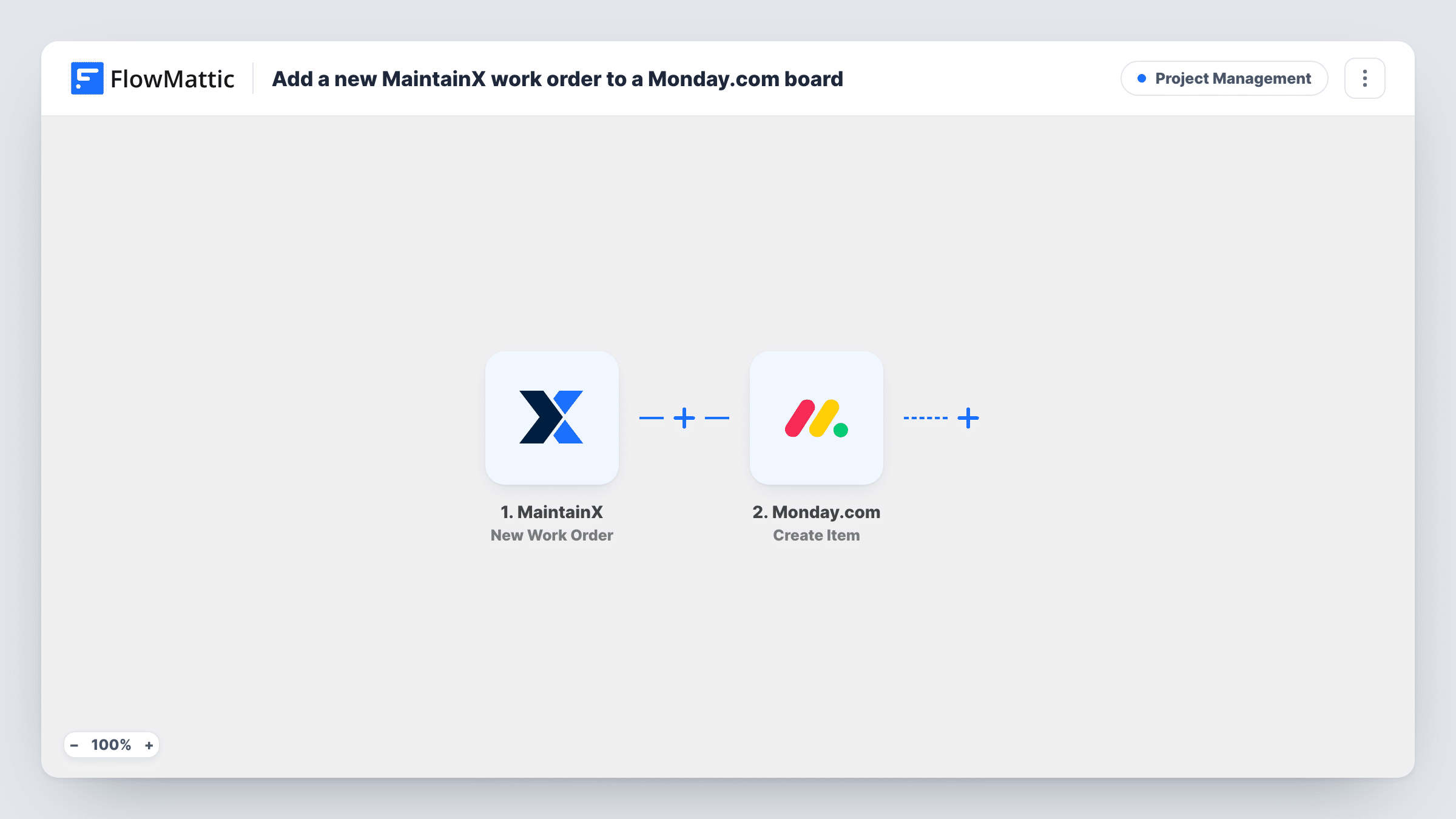
A run begins whenever someone opens a work order in MaintainX. FlowMattic receives the work order details MaintainX sends, such as its title and priority if included. The Monday.com step then runs Create Item, adding a new item to the board you choose with those details mapped in.
Data moves from MaintainX to Monday.com once, when the work order is opened. Status changes or completion in MaintainX don't update the Monday.com item, so the board shows what was opened, not its current state. Task History keeps a line for every work order sent across.
Facilities requests on a shared board
Office staff open facility work orders in MaintainX, and the operations manager sees each one as a Monday.com item when planning the week.
Production line downtime planning
A plant logs machine repairs in MaintainX. Production planners see each new work order on their Monday.com board and adjust schedules.
Property management overview
A property manager tracks tenant repair work orders in MaintainX and keeps a Monday.com board of all open jobs for the owners.
How this workflow runs
What happens at each step once the workflow is on, and what you need before you import it.
 MaintainX New Work Order
Starts a run when a new work order is created in MaintainX. The work order details become values you can map into the Monday.com item.
- Monday.com Create Item
Creates an item on the Monday.com board you pick. Connect Monday.com, choose the board and map the MaintainX work order title and other details into the item.
What you need
- FlowMatticCore
- MaintainX AccountAccount
- Monday.com AccountAccount
After importing, map your own data. To keep the template universal, not every step is pre-filled. Open each step in the builder and connect your accounts and fields (channels, lists, sheets, recipients) before you switch the workflow on.
Make it yours
Changes worth making after you import it.
- Create a test work order in MaintainX after import so FlowMattic captures the real fields, then map them into the Monday.com item.
- Only want urgent jobs on the board? Add a Filter after the trigger that checks the work order priority, if MaintainX sends it.
- Put the MaintainX work order ID or link in the item name or an update, if the trigger carries it, so people can jump back to the full work order.
Questions about this workflow
Does closing a MaintainX work order update the Monday.com item?
No. This workflow only reacts to new work orders. Changes made later in MaintainX are not sent to Monday.com.
Which MaintainX details can I put on the Monday.com board?
Whatever the New Work Order trigger sends. Look at a test run's captured data in FlowMattic, then map those values in the Create Item step.
Can I fill Monday.com columns such as priority or due date?
Check the Create Item step after you connect Monday.com to see which column values it lets you set, then map MaintainX data into them.
Are MaintainX work orders from before import copied to Monday.com?
No. Only work orders created after you turn the workflow on start a run.
More Project Management workflows
Other ready-to-import templates from the same category.





Import this workflow into your WordPress site
Download the JSON, import it from the Workflows screen and connect your accounts. Every run stays on your server, with no per-task fees.
30-day money-back guarantee Unlimited workflows and runs Self-hosted