

Add Iterable contacts to ActiveCampaign for continued nurturing
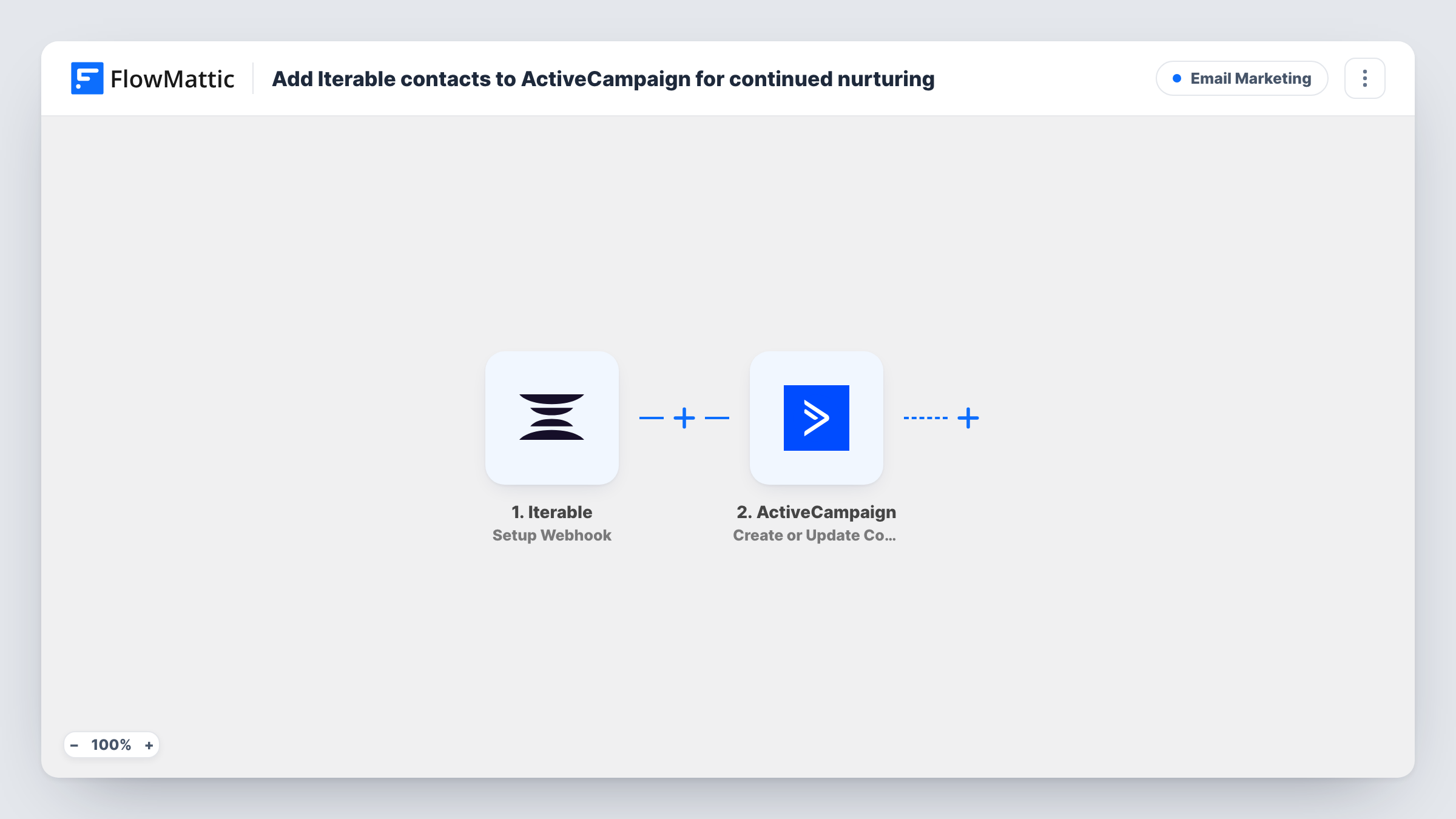
When Iterable sends an event you’ve chosen to FlowMattic, this workflow creates or updates the person as a contact in ActiveCampaign, so people engaging with your Iterable messages can be nurtured there too.
 Iterable
 ActiveCampaign
2 steps Setup ~5 min Used on 1.7k sites Free to import
What this workflow does
Some teams run product messaging in Iterable and sales or nurture emails in ActiveCampaign. The people who matter end up known to one tool and missing from the other. This workflow copies them across, based on the Iterable events you pick.
The Iterable trigger, Setup Webhook, fires for every event type you specify in the webhook, for example a subscribe event or a click on a campaign. Each event carries details about the person it concerns. FlowMattic sends those to ActiveCampaign, where Create or Update Contact adds a new contact or updates the existing one with the same email.
Which people reach ActiveCampaign depends entirely on the events you send. A person who opens or clicks several times sends several events, and each one updates the same contact again. Map only fields every event carries, so a later event with blank values doesn't overwrite good data. Choosing a narrow event, such as subscribe, keeps the flow focused on adding people.
New subscribers into a sales nurture
Send Iterable's subscribe events, so each person who joins a list in Iterable also becomes an ActiveCampaign contact your sales sequences can reach.
Engaged readers to the sales team
Send click events from a product launch campaign, so people who clicked through land in ActiveCampaign for a follow-up series.
Keeping two tools in step during a move
While migrating from Iterable to ActiveCampaign, sending events keeps contacts active in Iterable present in ActiveCampaign as well.
How this workflow runs
What happens at each step once the workflow is on, and what you need before you import it.
 Iterable Setup Webhook
Fires for each event type you specify when you set up the webhook in Iterable. Each event's details, including the person's email, are passed to ActiveCampaign for mapping.
- ActiveCampaign Create or Update Contact
Creates a new ActiveCampaign contact from the Iterable event, or updates the existing contact with that email. Map the email and any name fields, and confirm with a test event.
What you need
- FlowMatticCore
- Iterable AccountAccount
- ActiveCampaign AccountAccount
After importing, map your own data. To keep the template universal, not every step is pre-filled. Open each step in the builder and connect your accounts and fields (channels, lists, sheets, recipients) before you switch the workflow on.
Make it yours
Changes worth making after you import it.
- Choose the narrowest Iterable event that means a new person, such as subscribe, so you don't spend runs on repeated opens and clicks.
- Add ActiveCampaign Subscribe or Unsubscribe Contact From List after the contact step so the person joins the list your nurture emails go to.
- Add a Filter after the trigger on the event type if you send several event types but only some should create contacts.
Questions about this workflow
What happens if the person is already in ActiveCampaign?
Create or Update Contact updates the existing contact instead of adding a duplicate, using the email from the Iterable event.
Which Iterable events should I send to add contacts to ActiveCampaign?
Any event type you choose in the Iterable webhook will run the workflow. Subscribe events fit adding new people; click or open events fit adding engaged readers.
Are Iterable contacts from before setup copied over?
No. Only events Iterable sends after the webhook is in place reach ActiveCampaign. Import older contacts into ActiveCampaign separately.
Does the ActiveCampaign contact start an automation by itself?
Only if your ActiveCampaign account has an automation set to start for such contacts. This workflow just creates or updates the contact.
More Email Marketing workflows
Other ready-to-import templates from the same category.






Import this workflow into your WordPress site
Download the JSON, import it from the Workflows screen and connect your accounts. Every run stays on your server, with no per-task fees.
30-day money-back guarantee Unlimited workflows and runs Self-hosted