

Add member data to Google Sheets when a new MemberPress subscription is created
Every subscription created in MemberPress adds a row to Google Sheets with the member and subscription details you map, giving you a shareable list of new memberships outside WordPress.
 MemberPress
 Google Sheets
2 steps Setup ~5 min Used on 563 sites Free to import
What this workflow does
MemberPress keeps its records in your WordPress admin, which is fine for you but awkward for an accountant, partner or teammate who has no login. A Google Sheet is easy to hand over. This workflow adds each new MemberPress subscription to a spreadsheet as it is created.
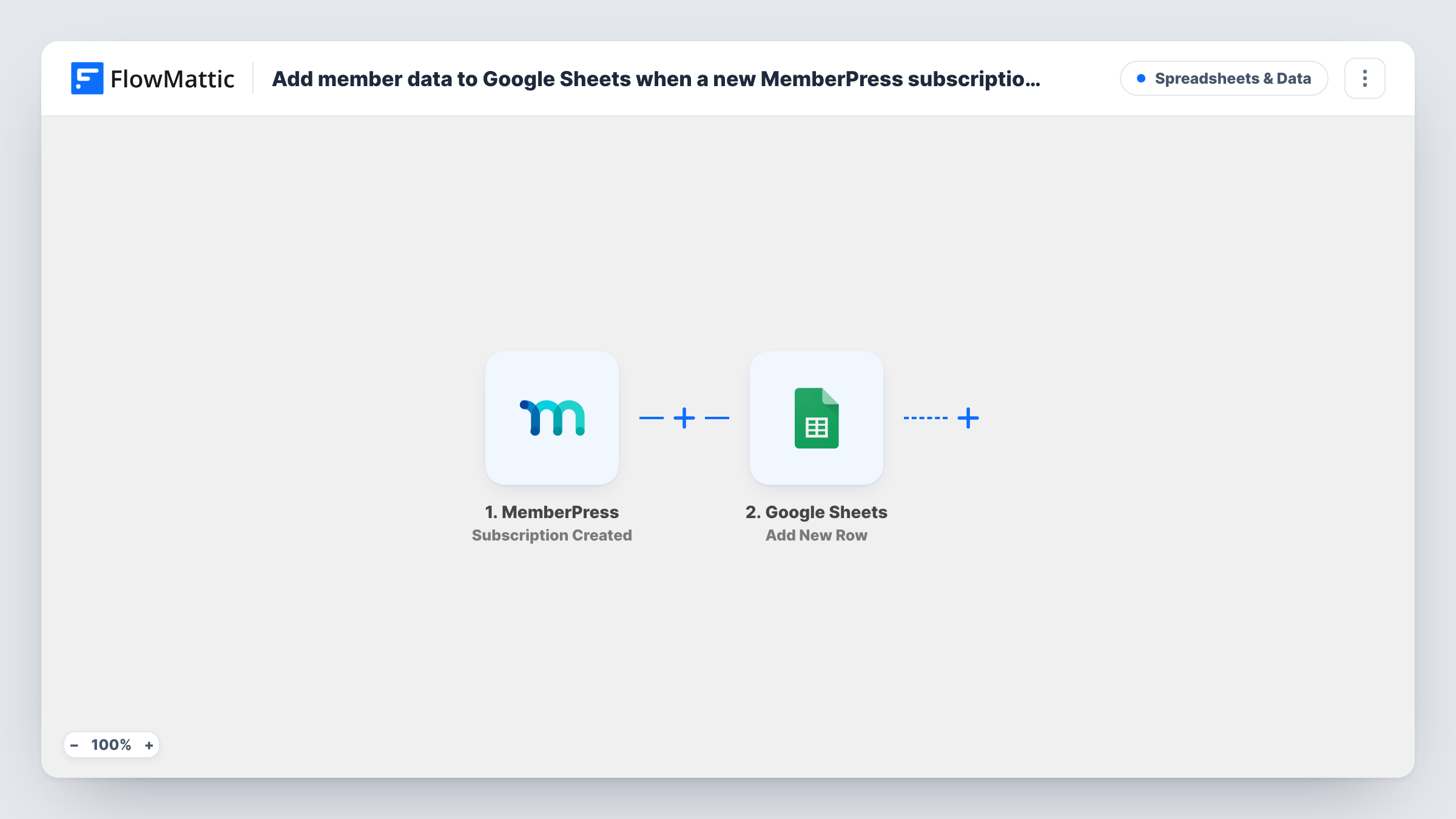
The MemberPress trigger fires when a subscription is created on your site. FlowMattic collects the data from that event, such as the member and the membership they joined, and sends it to Google Sheets. The Add New Row action writes the fields you mapped into a new row of the sheet you choose.
MemberPress creates subscription records for recurring memberships. A one-time purchase is stored as a transaction, so it may not start this workflow; a test run shows how your memberships behave. Every run is listed in Task History with the data it sent to the sheet.
Membership growth tracking
A site owner charts new subscriptions per month from the sheet and shares the view with a business partner who never logs in to WordPress.
Welcome pack mailing list
A paid club posts a printed welcome pack to new members. The person handling the post works from the sheet, one row per new subscription.
Bookkeeping hand-off
Your bookkeeper gets read access to the spreadsheet and sees each new subscription with the membership name and amount you chose to map.
How this workflow runs
What happens at each step once the workflow is on, and what you need before you import it.
 MemberPress Subscription Created
Fires when a subscription is created in MemberPress. The member and subscription details from that event are passed on to fill the spreadsheet row.
- Google Sheets Add New Row
Puts each new MemberPress subscription into its own row of the Google Sheets file you choose. Map columns to the member and subscription fields, and connect your Google account on import.
What you need
- FlowMatticCore
- MemberPress PluginPlugin
- Google Sheets AccountAccount
After importing, map your own data. To keep the template universal, not every step is pre-filled. Open each step in the builder and connect your accounts and fields (channels, lists, sheets, recipients) before you switch the workflow on.
Make it yours
Changes worth making after you import it.
- Sign up for a test membership after import so FlowMattic captures the subscription fields, then map them to your sheet's column headers.
- Add a Filter after the trigger to log only one membership level, for example when the membership name equals your premium plan.
- Want one-time purchases too? Copy the workflow and switch the trigger to MemberPress's Transaction Completed event, writing to a second tab.
Questions about this workflow
Which MemberPress member details reach the Google Sheets row?
Any field the Subscription Created event passes to FlowMattic that you map to a column. A test sign-up shows the full list after import.
Are renewals or cancelled MemberPress subscriptions logged?
No. This workflow only reacts to new subscriptions. MemberPress has separate triggers in FlowMattic, such as Subscription Stopped, if you want to track those as well.
Will members who joined before I import this be added?
No. Only subscriptions created after the workflow is turned on reach the sheet.
Does it need MemberPress on the same site as FlowMattic?
Yes. The trigger listens for MemberPress events on the WordPress site where FlowMattic is installed.
More Spreadsheets & Data workflows
Other ready-to-import templates from the same category.




Import this workflow into your WordPress site
Download the JSON, import it from the Workflows screen and connect your accounts. Every run stays on your server, with no per-task fees.
30-day money-back guarantee Unlimited workflows and runs Self-hosted