

Add a new database item in Notion for every HARO email parsed
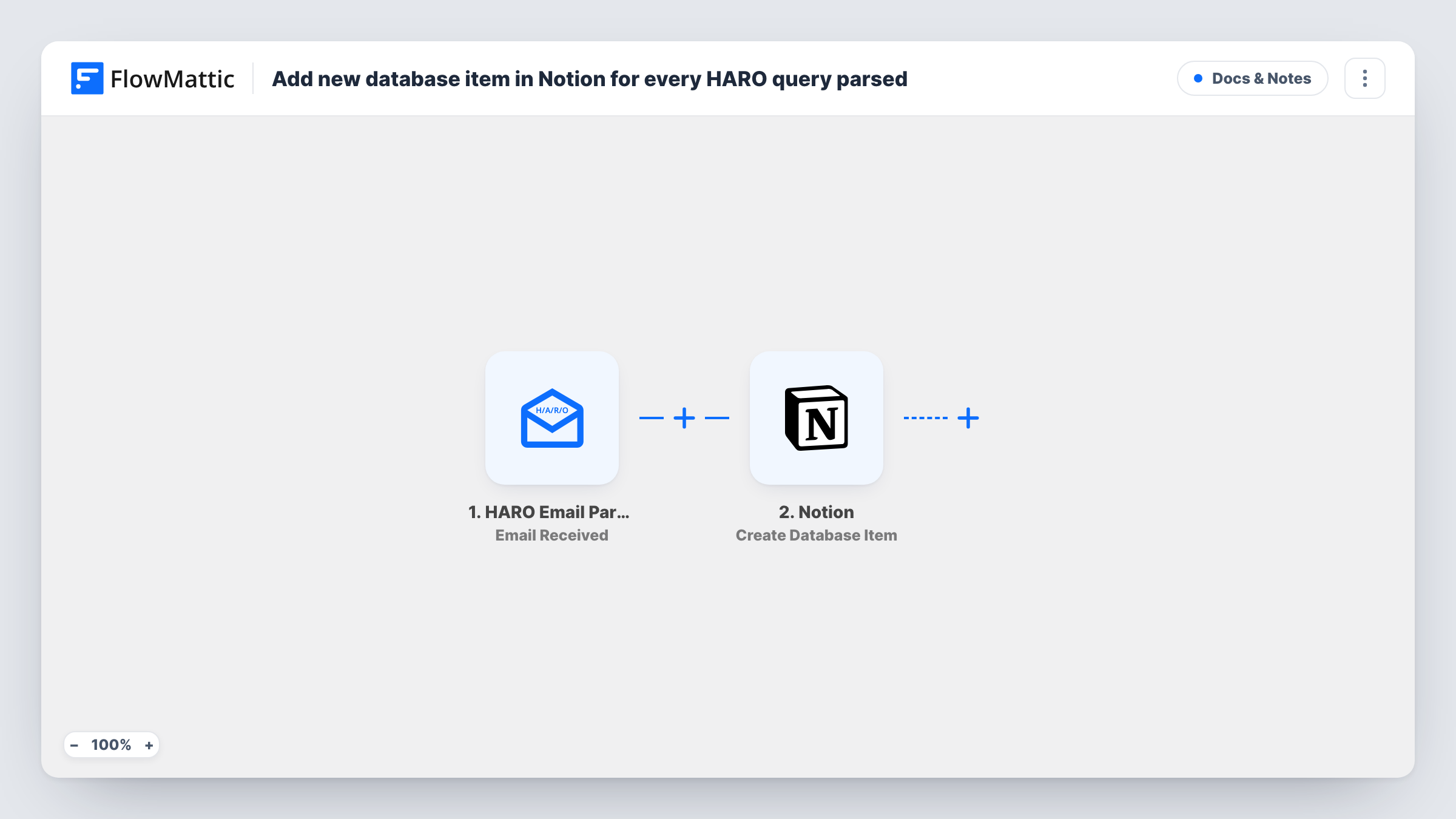
Forward your HARO emails to the HARO Email Parser by FlowMattic, and each one it receives becomes a new item in the Notion database you pick, ready for follow-up.
 HARO Email Parser
 Notion
2 steps Setup ~5 min Used on 473 sites Free to import
What this workflow does
HARO (Help A Reporter Out) emails arrive often and pile up quickly. If you pitch journalists, you want them in one place where you can mark what's relevant, assign it and track replies. This workflow logs each HARO email as a Notion database item, so your inbox stops being the only record.
The HARO Email Parser trigger gives you an address to receive HARO emails, for example by forwarding them from your inbox. Each email received there starts one run. The parser is built for HARO emails and extracts their information into fields that the next step can use.
The Notion Create Database Item step then adds an item to a database you choose. It ships unmapped: after import, connect Notion, pick the database and map the parsed fields into its properties, for example the subject, the deadline or the query text. Run a test with a real HARO email to see what the parser returns.
The workflow creates one item per email received. Whether that holds one query or several depends on the email and what the parser returns, so check Task History after your first few runs before building your process around it.
PR pitch tracker in Notion
A freelance PR consultant keeps a Notion board of HARO emails with a status column, moving each one from New to Pitched to Replied.
Shared queue for a content team
A marketing team logs HARO emails into a shared Notion database and assigns relevant ones to the subject expert who should answer.
Record of what was offered
A founder keeps every HARO email in Notion to look back on which topics reporters asked about over the past months.
How this workflow runs
What happens at each step once the workflow is on, and what you need before you import it.
 HARO Email Parser Email Received
Fires when an email reaches your HARO Email Parser address. The parser extracts the HARO email's information into fields; run a test email to see exactly which ones come through.
- Notion Create Database Item
Logs the HARO email as a new entry in a Notion database. The step ships unmapped: after import, connect Notion, pick the database and map the parsed HARO fields into its properties.
What you need
- FlowMatticCore
- Notion AccountAccount
After importing, map your own data. To keep the template universal, not every step is pre-filled. Open each step in the builder and connect your accounts and fields (channels, lists, sheets, recipients) before you switch the workflow on.
Make it yours
Changes worth making after you import it.
- Add a Status property to the Notion database before you map it, and map a fixed value such as New into it, so you can sort what you've already handled.
- Map any deadline the parser returns into a Notion date property, so you can sort items by how soon a reply is due.
- Put a Filter between the HARO Email Parser trigger and the Notion step that continues only when the subject contains a topic you cover. Swap that topic word for one that fits your expertise.
- Set a forwarding rule in your mail app that sends only HARO emails to the parser address, so unrelated mail doesn't create Notion items.
Questions about this workflow
How do HARO emails reach the parser?
Forward them to the address the HARO Email Parser trigger gives you, for example with a rule in your email app. Each email that arrives there starts a run.
Does each HARO query get its own Notion item?
The workflow creates one item per email received. To split an email with several queries into separate items, you would add an Iterator over the parsed queries between the trigger and the Notion step, if the parser returns them as a list.
Should the Notion database for HARO emails exist before I import?
Yes. The Create Database Item step adds items to an existing database, so set it up with the properties you want, then pick it after import.
Which HARO details end up in the Notion item?
Only the ones you map. The step is empty in the template, so you match the parsed fields to your database properties.
More Docs & Notes workflows
Other ready-to-import templates from the same category.



Import this workflow into your WordPress site
Download the JSON, import it from the Workflows screen and connect your accounts. Every run stays on your server, with no per-task fees.
30-day money-back guarantee Unlimited workflows and runs Self-hosted