

Add new Facebook Lead to a group in BuddyBoss
Each new Facebook Lead Ads lead gets a WordPress account on your site, and that account is added to the BuddyBoss group you pick, so leads arrive straight into your community.
 Facebook Lead Ads
 WordPress
 BuddyBoss
3 steps Setup ~5 min Used on 1.4k sites Free to import
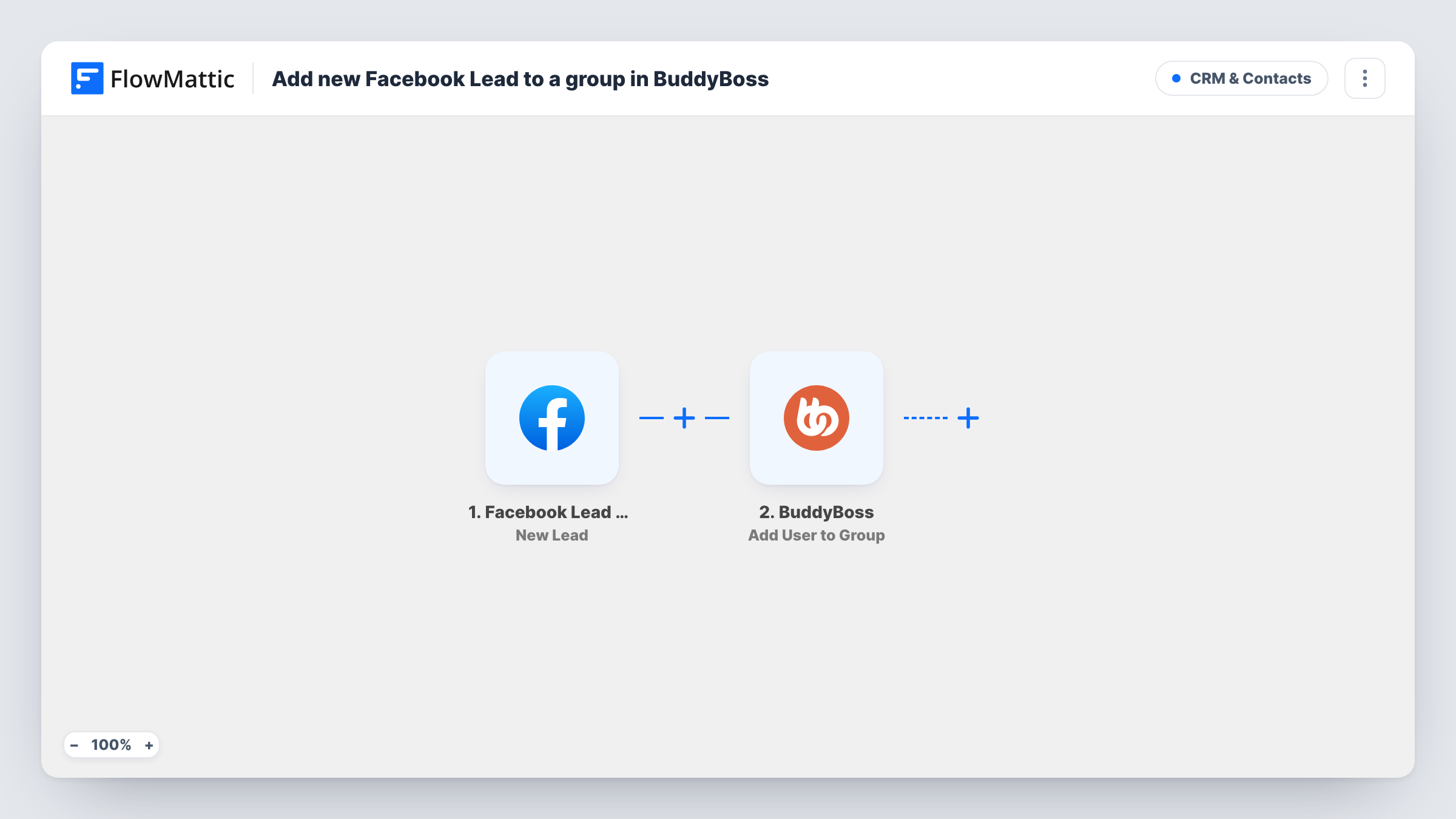
What this workflow does
If you run a BuddyBoss community and advertise it with Facebook lead forms, the lead has to become a member before they can take part. This workflow does that for you: it turns each lead into a WordPress user and places them in a BuddyBoss group, without anyone exporting leads from Facebook.
The Facebook Lead Ads trigger starts a run for each person who submits your Facebook lead form. Their answers, such as name and email, are passed on. The WordPress New User step then registers the lead on your site. It ships unmapped, so after import you map the lead's email and name into it and set anything else your site needs.
WordPress won't create a second account for an email that's already registered; Task History shows which user ID the step returned. That user ID is already mapped into the BuddyBoss Add User to Group step, so a lead who already has an account is added to the group with that existing account. You choose the group in that step after import.
Every lead runs all three steps. Creating an account also fires any other workflow on your site that starts from WordPress New User. Test with a lead from Facebook's testing tool and check the new member appears in the group.
Free community sign-ups from ads
A fitness coach runs a Facebook lead ad for a free challenge group, and every lead becomes a member of that BuddyBoss group.
Cohort groups for a course launch
A course creator collects interest through a lead form and places each lead in a pre-launch group where the first lessons are shared.
Local networking groups
A business association advertises a city chapter on Facebook and adds each lead to that chapter's group on its BuddyBoss site.
How this workflow runs
What happens at each step once the workflow is on, and what you need before you import it.
 Facebook Lead Ads New Lead
Fires when a new lead is submitted on the Facebook lead form you connect. The lead's answers, such as their name and email, are available for the WordPress account.
- WordPress New User
Turns the Facebook lead into a WordPress account. The step ships unmapped: map the lead's email and name after import. An already registered email isn't given a second account, and the step returns a user ID.
- BuddyBoss Add User to Group
Adds the user to a BuddyBoss group. The user ID from the New User step is mapped already; pick the group after import, then test with a lead to see the new member appear.
What you need
- FlowMatticCore
- Facebook Lead Ads AccountAccount
- BuddyBoss PluginPlugin
After importing, map your own data. To keep the template universal, not every step is pre-filled. Open each step in the builder and connect your accounts and fields (channels, lists, sheets, recipients) before you switch the workflow on.
Make it yours
Changes worth making after you import it.
- Send each new member a welcome email with their login details by adding an Email step after the BuddyBoss step.
- If you run several lead forms for different groups, import the workflow once per form and pick a different group in each copy.
- Put a Filter between the Facebook trigger and the New User step on a lead form answer, such as a consent question, if only some leads should get accounts. The answer is an example to set from your own form.
- Run a test with Facebook's Lead Ads Testing Tool before you go live, and check that the new member appears in the BuddyBoss group you picked.
Questions about this workflow
What if the Facebook lead already has an account on my site?
WordPress won't create a second account for an email that's already registered; Task History shows which user ID the step returned. That ID goes into Add User to Group, so the existing account is added to the group.
Does the lead know their BuddyBoss account was created?
Not from this workflow. Add an Email step after the BuddyBoss step with their login details or a link to set a password, so they can sign in.
Which BuddyBoss group are Facebook leads added to?
The one you pick in the Add User to Group step after import. Only the user ID is mapped in the template.
Will the new WordPress account start my other workflows?
Yes, if you have workflows that start from the WordPress New User trigger. Creating the account here fires that trigger like any other new account.
More CRM & Contacts workflows
Other ready-to-import templates from the same category.






Import this workflow into your WordPress site
Download the JSON, import it from the Workflows screen and connect your accounts. Every run stays on your server, with no per-task fees.
30-day money-back guarantee Unlimited workflows and runs Self-hosted