

Add new G2 Crowd leads to an ActiveCampaign automation for nurturing
Every new lead G2 Crowd captures for you is created or updated as an ActiveCampaign contact and then added to the automation you choose, so buyers researching your product get your nurture emails.
 G2 Crowd
 ActiveCampaign
3 steps Setup ~5 min Used on 648 sites Free to import
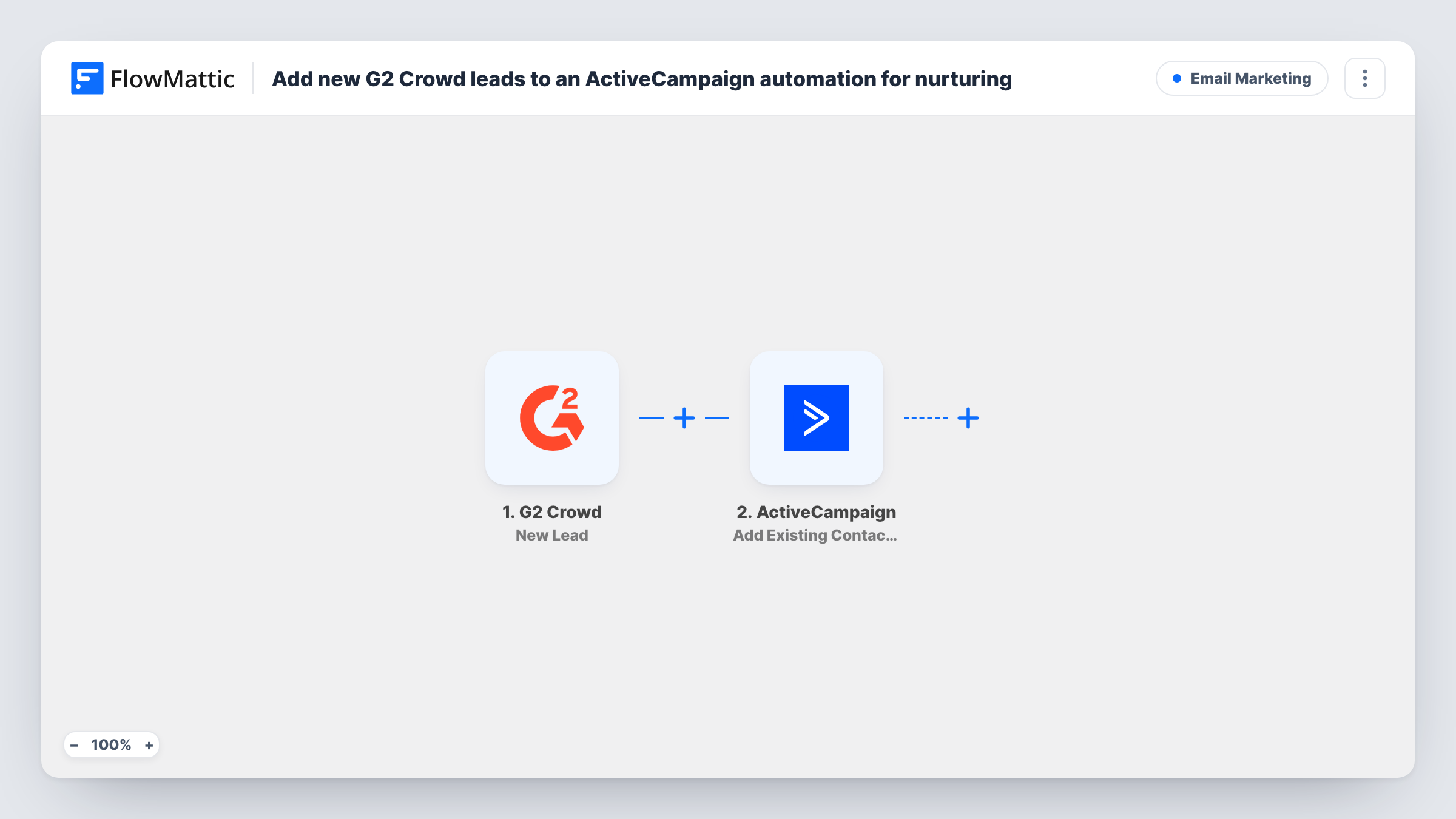
What this workflow does
Leads from G2 Crowd come from people comparing software in your category, often while they draw up a shortlist. If those leads sit in a G2 export until someone uploads them, the follow-up arrives after the decision is made. This workflow hands each lead straight to an ActiveCampaign automation that you write for exactly that stage.
The G2 Crowd trigger fires when a new lead is captured on the G2 platform and passes the lead's details to FlowMattic. A test lead shows which values arrive, such as the name, email and company.
The first ActiveCampaign step creates a contact from the lead, or updates the existing contact with the same email. The second step adds that contact into an automation. ActiveCampaign's action only works on a contact that already exists, which is why the contact step comes first.
Neither ActiveCampaign step is mapped in the template. After import you map the lead's email and name into Create or Update Contact, then choose the nurture automation and map the contact from the previous step. Task History shows what ActiveCampaign returned for each lead.
Comparison-stage nurture series
A SaaS vendor sends G2 leads into an automation that shares case studies and a comparison guide over the following weeks.
Demo invitations for review-site visitors
A software company's automation emails each G2 lead an invitation to book a demo, with a reminder a few days later if they haven't opened it.
Tagging the lead source for reporting
A marketing team uses the automation's first action to tag every contact from G2, so they can compare those leads with other channels in ActiveCampaign.
How this workflow runs
What happens at each step once the workflow is on, and what you need before you import it.
 G2 Crowd New Lead
Fires when G2 Crowd captures a new lead for your product. The lead's details are handed to the ActiveCampaign steps; run a test lead to see them.
- ActiveCampaign Create or Update Contact
Creates a contact in ActiveCampaign, or updates the existing one with that email. Map the G2 lead's email, name and any company details after import.
- ActiveCampaign Add Existing Contact to Automation
Adds the contact from the previous step into an ActiveCampaign automation. Choose your nurture automation and map the contact returned by Create or Update Contact.
What you need
- FlowMatticCore
- G2 Crowd AccountAccount
- ActiveCampaign AccountAccount
After importing, map your own data. To keep the template universal, not every step is pre-filled. Open each step in the builder and connect your accounts and fields (channels, lists, sheets, recipients) before you switch the workflow on.
Make it yours
Changes worth making after you import it.
- Build and switch on the nurture automation in ActiveCampaign before importing, so it appears in the list when you set up the last step.
- Put a Filter between the G2 Crowd trigger and Create or Update Contact that continues only when the lead's email is not empty, since the contact step needs one.
- Add a Slack step after the automation step to tell sales about each new G2 lead, with the name and company mapped into the message.
Questions about this workflow
What happens if the G2 lead is already in ActiveCampaign?
Create or Update Contact matches the email and updates that contact instead of adding a duplicate. The contact is then added to the automation.
Can a contact enter the same ActiveCampaign automation twice?
That depends on the automation's own settings in ActiveCampaign. Check whether it allows contacts to enter more than once, and test with a lead that is already in it.
Do I have to create the nurture automation first?
Yes. The last step adds contacts into an automation that already exists in ActiveCampaign, so set it up there and then pick it in the step.
Which G2 Crowd leads trigger this workflow?
Each new lead captured for you on the G2 platform after the workflow is active. Leads from before you turned it on aren't sent.
More Email Marketing workflows
Other ready-to-import templates from the same category.







Import this workflow into your WordPress site
Download the JSON, import it from the Workflows screen and connect your accounts. Every run stays on your server, with no per-task fees.
30-day money-back guarantee Unlimited workflows and runs Self-hosted