

Unsubscribe Mailchimp emails for new canceled bookings in Trafft
When a booking is canceled in Trafft, FlowMattic finds that customer on your Mailchimp audience by email and sets their status to unsubscribed, so people who cancel stop getting the emails you send that list.
 Trafft
 Mailchimp
2 steps Setup ~5 min Used on 659 sites Free to import
What this workflow does
Some businesses keep a Mailchimp list only for active clients, with reminders, preparation notes or offers tied to an upcoming visit. Once someone cancels, those emails no longer fit. This workflow takes the canceled customer off that list as soon as Trafft records the cancellation, without anyone editing Mailchimp by hand.
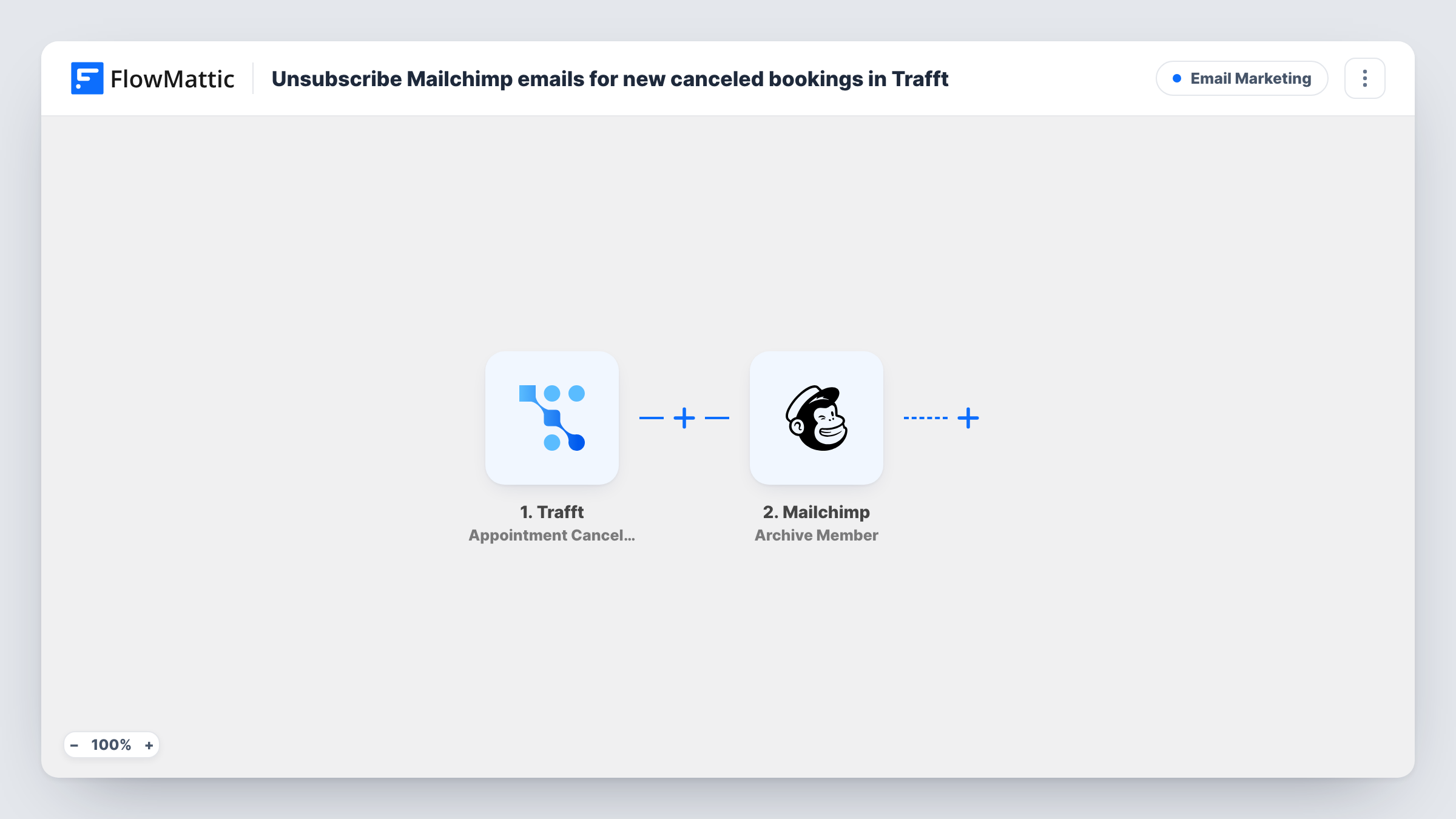
The Trafft trigger fires when an appointment is canceled and passes along the booking and customer details, including the customer's email address. A test cancellation shows the exact fields Trafft sends.
The Mailchimp step uses Update Member with the status already set to unsubscribed. You still choose the audience after import and map the customer's email from Trafft, which is how Mailchimp knows which member to change. Update Member only works on someone who already exists on that audience: if the email isn't there, Mailchimp returns an error for that run and nothing is added.
Unsubscribing is a strong step. The person stops receiving every campaign you send to that audience, not just booking emails. If you only want to stop one sequence, consider a tag instead, as the tips describe. Test with a known subscriber first and check Task History for Mailchimp's response.
Pre-visit emails for a clinic
A physiotherapy clinic keeps an audience for patients with upcoming appointments and removes anyone who cancels so they don't get preparation emails.
Class reminder list for a studio
A yoga studio's Mailchimp audience holds students with a booked class, and a canceled booking takes the student off that reminder list.
Consultation follow-ups for consultants
A consultant who emails booked prospects with background reading unsubscribes people from that audience as soon as their call is canceled.
How this workflow runs
What happens at each step once the workflow is on, and what you need before you import it.
 Trafft Appointment Canceled
Starts a run each time a Trafft appointment is marked canceled. The booking and the customer's details, including the email address, are passed to the Mailchimp step.
- Mailchimp Update Member
Changes an existing Mailchimp member's status to unsubscribed. The status is preset; after import, pick the audience and map the customer's email from Trafft. The step fails for an email that isn't on the audience.
What you need
- FlowMatticCore
- Trafft AccountAccount
- Mailchimp AccountAccount
After importing, map your own data. To keep the template universal, not every step is pre-filled. Open each step in the builder and connect your accounts and fields (channels, lists, sheets, recipients) before you switch the workflow on.
Make it yours
Changes worth making after you import it.
- To keep canceled customers subscribed but mark them, replace Update Member with Mailchimp's Add Member Tag action and use a tag such as canceled-booking, then exclude that tag from your booking emails.
- Test with a cancellation for an email you know is on the audience, then open Task History to confirm Mailchimp changed the status.
- If customers book with different email addresses than the ones on your list, ask them to use the same address in Trafft, since Mailchimp matches the member by email.
Questions about this workflow
What happens if the Trafft customer isn't on my Mailchimp audience?
Update Member only changes members who already exist, so Mailchimp returns an error for that run and no one is added or changed. Open the run in Task History to read Mailchimp's message.
Will the customer stop getting all my Mailchimp emails?
They stop getting campaigns sent to the audience you pick in the step, because their status there becomes unsubscribed. Other audiences they belong to are not touched by this workflow.
Does rescheduling a Trafft appointment unsubscribe the customer?
No. The trigger only fires for canceled appointments. Trafft has a separate Appointment Rescheduled event that this template doesn't use.
Can I add them back to the list later?
Mailchimp has its own rules for resubscribing people who have unsubscribed, so check them in Mailchimp before relying on it. A tag is easier to reverse if you're unsure.
More Email Marketing workflows
Other ready-to-import templates from the same category.




Import this workflow into your WordPress site
Download the JSON, import it from the Workflows screen and connect your accounts. Every run stays on your server, with no per-task fees.
30-day money-back guarantee Unlimited workflows and runs Self-hosted